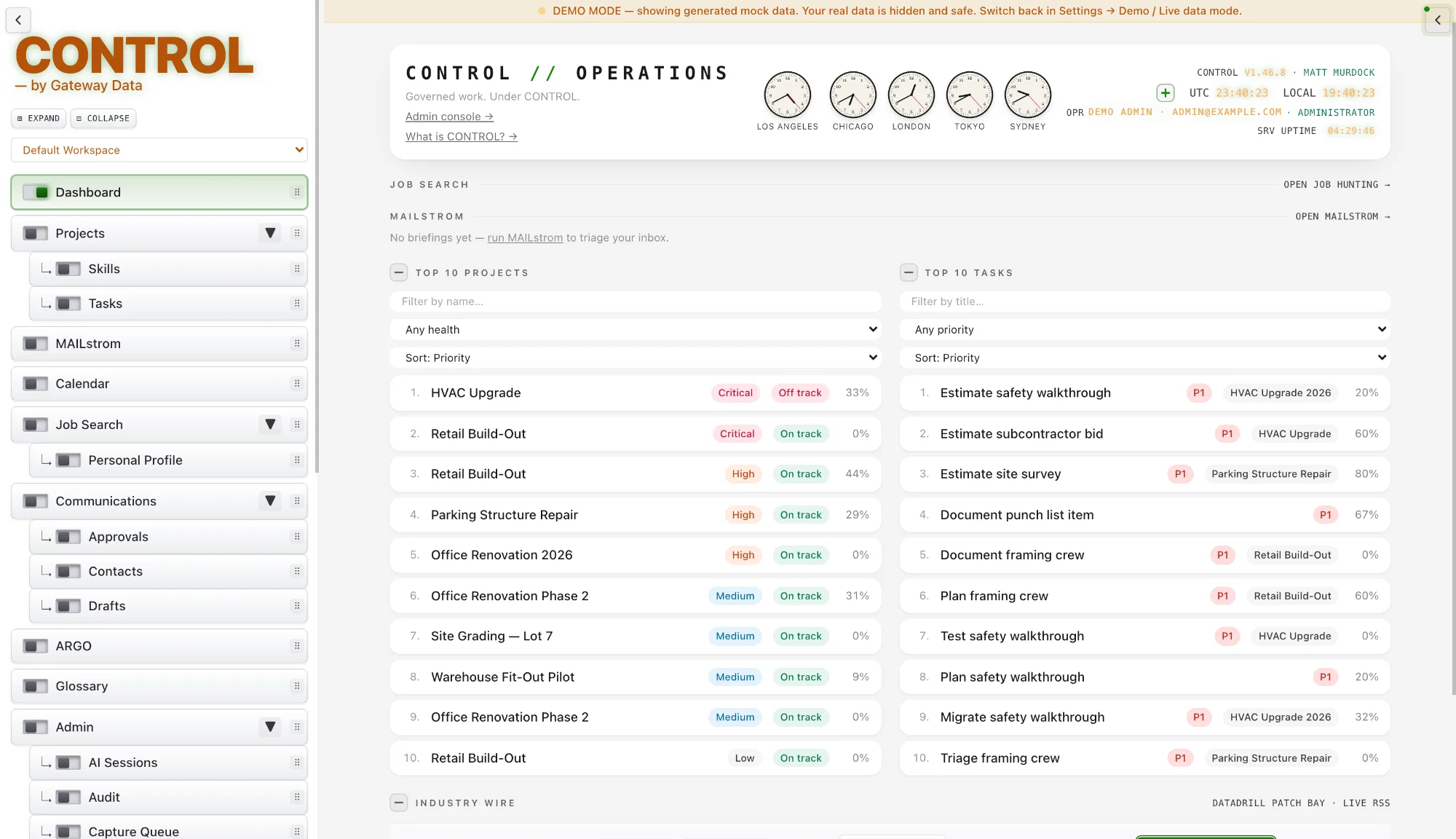
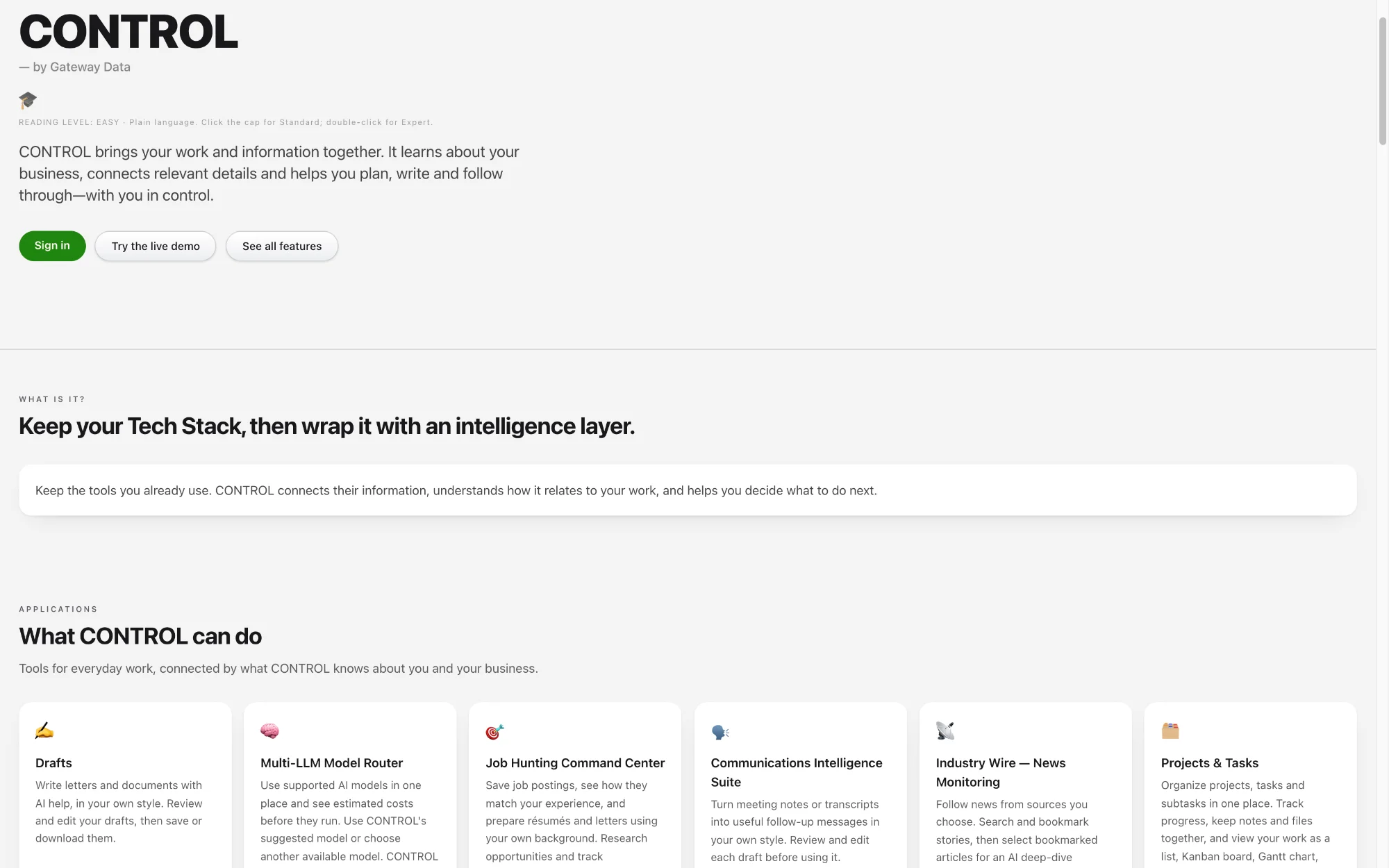
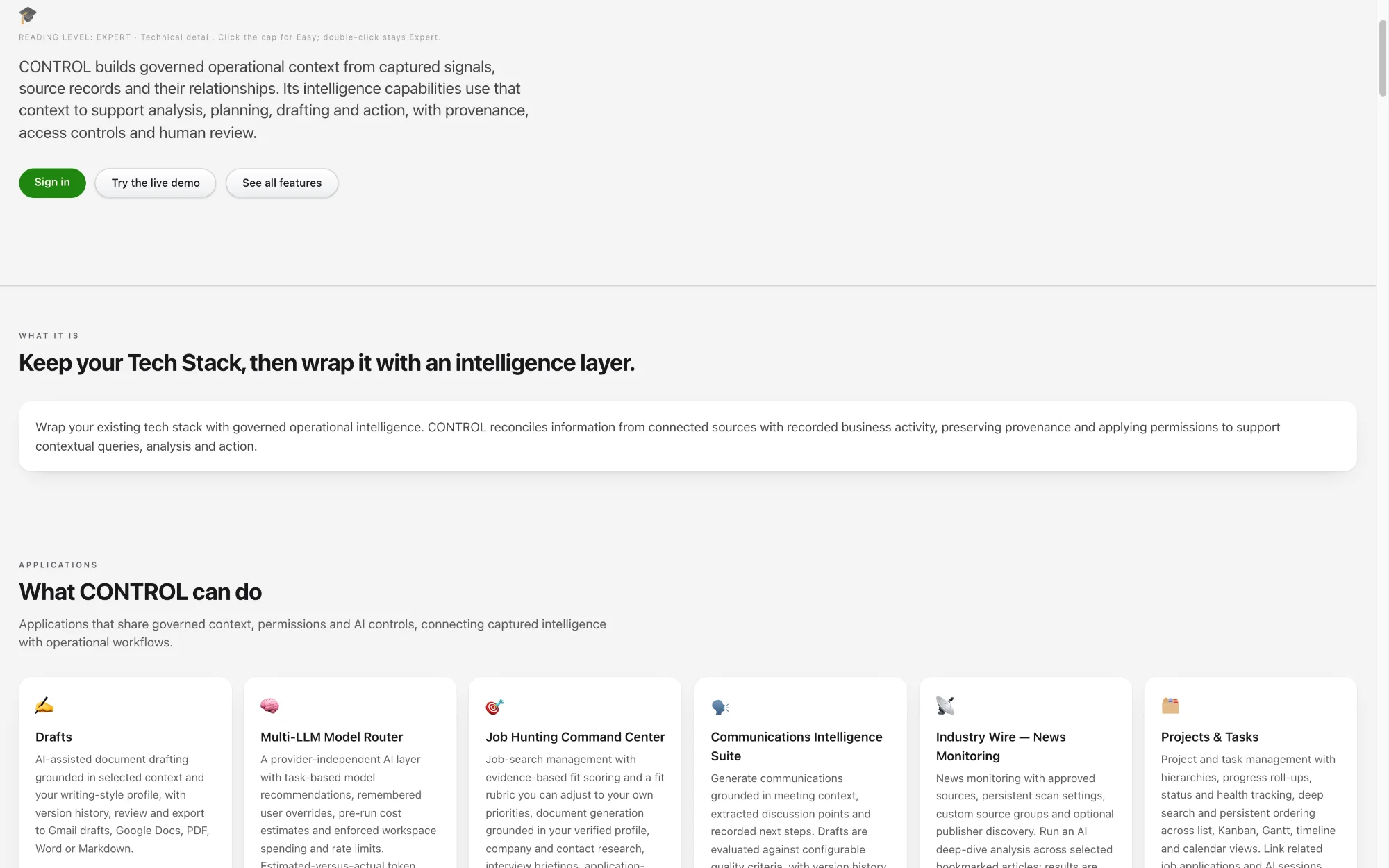
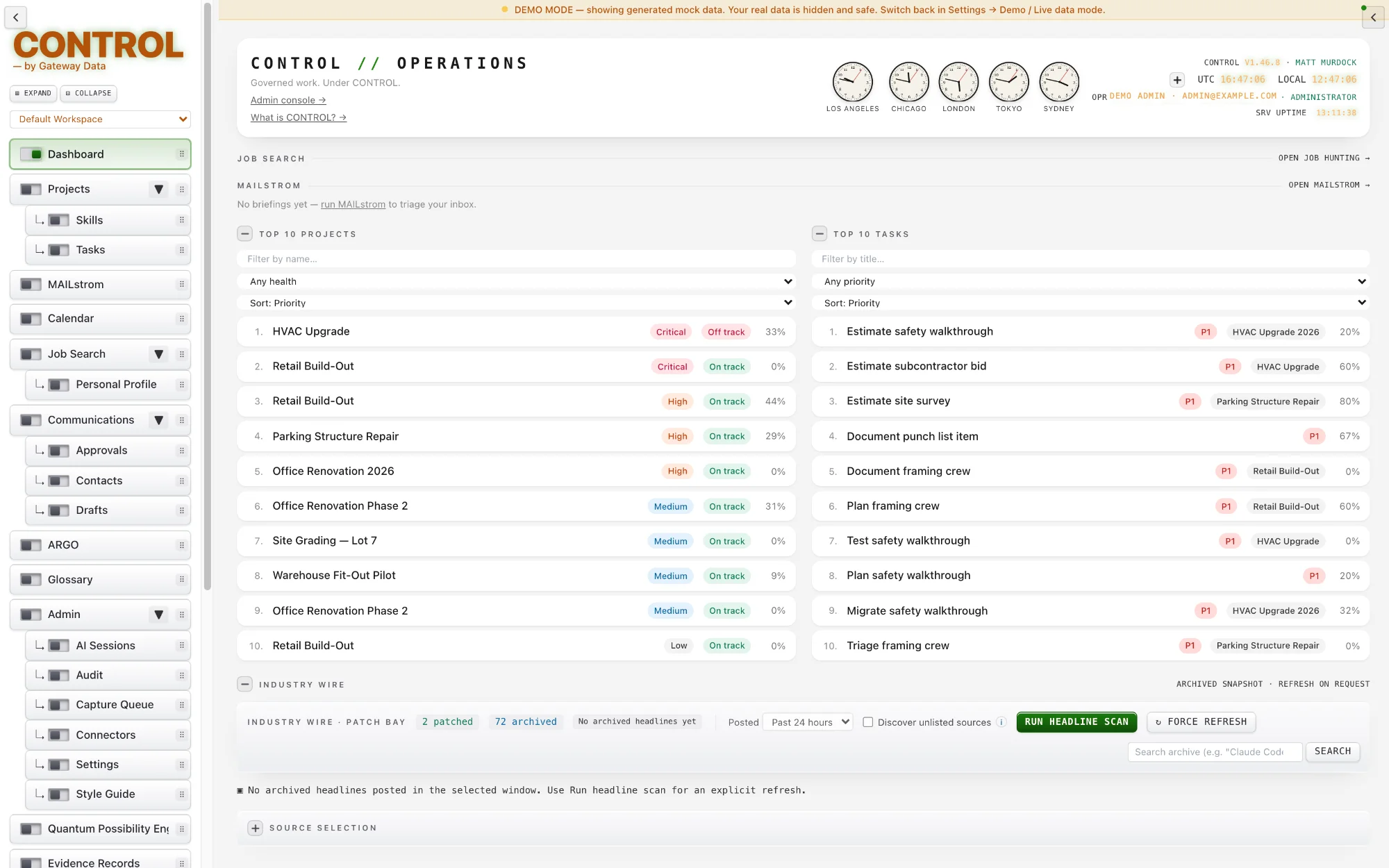
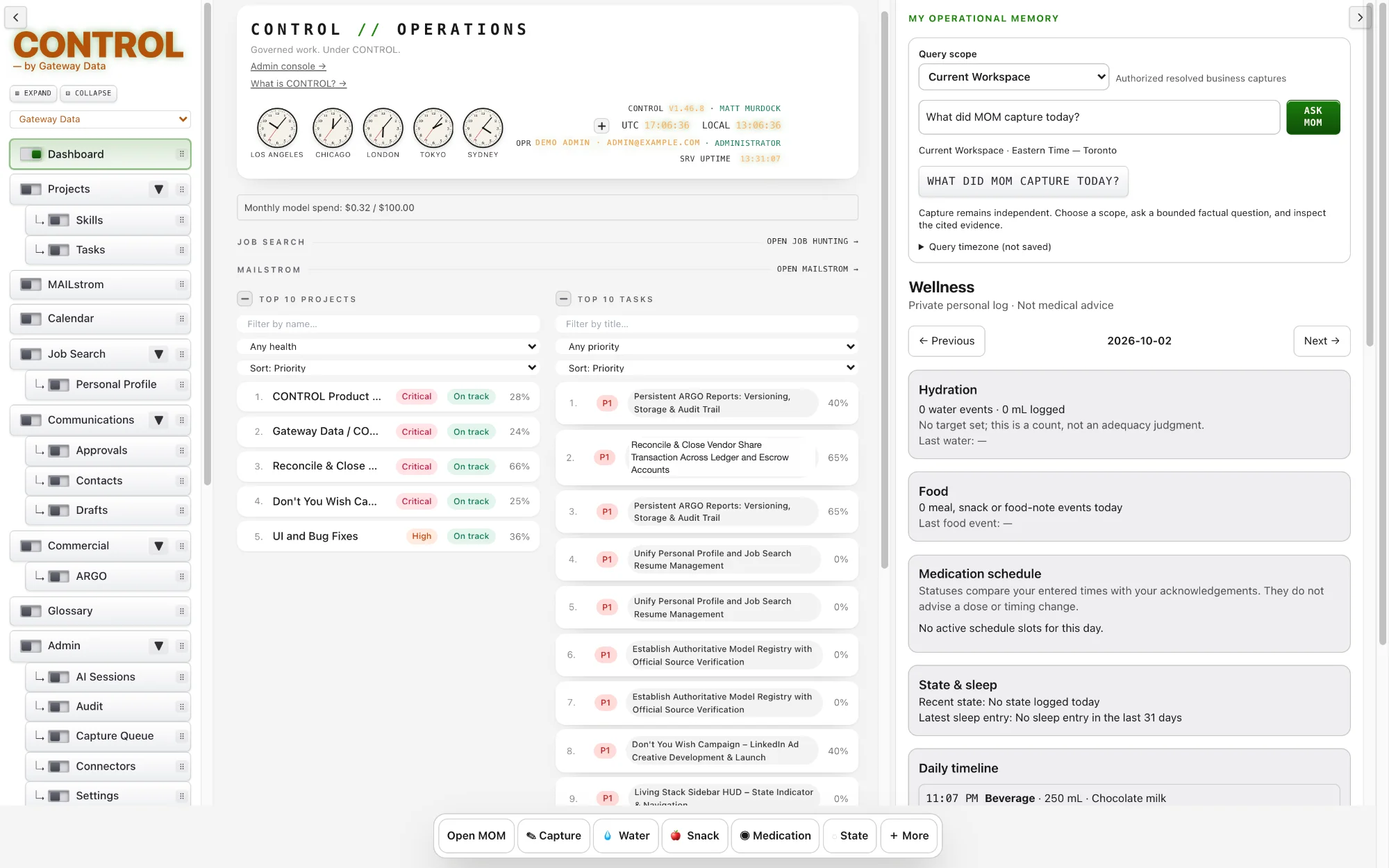
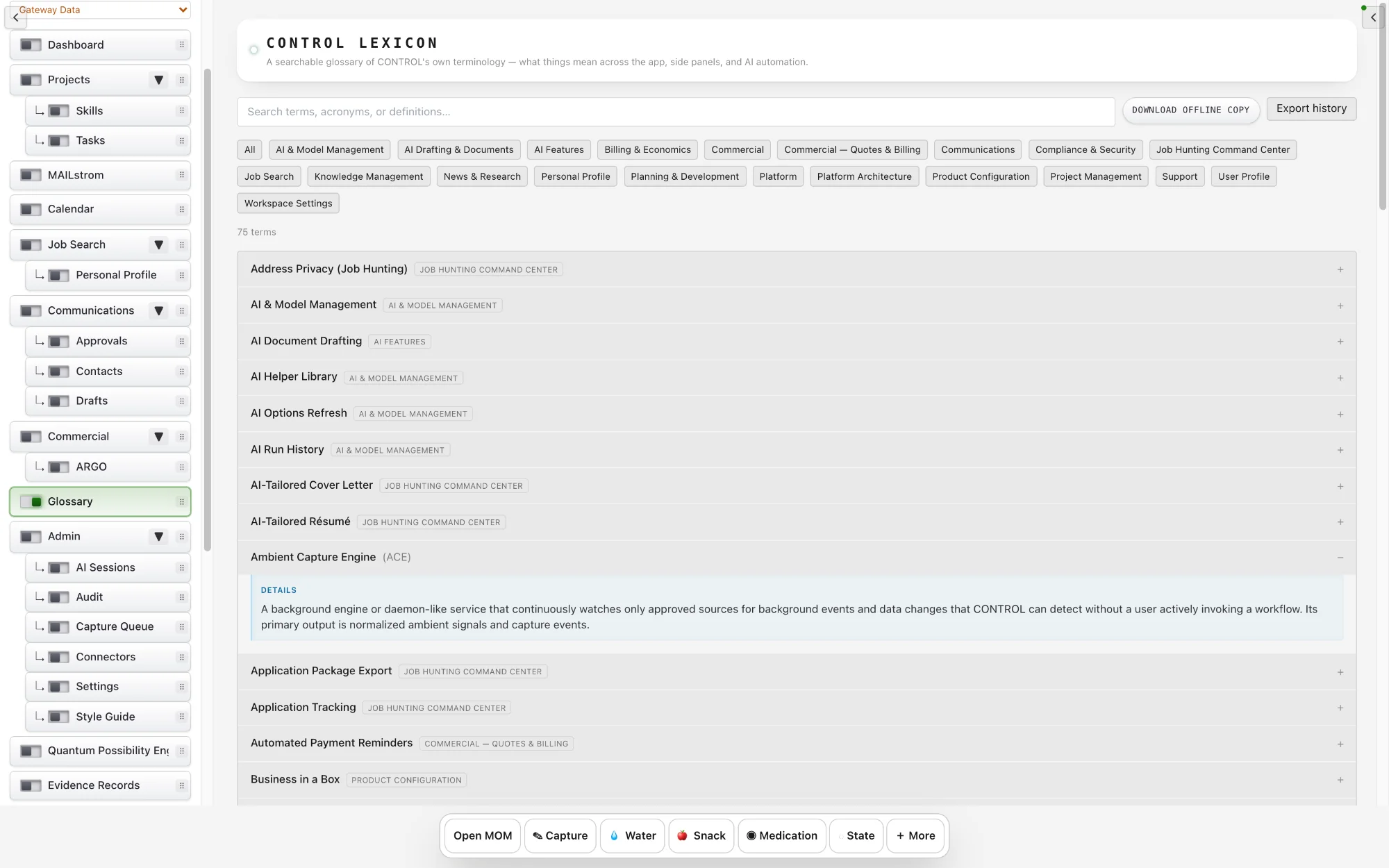
The Dashboard is the first screen after sign-in. It brings together what needs your attention: your latest MAILstrom briefing, upcoming calendar items, active projects and fresh stories from your Industry Wire sources.
Each card links straight to the module behind it, so the Dashboard works as both a summary and a starting point.
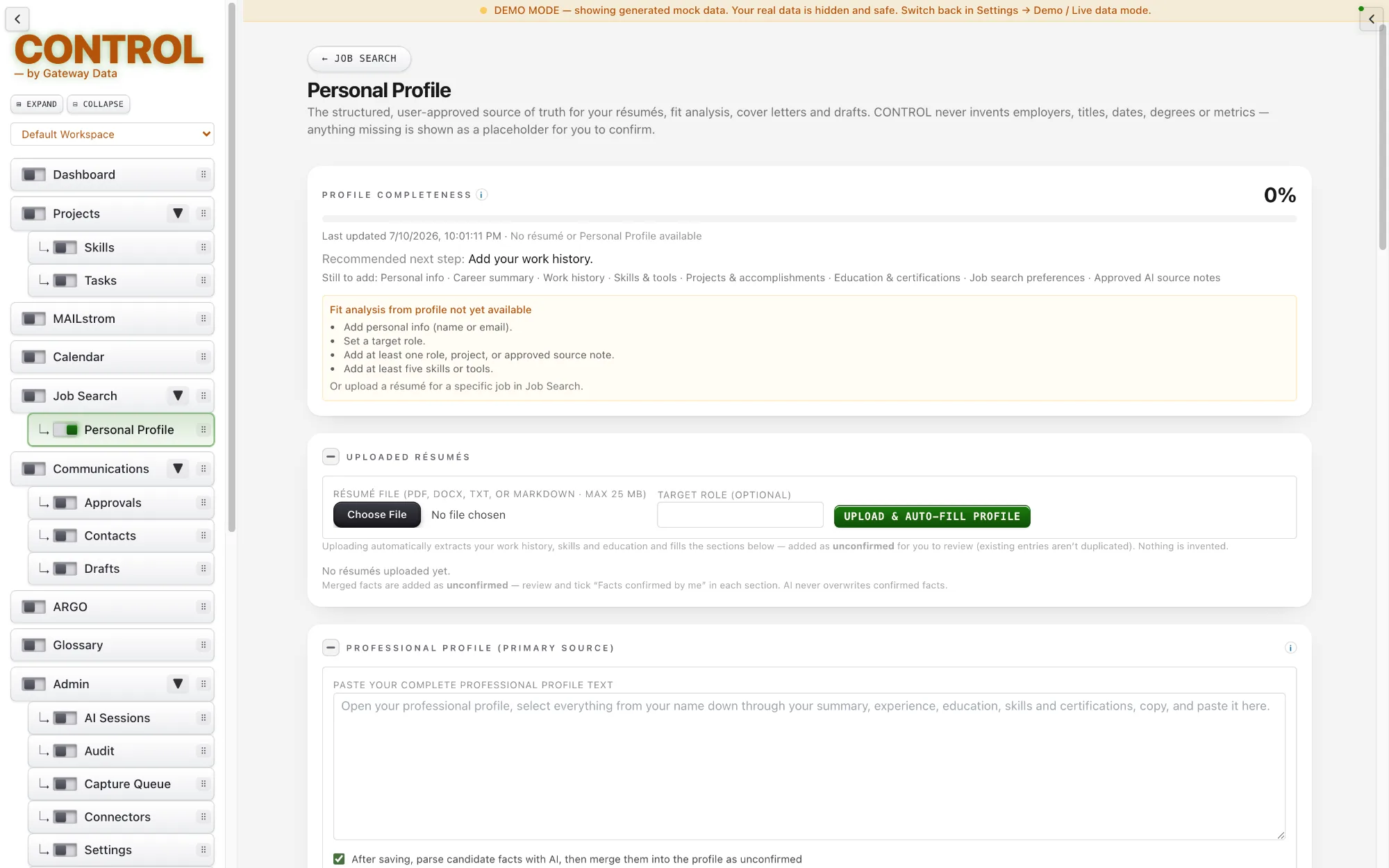
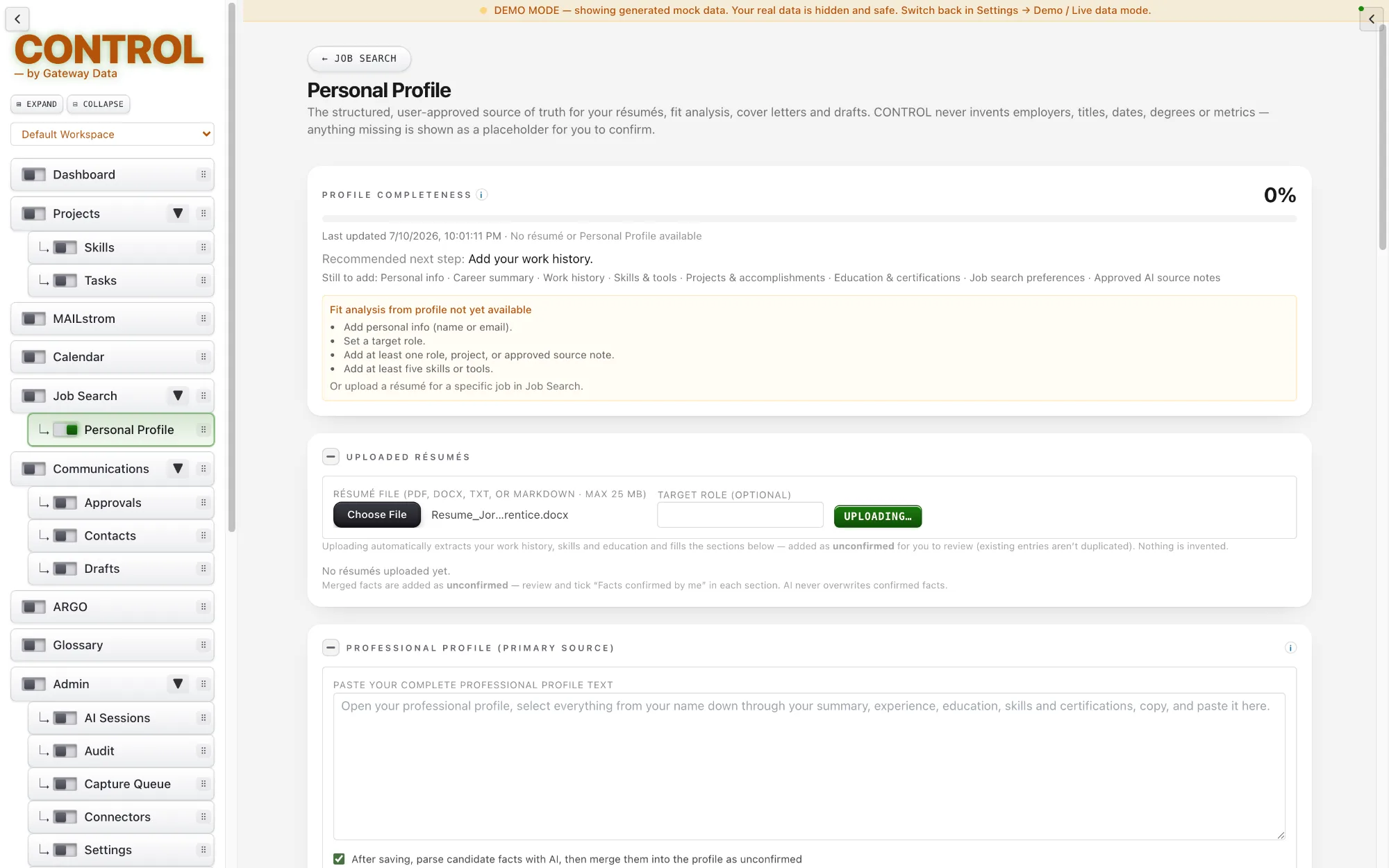
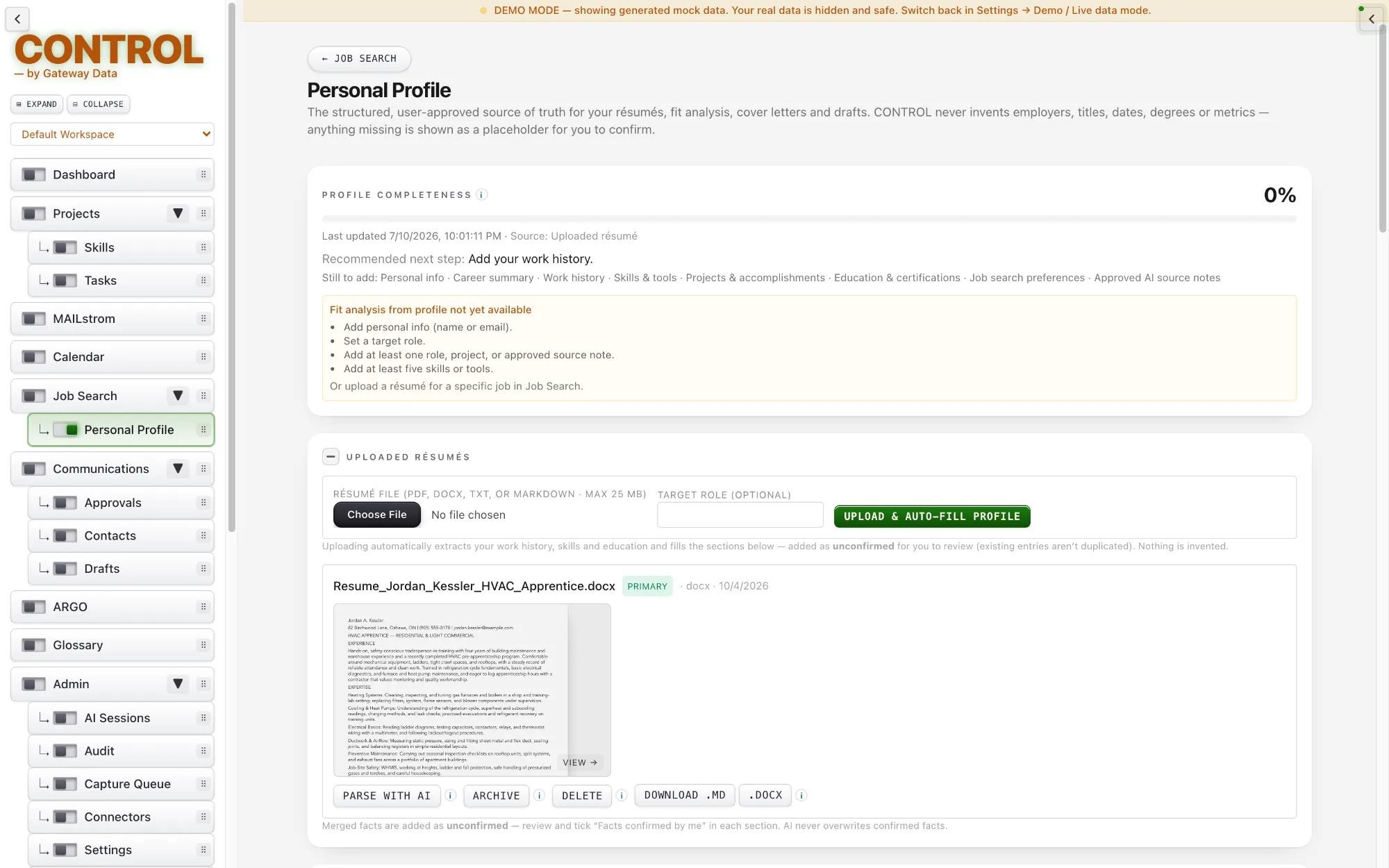
Your Personal Profile is one safe place for your work history. Upload a résumé or paste a professional profile, and CONTROL reads it and fills in your details.
It checks that job dates match everywhere they appear, and nothing becomes a trusted fact until you approve it. Your own edits are protected from being overwritten.
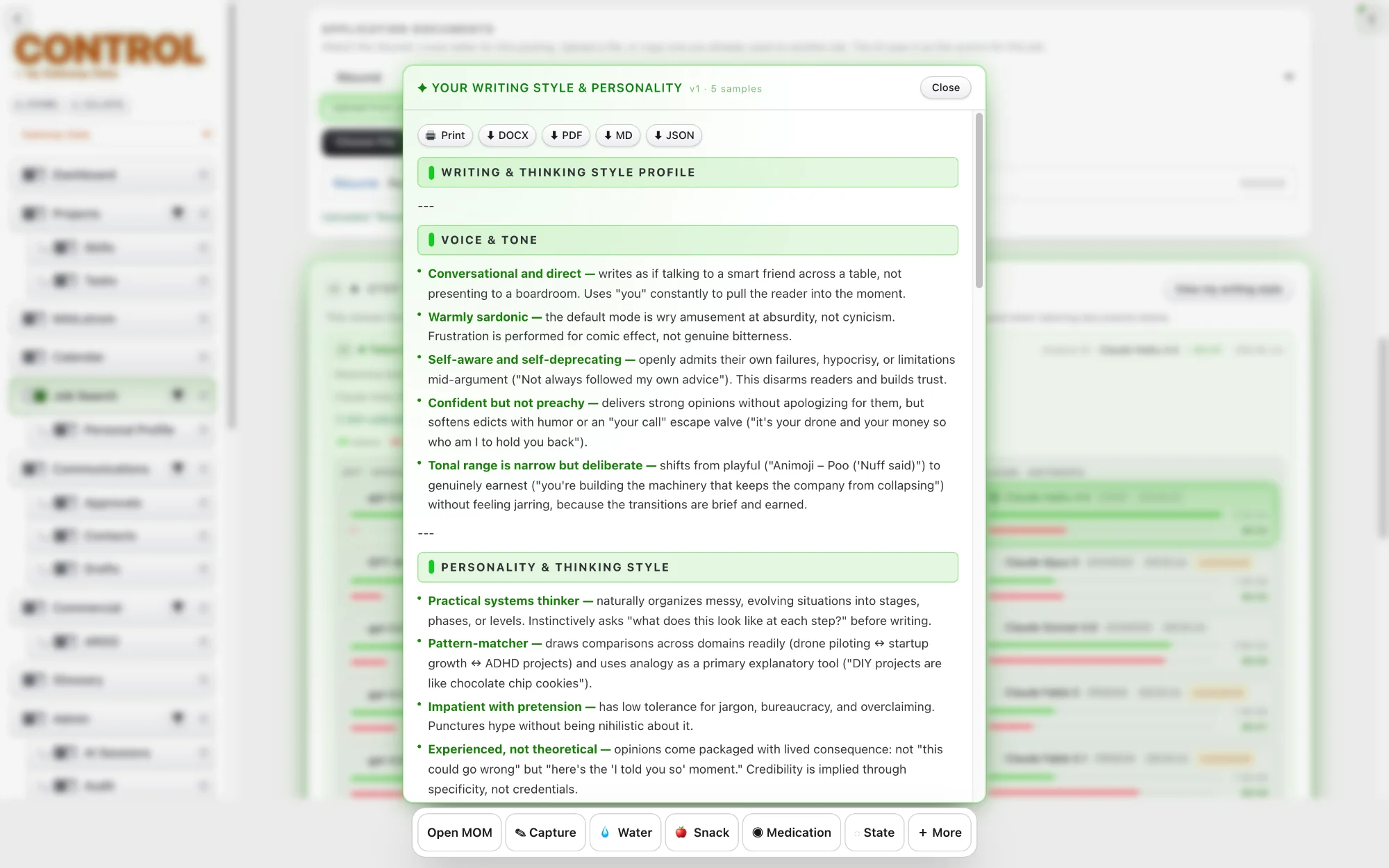
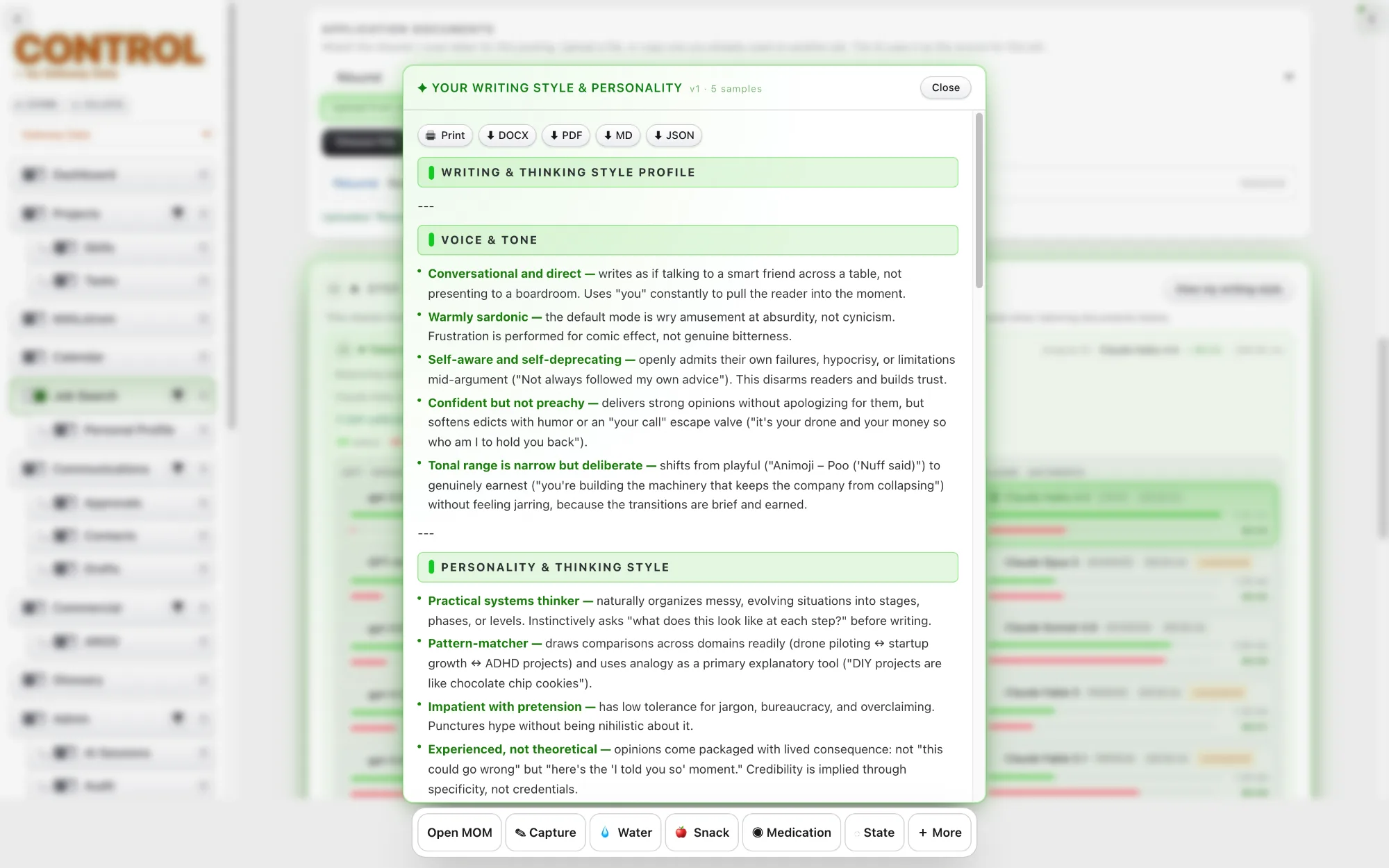
CONTROL learns how you write, so its drafts sound like you rather than like a generic AI. Your style carries across letters, follow-ups, proposals and replies.
Changing the type of document never changes your voice. A thank-you note and a cover letter are written differently, but both are recognisably yours.
The Demo Dataset fills a workspace with realistic sample projects, contacts, quotes and messages, so CONTROL can be explored without connecting real accounts or entering real data.
It shows how the modules work together on an ongoing business, and can be cleared before real work begins.
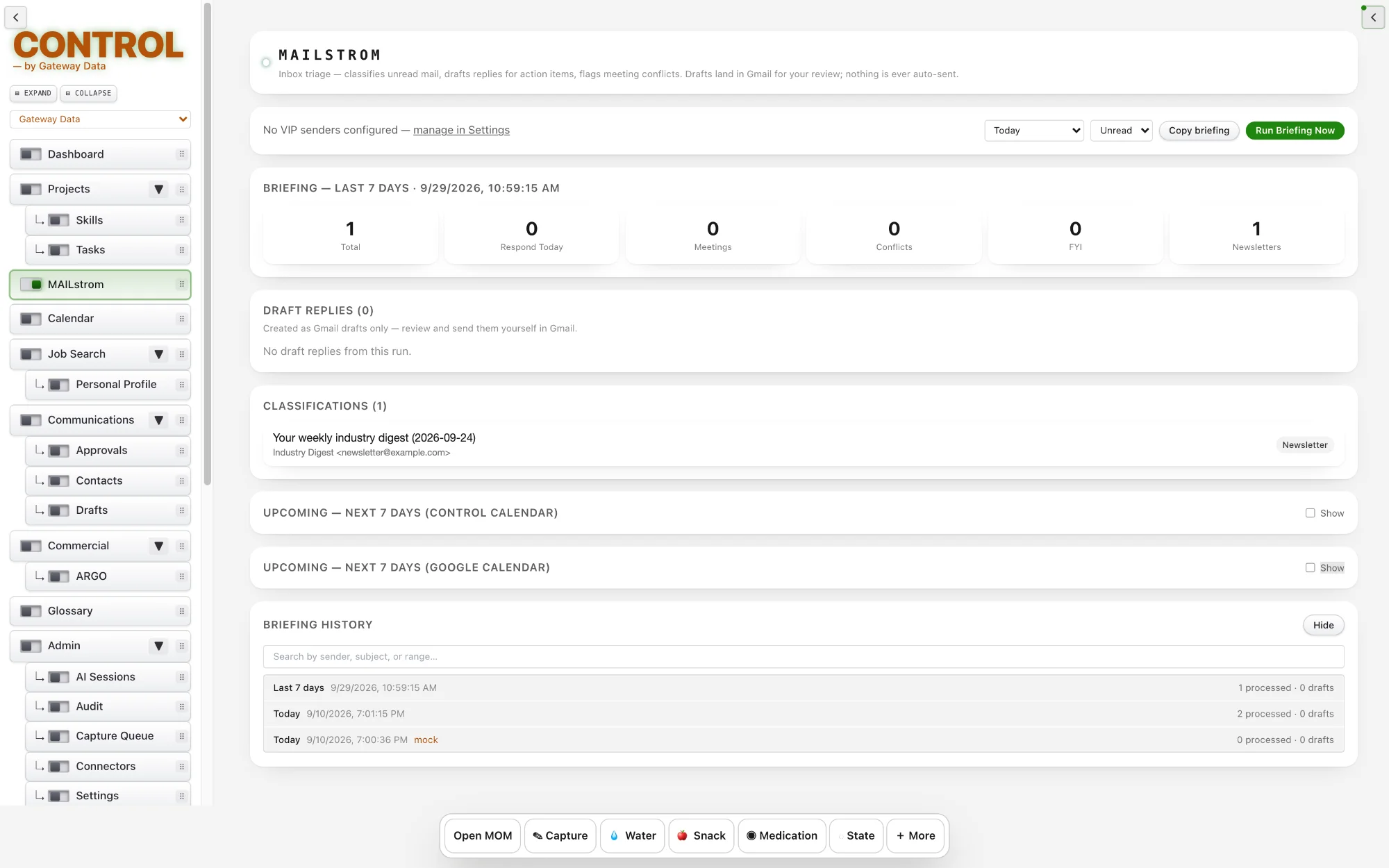
MAILstrom reads your unread Gmail and sorts every message into Respond Today, Meeting Request, Newsletter or FYI. For the messages that need an answer, it writes draft replies and saves them as real Gmail drafts. Nothing is ever sent automatically.
Each run also checks your calendars for scheduling conflicts and produces a short briefing of what it found. Past runs are kept in a searchable history, and a summary card sits on your Dashboard.
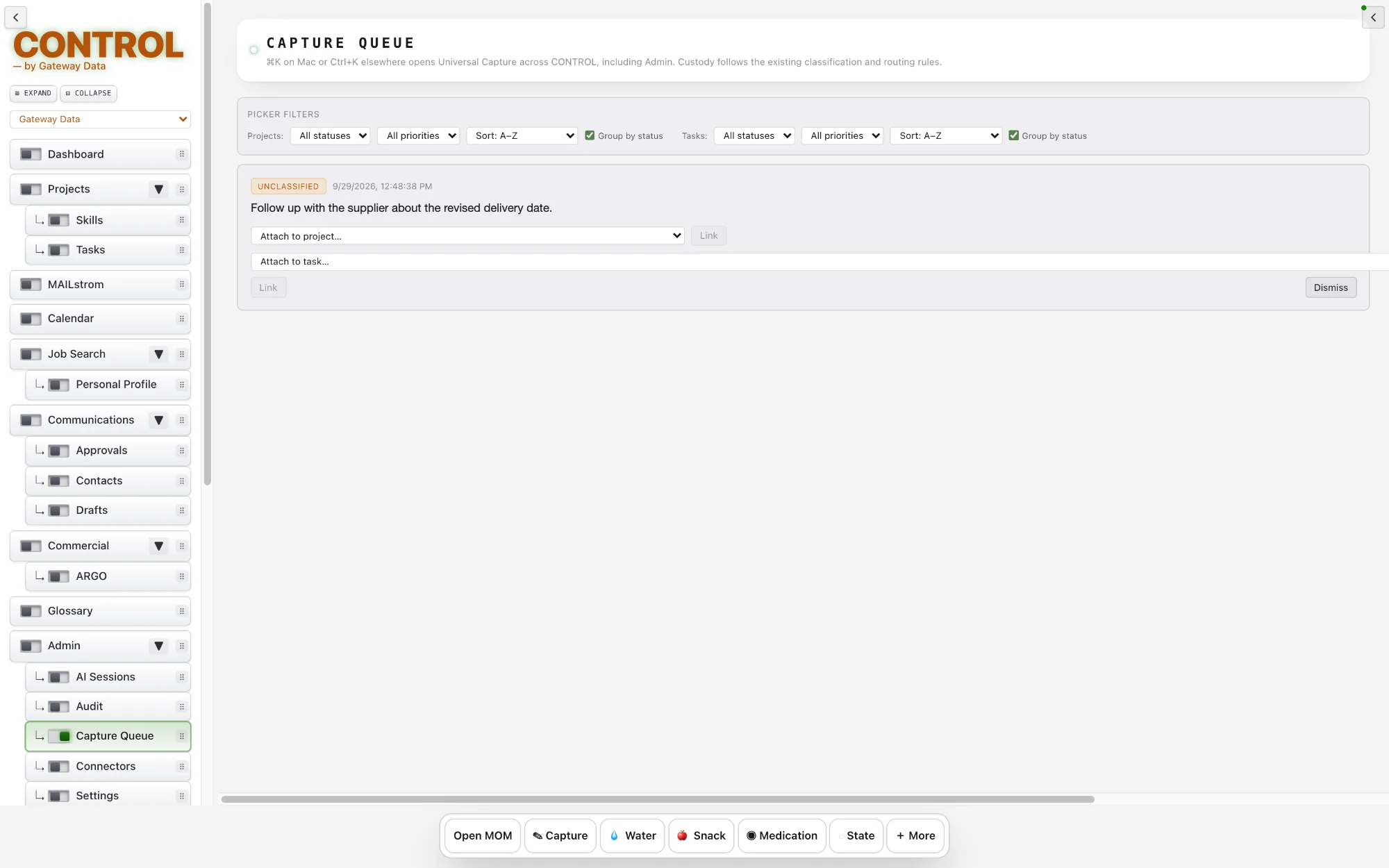
The Capture Queue is the front door into CONTROL. Raw or newly captured material lands here, such as an email, a CURT capture, a document, a transcript, a note or an imported item, before CONTROL has finished turning it into trusted operational intelligence. It answers the question: we received something, what is it?
From each item CONTROL establishes the people, organizations and entities involved; dates and events; tasks and commitments; relationships; projects; classifications; provenance; and candidate signals. Every item moves from raw source to an authenticated, structured signal.
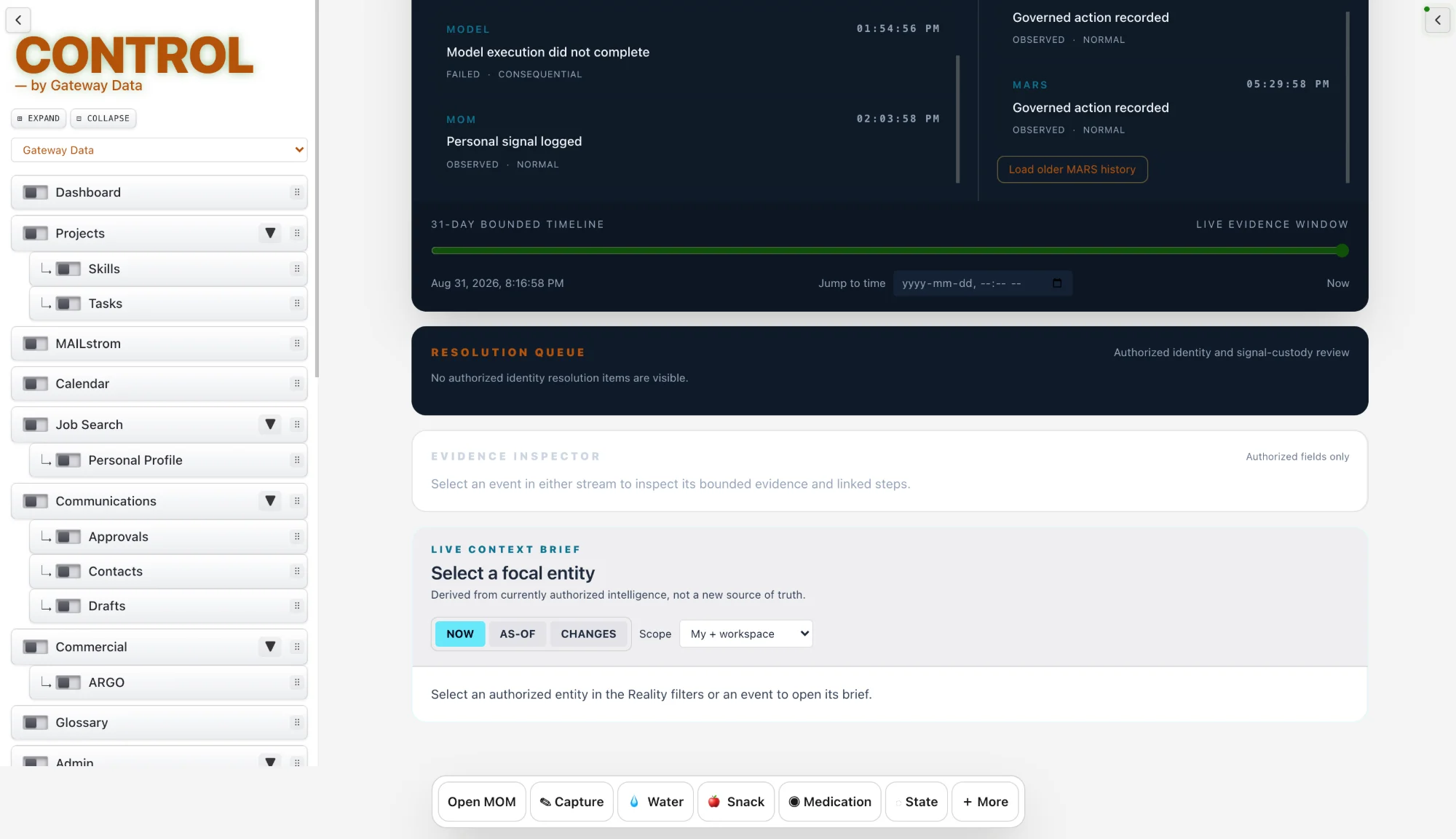
The Resolution Queue sits further downstream. CONTROL has already processed the information, but has found something that cannot or should not be resolved automatically. It answers the question: we know what this is, but what still needs to be decided or completed?
“Mike” was mentioned. Is that Mike Smith or another Mike?
This looks like a commitment. Should it become a task?
Two records appear to refer to the same organization. Should they be merged?
This conflicts with something MOM already knows.
CONTROL is confident about the signal but does not have the authority to take the proposed action.
The Resolution Queue is CONTROL asking for judgment, clarification, approval or reconciliation. Each answer is remembered, so CONTROL needs to ask less over time.
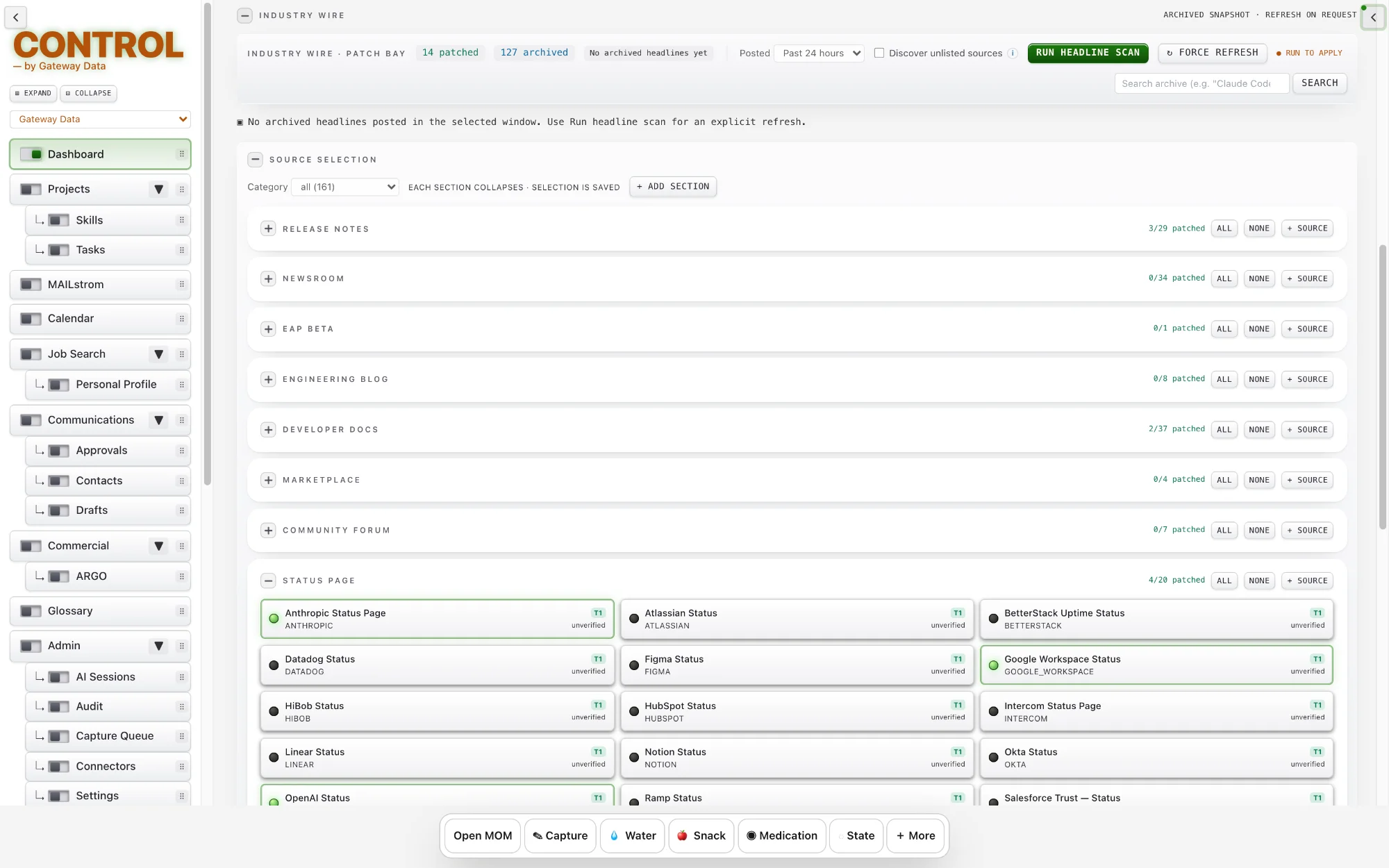
Industry Wire follows the news sources you trust and shows their newest stories on your home screen. Organise sources into your own named groups.
New sources are marked as unverified until you approve them. Bookmark stories and ask for an AI deep-dive across them; the result is saved, so asking again costs nothing unless you request a fresh look.
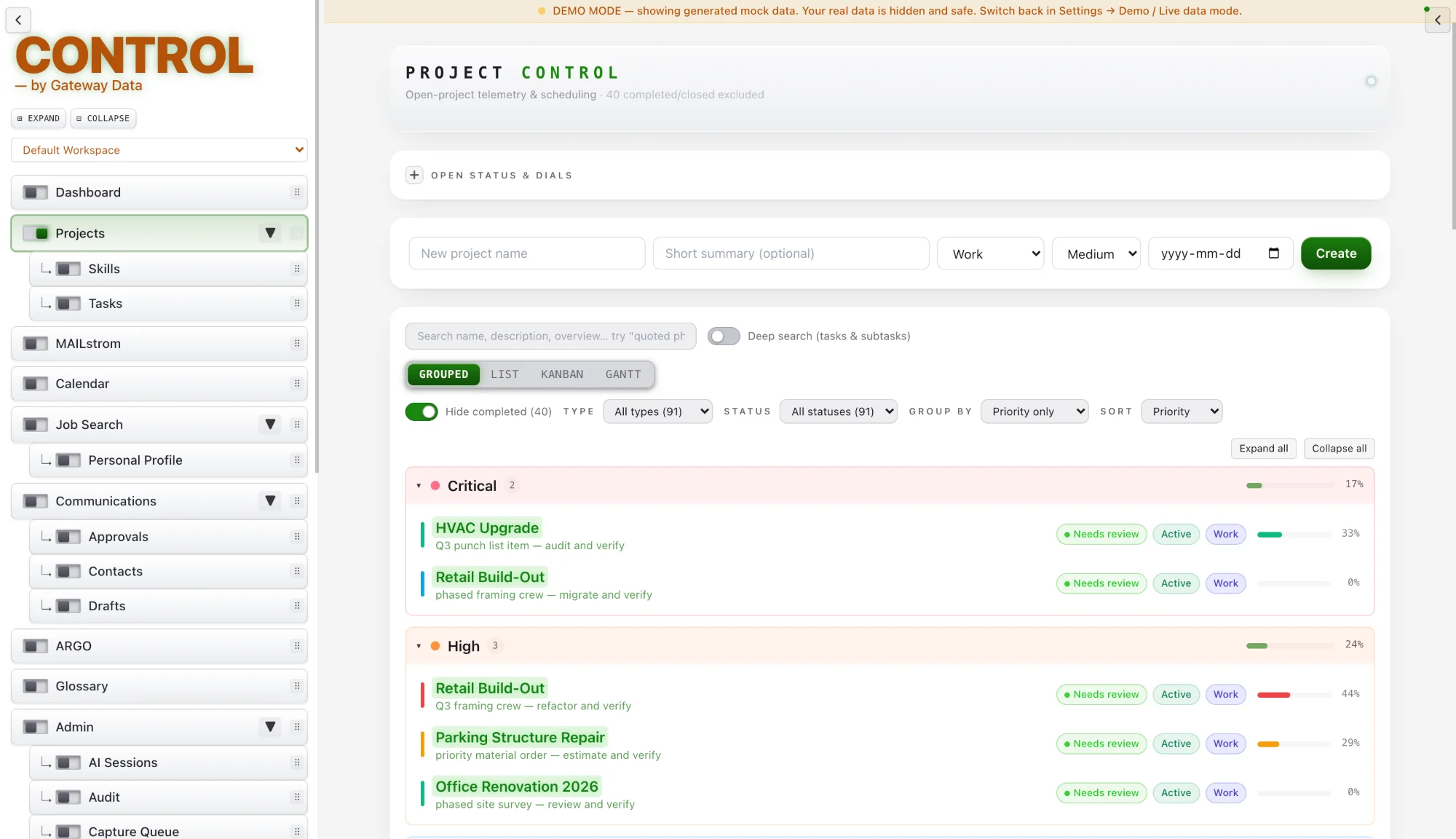
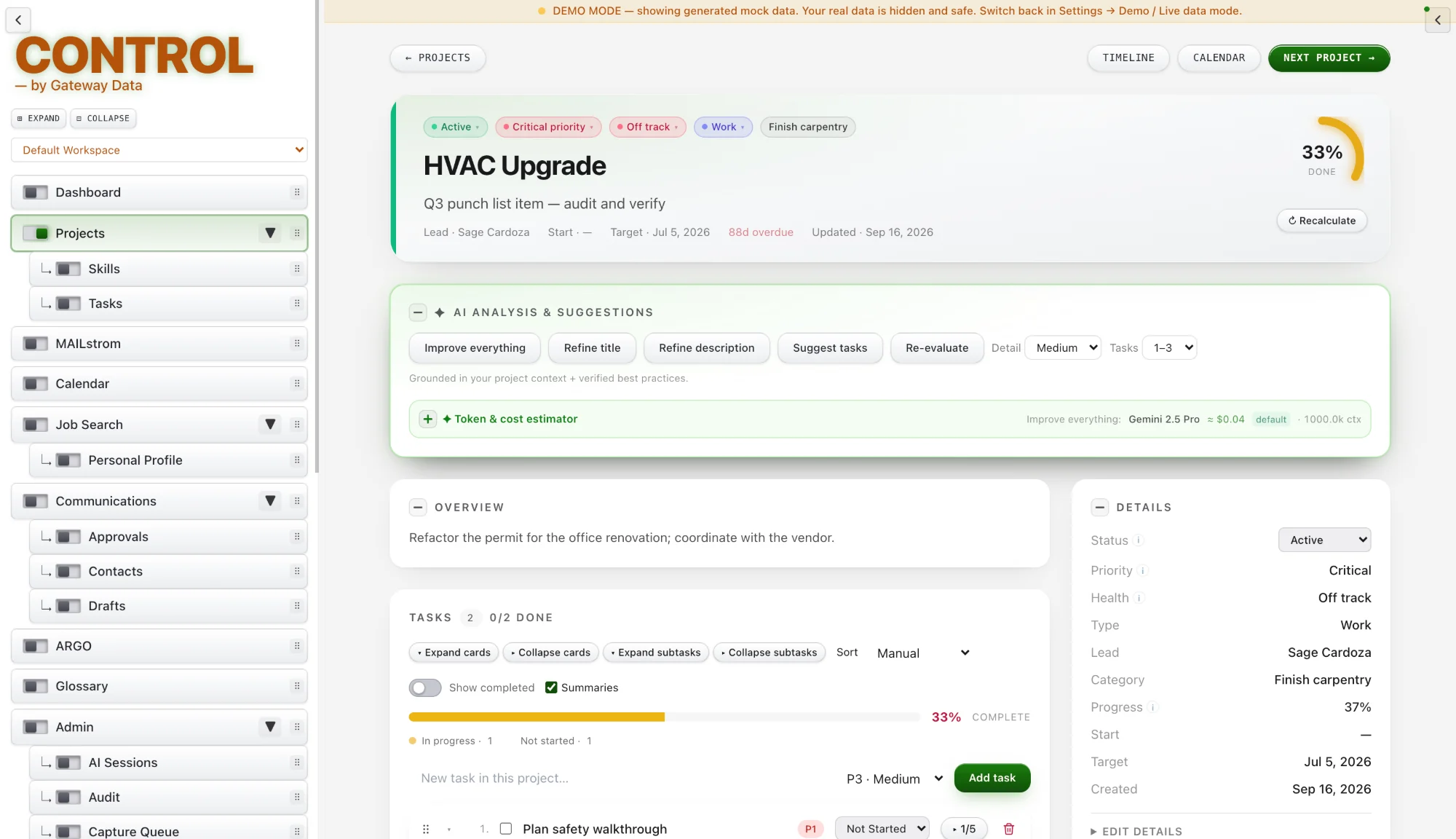
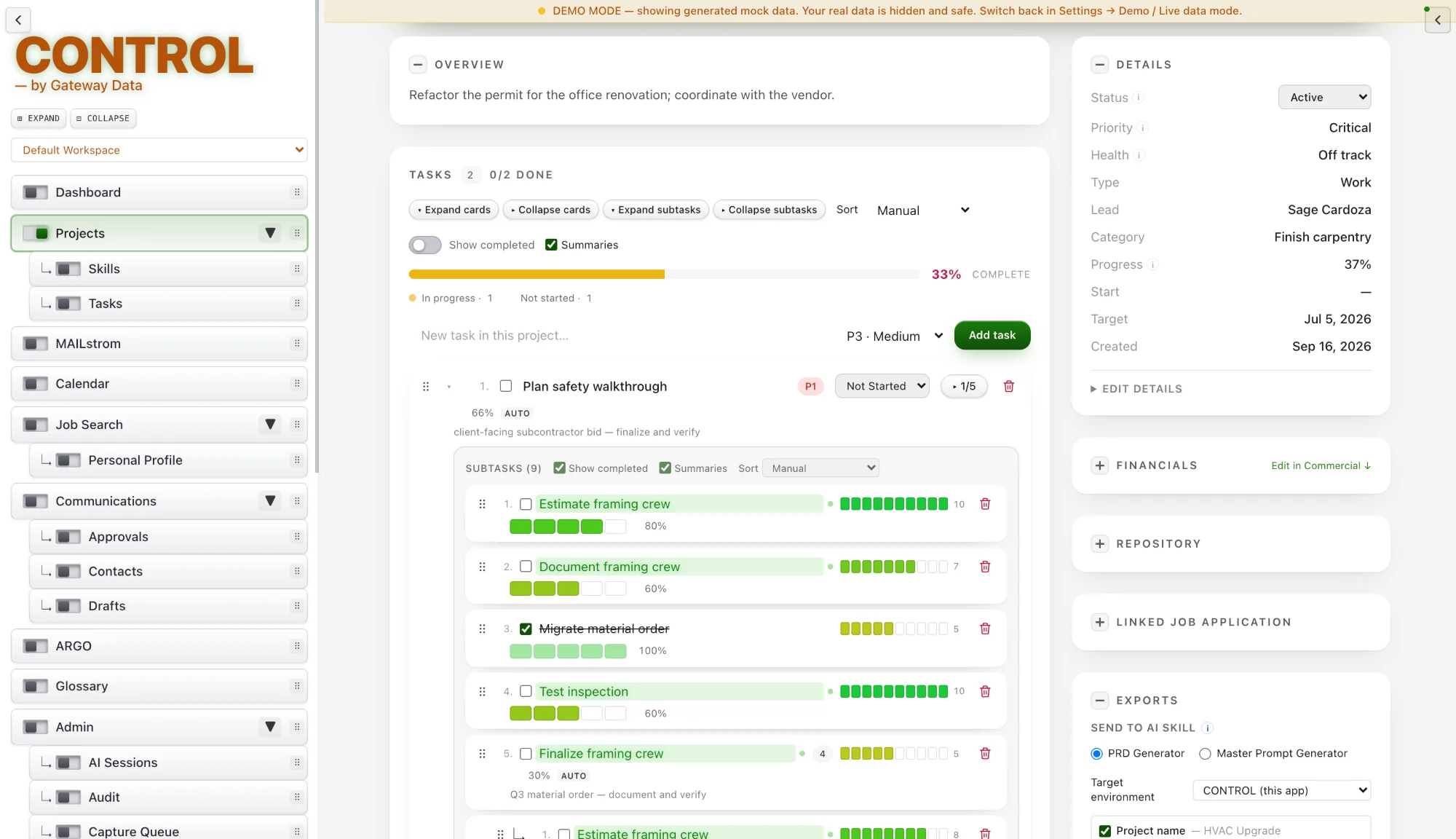
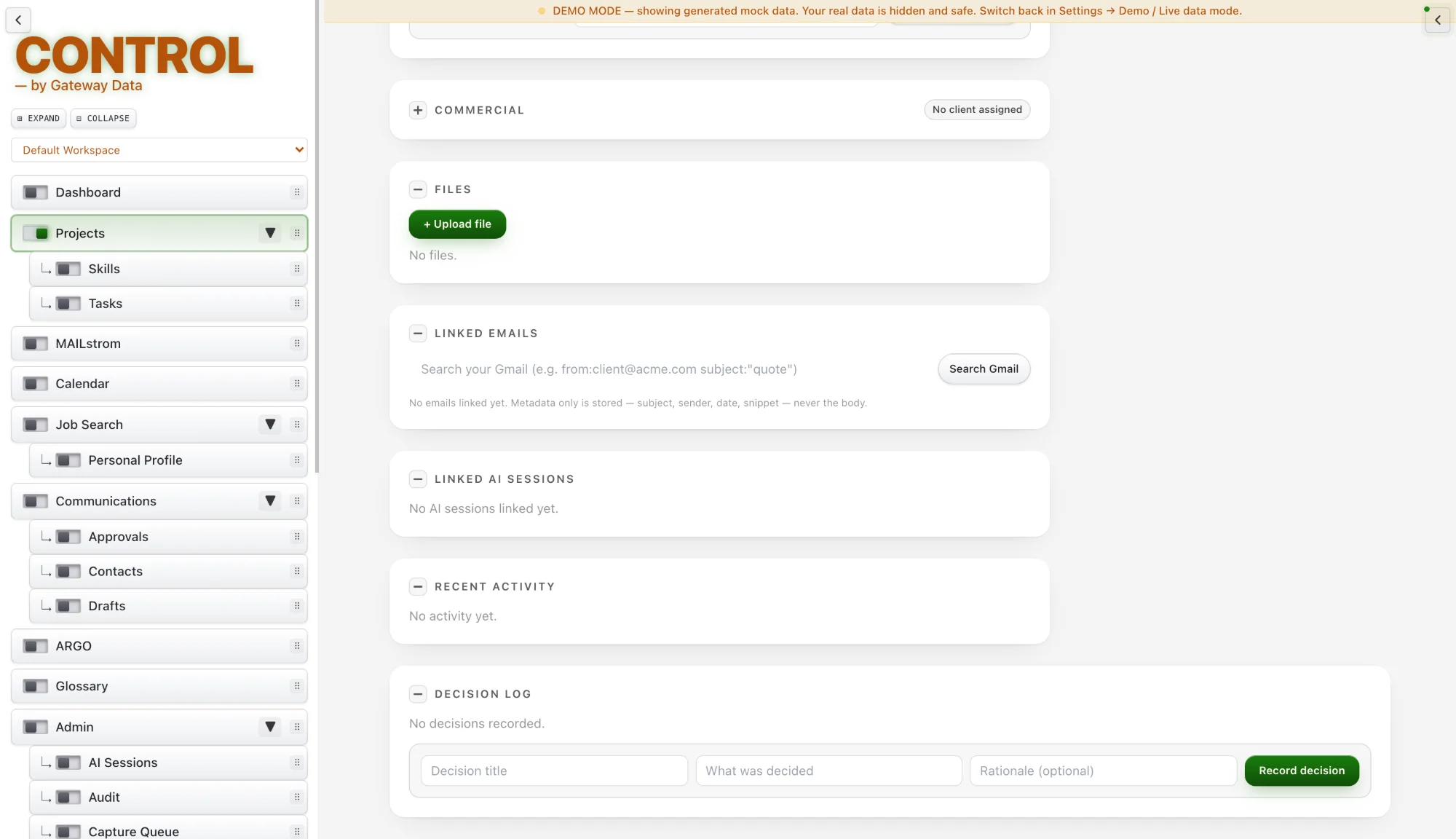
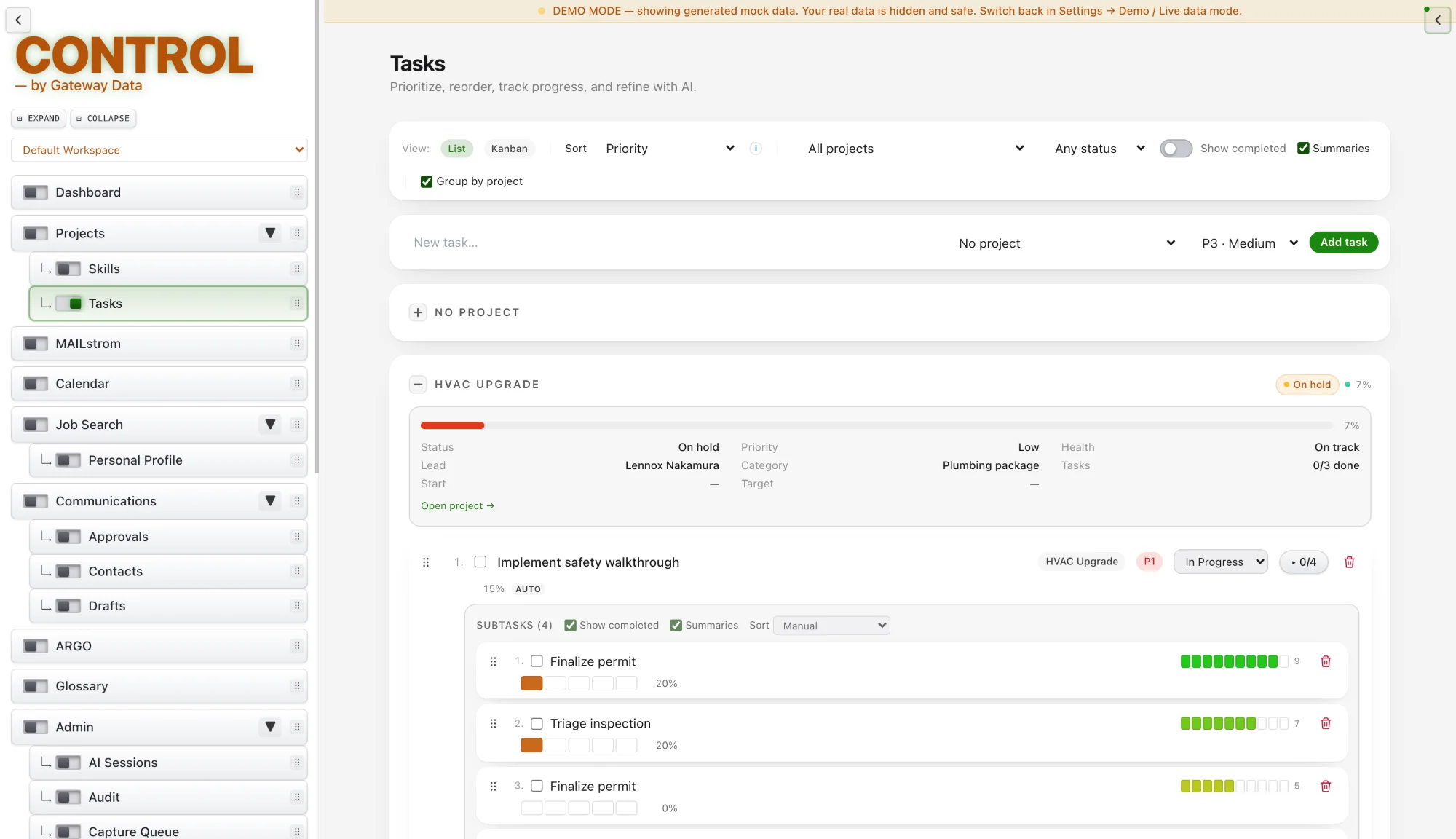
All projects and task lists live in one place, filterable by type and stage and searchable down to individual subtasks. Status, priority, health and type change with one click on the project page.
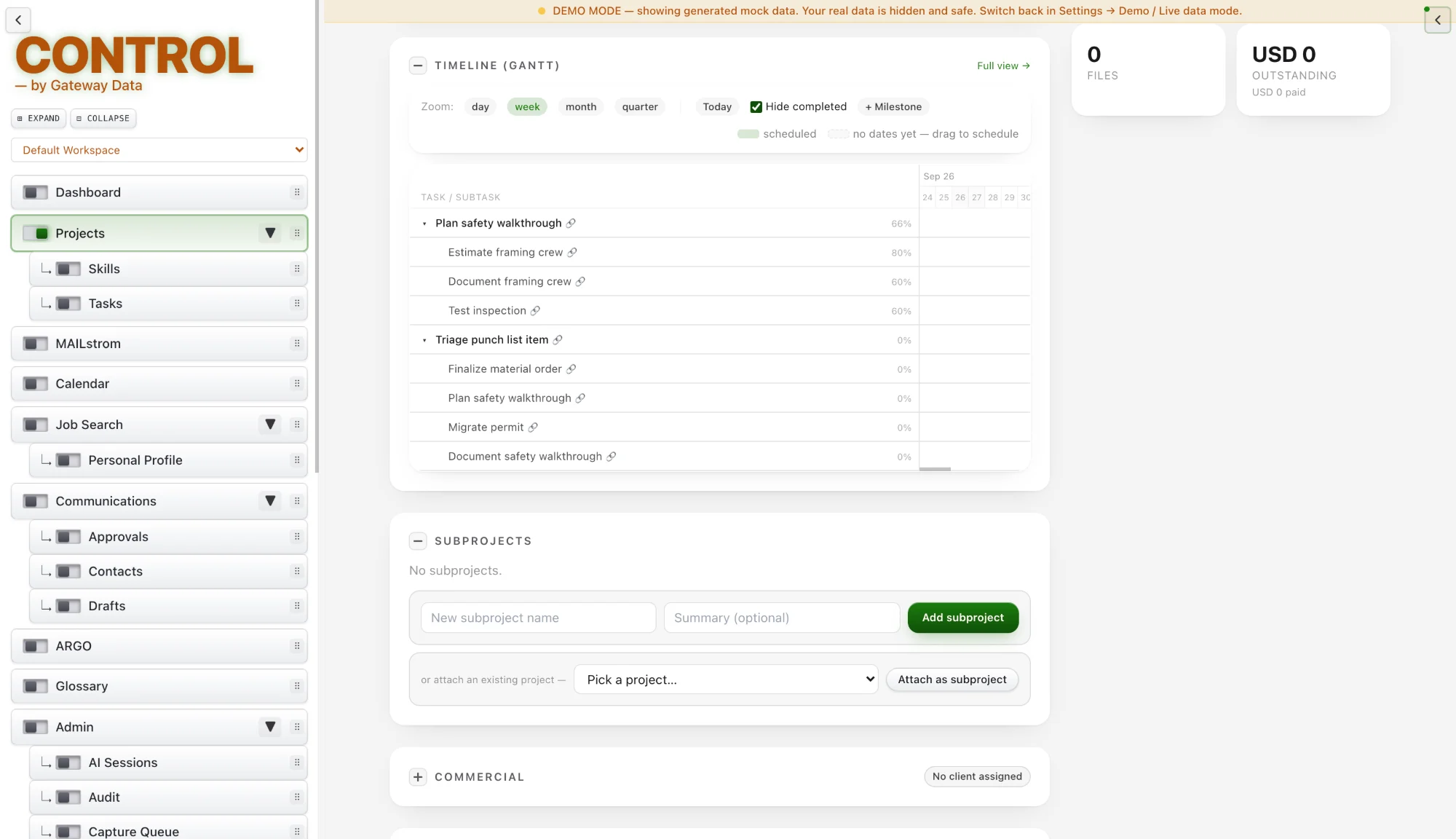
Work can be viewed as boards, timelines or a calendar. Drag-and-drop ordering is remembered, and the timeline reorders to match.
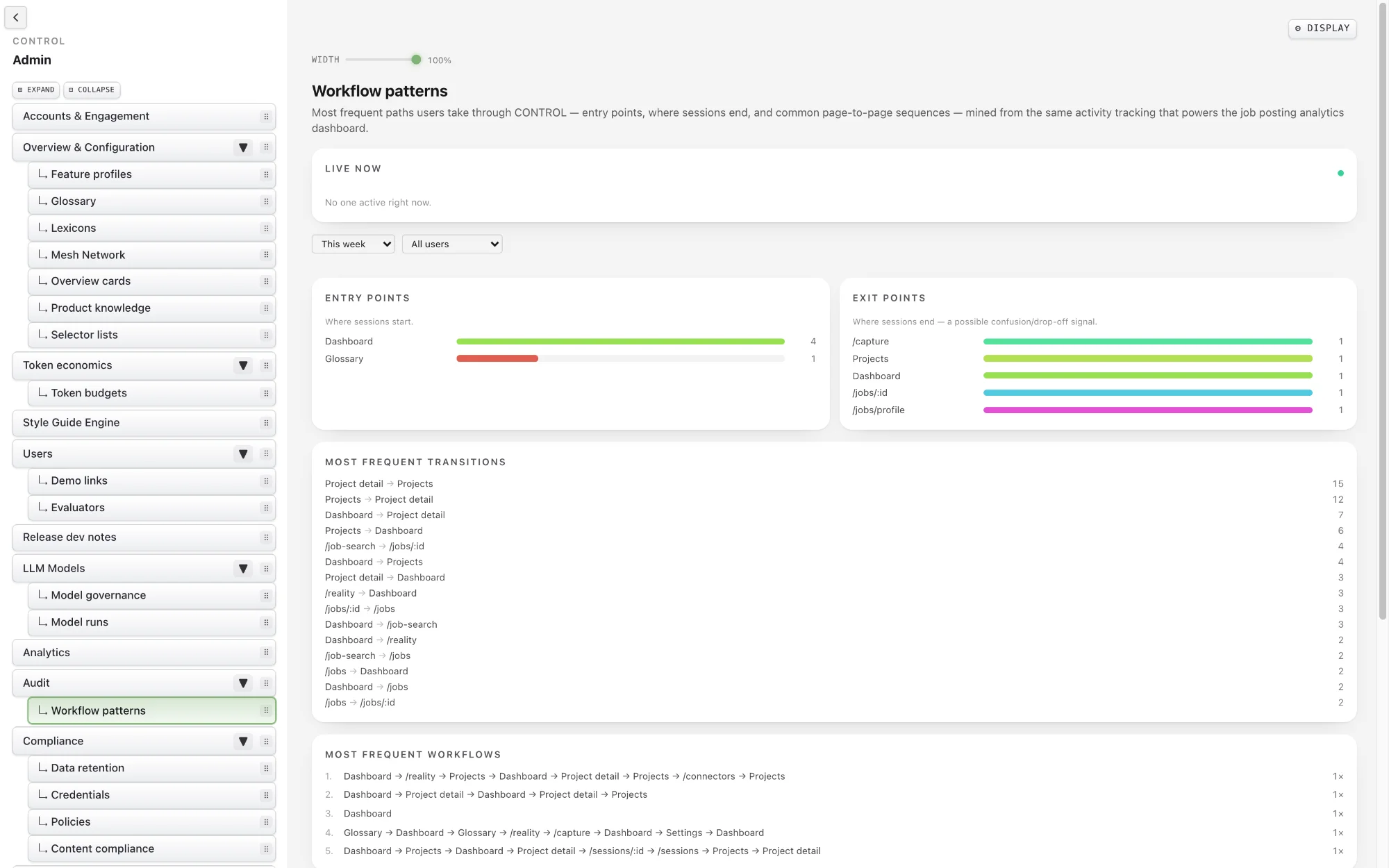
Workflow Patterns are proven end-to-end sequences built into CONTROL, such as Quote → Proposal → Follow-up, Capture → Fit → Tailor → Track, and Write → Approve → Deliver.
Each pattern connects the modules involved, so work moves from one step to the next without anyone having to carry context between tools.
An In Context Brief is a situation-specific, real-time briefing assembled for the conversation, event or decision in front of you. It can be generated live, automatically, or when triggered by a user, an action or an event.
Each brief delivers a concise slice of the relevant Relationship Intelligence Profile and other current intelligence, shaped for a call, email, meeting, chat, task, approval or decision.
MOM is CONTROL’s memory layer and operational channel. It preserves approved memories, associations, corrections and timelines, and makes them available for recall across every module.
Its output is durable memory items and resurfaced knowledge, so what your business has learned stays available instead of being lost between conversations, people and tools.
The Entity Intelligence Layer is CONTROL’s entity layer and operational channel. It resolves people, organizations, projects, tasks, records, accounts, assets, properties, products and services, and the relationships between them. Its primary output is canonical entities, relationships, identity confidence and entity-linked signals.
Seeing “Steve” in a captured note is not proof the note is about a particular Steve. EIL distinguishes text that mentions a name from evidence resolved to a specific record. When identity can’t be established confidently, CONTROL preserves the uncertainty rather than manufacturing a relationship.
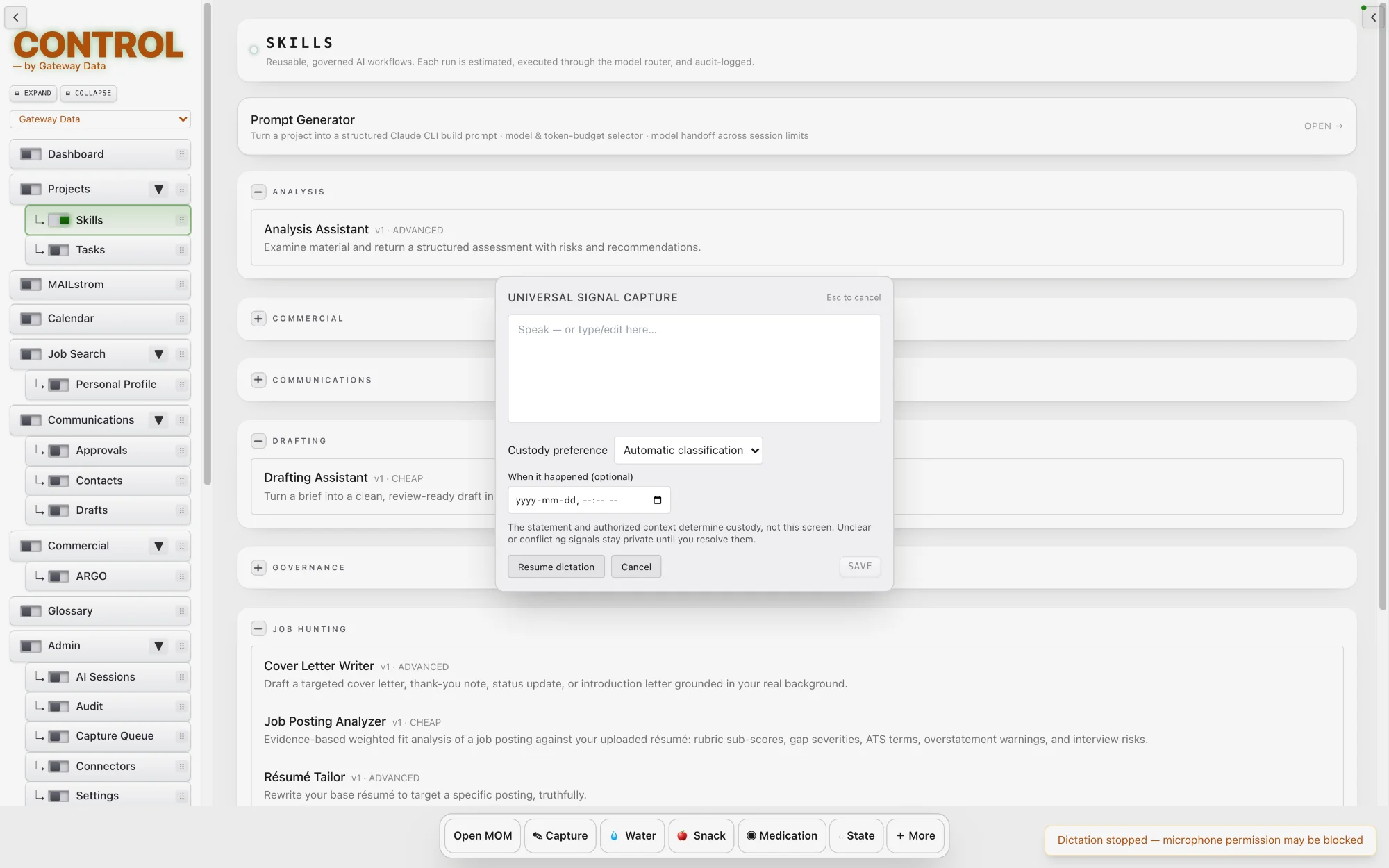
CURT is global, user-triggered instant capture. From anywhere in CONTROL, including hotkey and Watch scenarios, record a sound-byte the moment a thought arrives.
Every capture is queued automatically for resolution later, so nothing is lost and you never have to stop and decide where a thought belongs. Captures that CONTROL cannot automatically resolve as either Business or Personal are added to the Resolution Queue where it can be manually reviewed and classified later, and so CONTROL will know for the next time.
Relationship Intelligence Profiles are persistent, durable profiles that hold the cumulative, source-linked view of a relationship with a person, organization, account or any other relationship-bearing entity.
Each profile captures history, authority, trust, preferences, risk and interaction patterns, and every detail links back to its source.
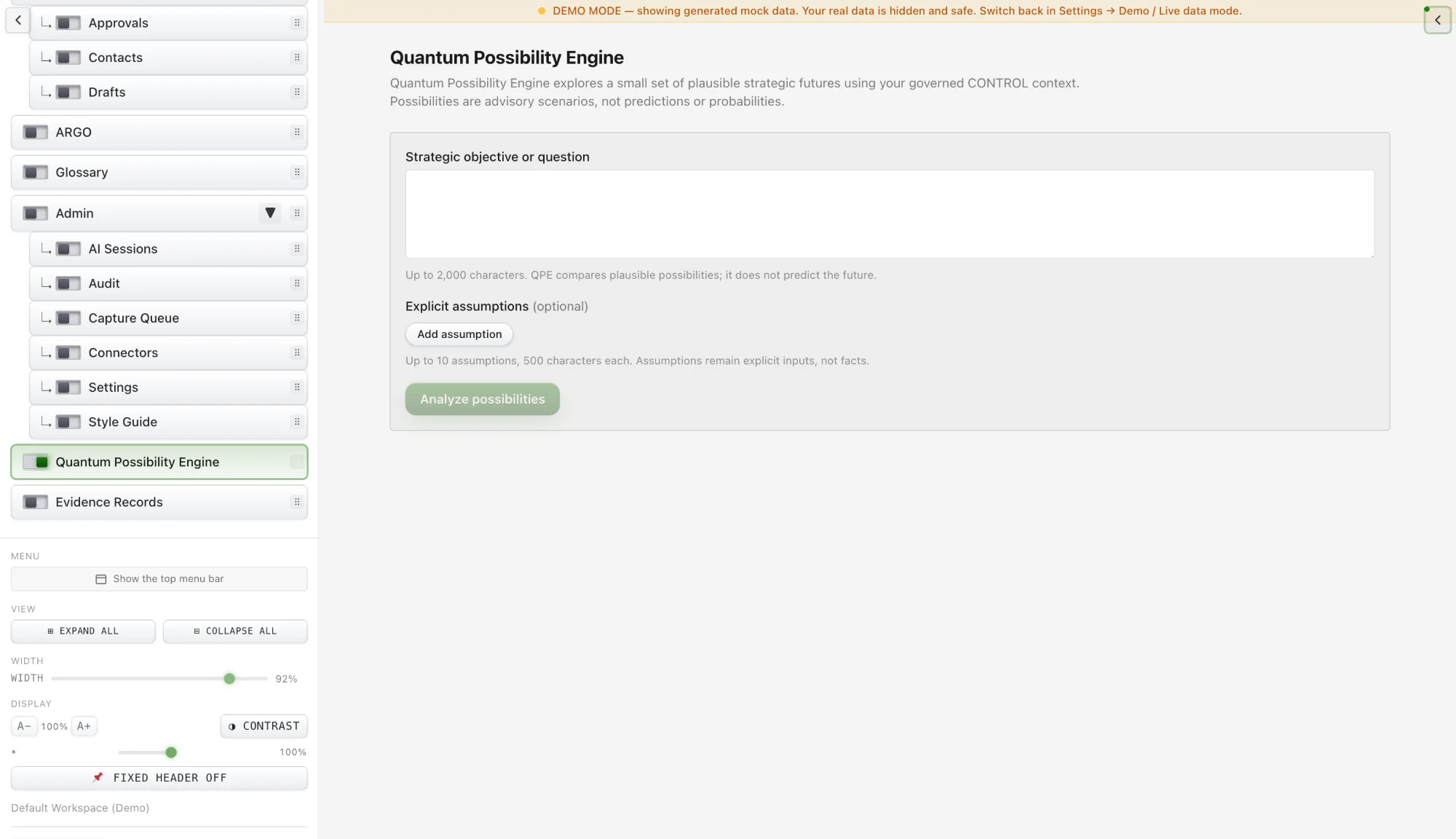
QPE is the central orchestration nucleus of CONTROL. It combines signals from across the platform, including MAILstrom, MOM, records, operational modules and policy controls, and is fed by ARGO, GENESIS and others. It evaluates their plausible implications and coordinates the artifacts, actions, events and workflow transitions CONTROL proposes or, after approval, executes.
QPE predicts ranked next steps, paths and possible outcomes, with forecasts, what-ifs and trend signals that weigh entropy, randomness and chaos alongside probability.
QIL is CONTROL’s governed intelligence-query layer. It answers the question “What do we know about this?” by turning a question into a bounded evidence query, setting its scope, time window, entities, evidence types and required provenance, then retrieving evidence from authorized CONTROL sources.
QIL cannot give itself authority: every query runs inside the boundary GATEWAY establishes. Many questions are answered deterministically, without generative AI. When a model does help, QIL retrieves the evidence first and the model reasons over it second, and every answer comes back with its provenance.
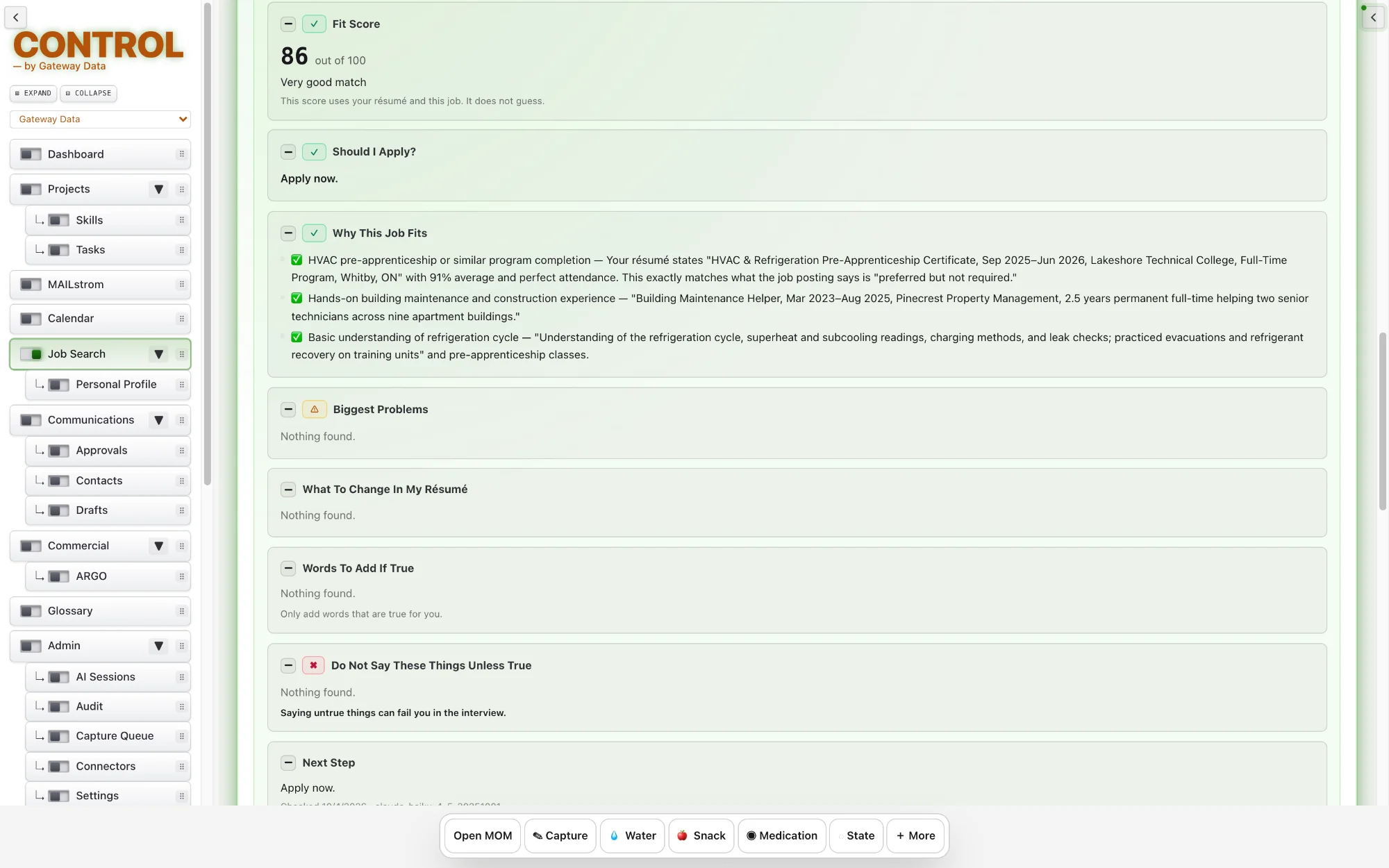
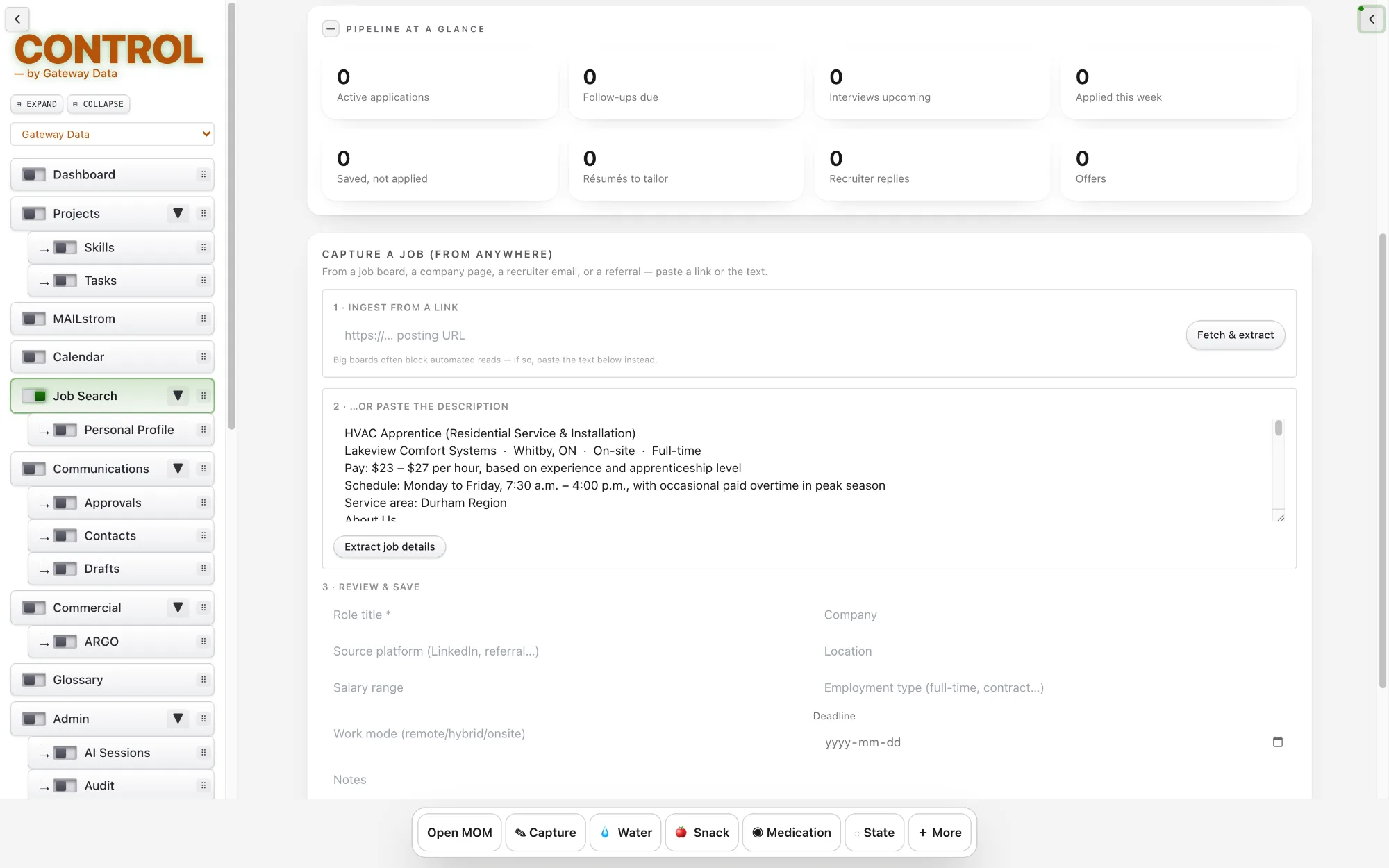
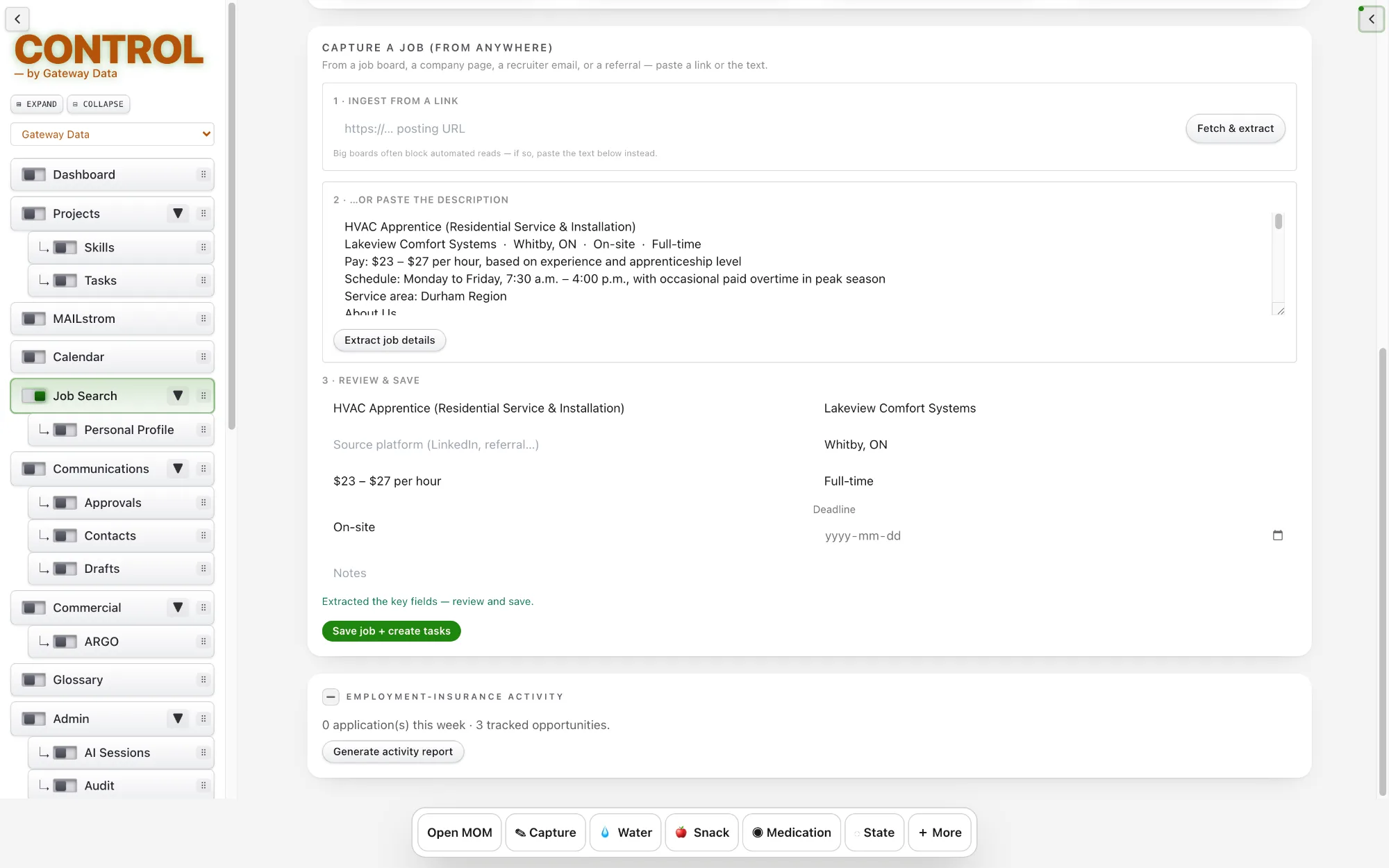
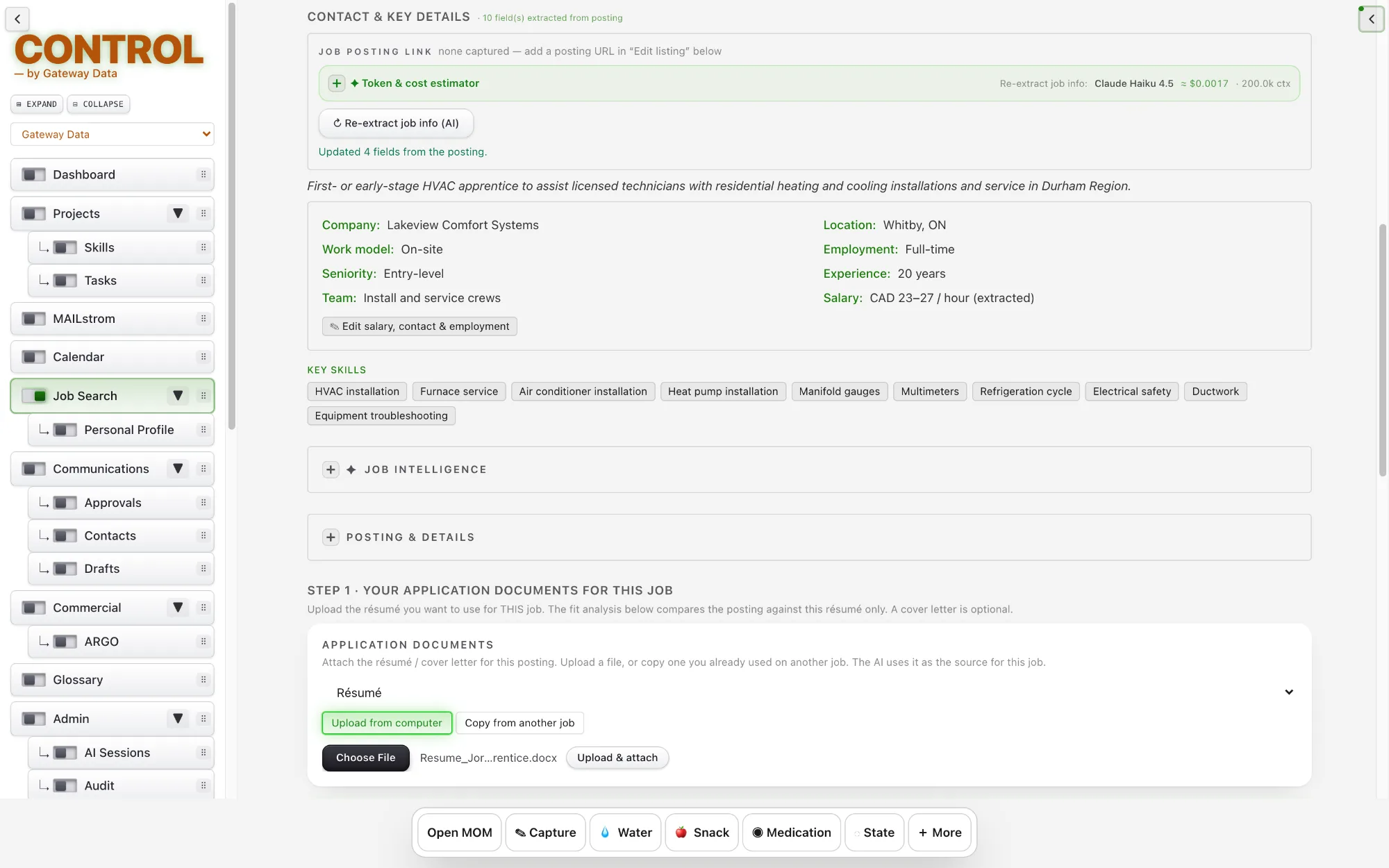
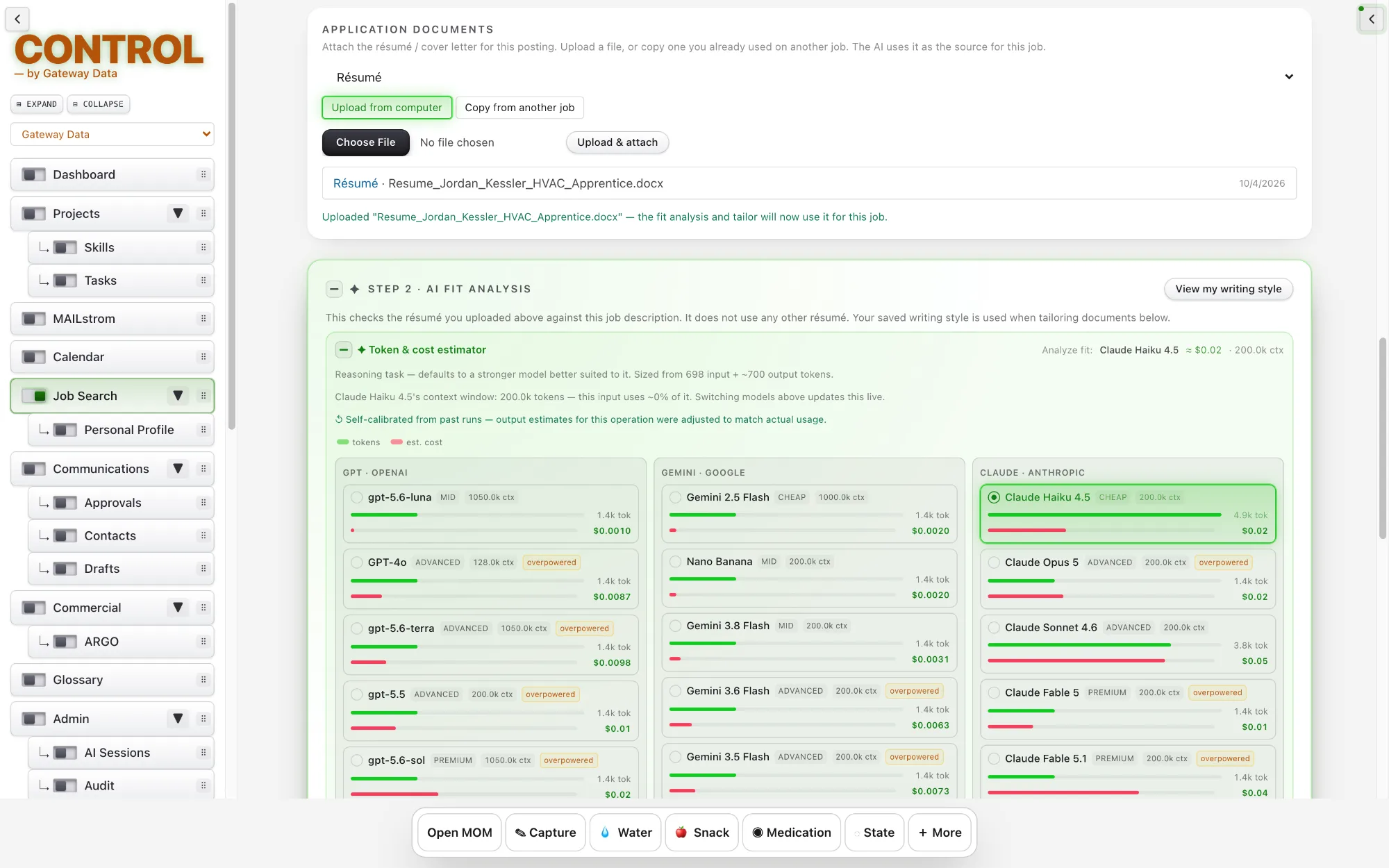
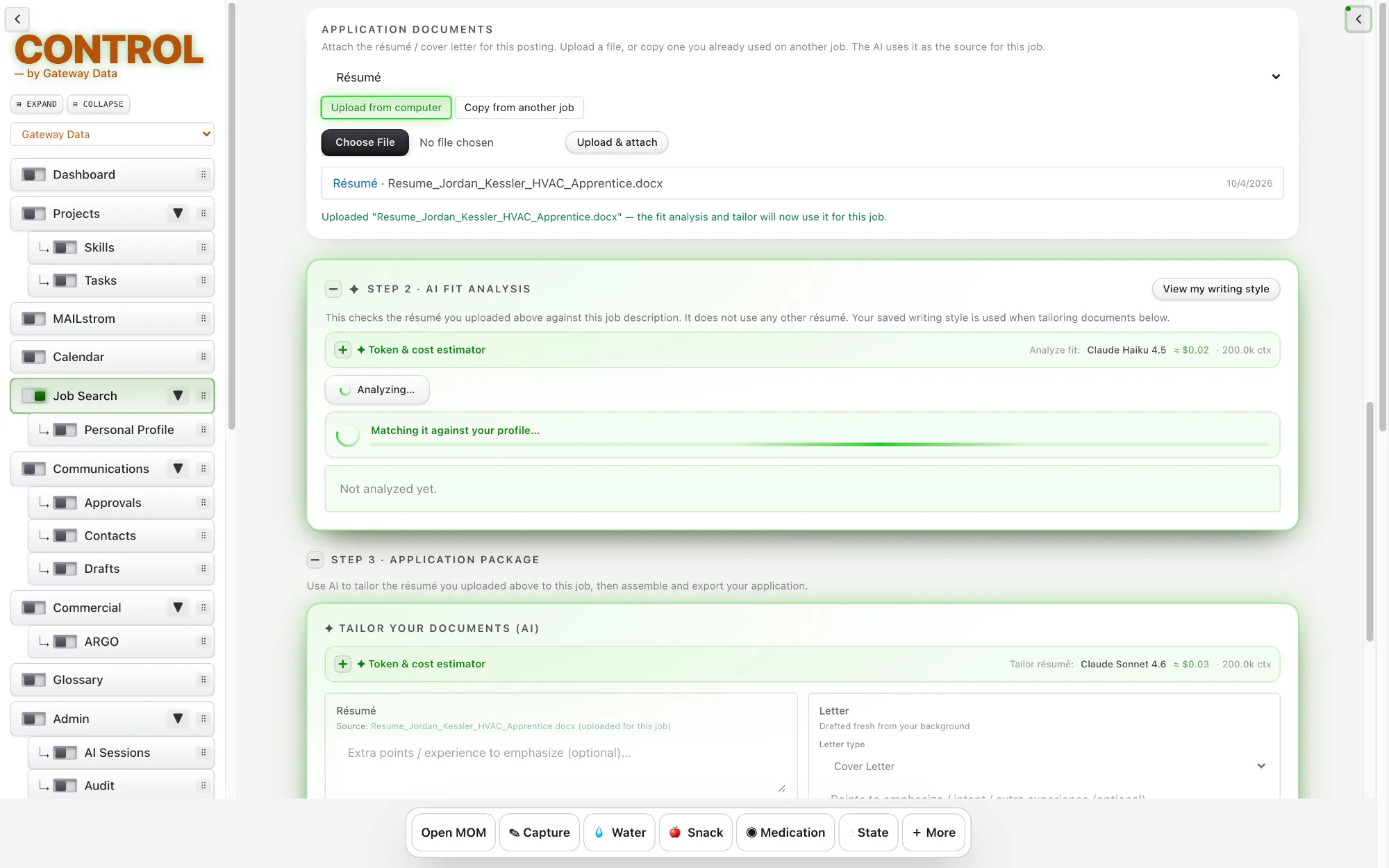
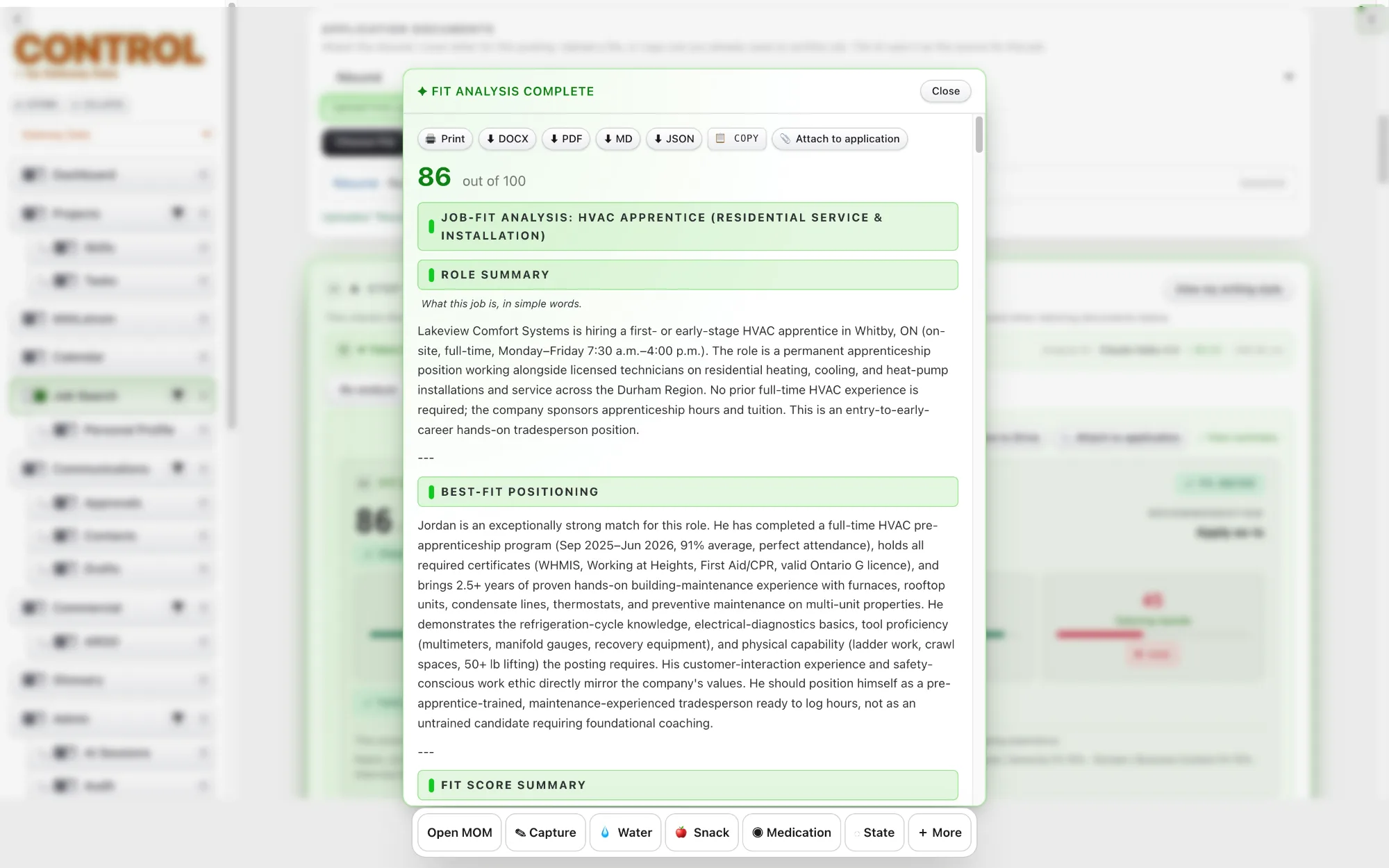
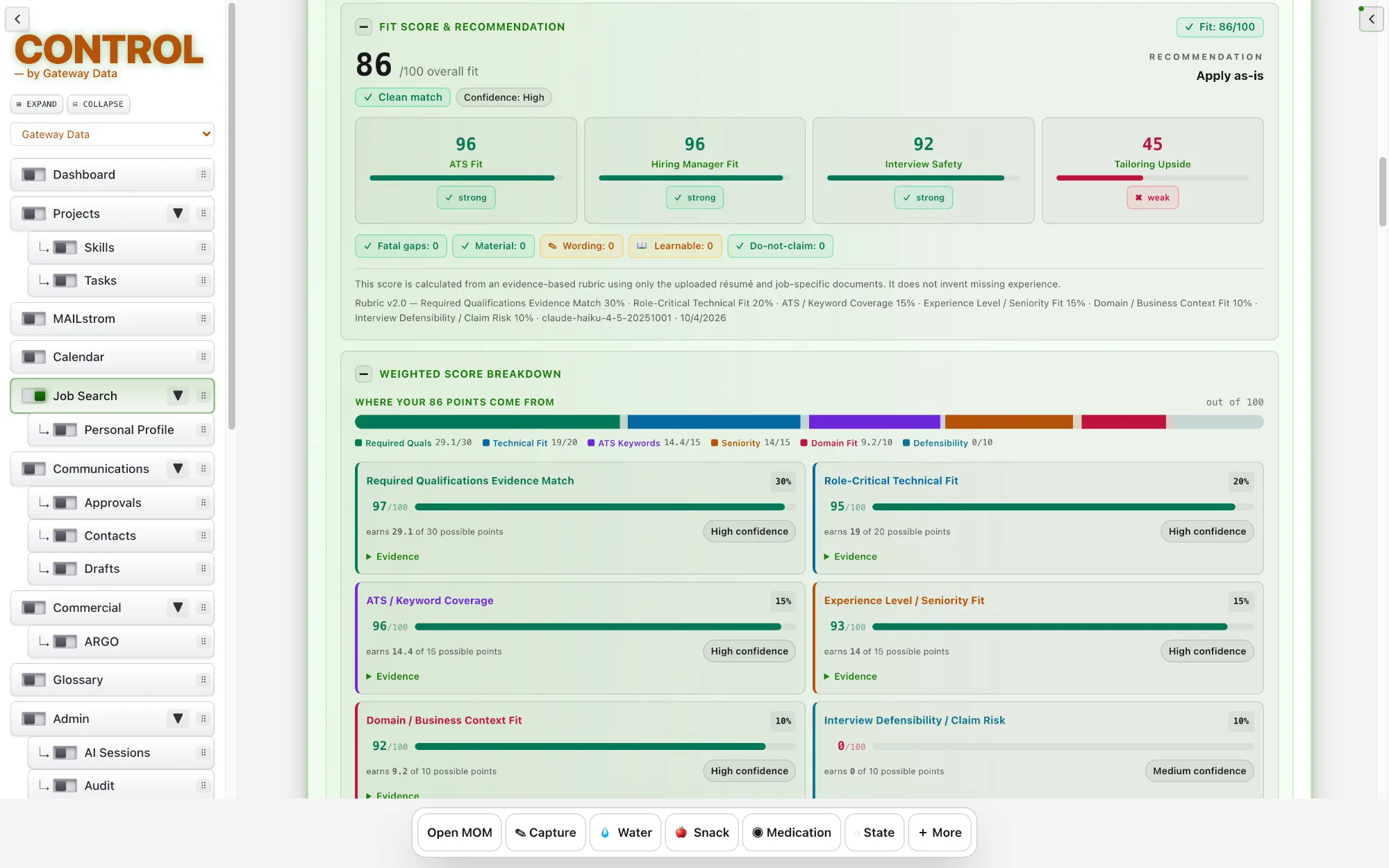
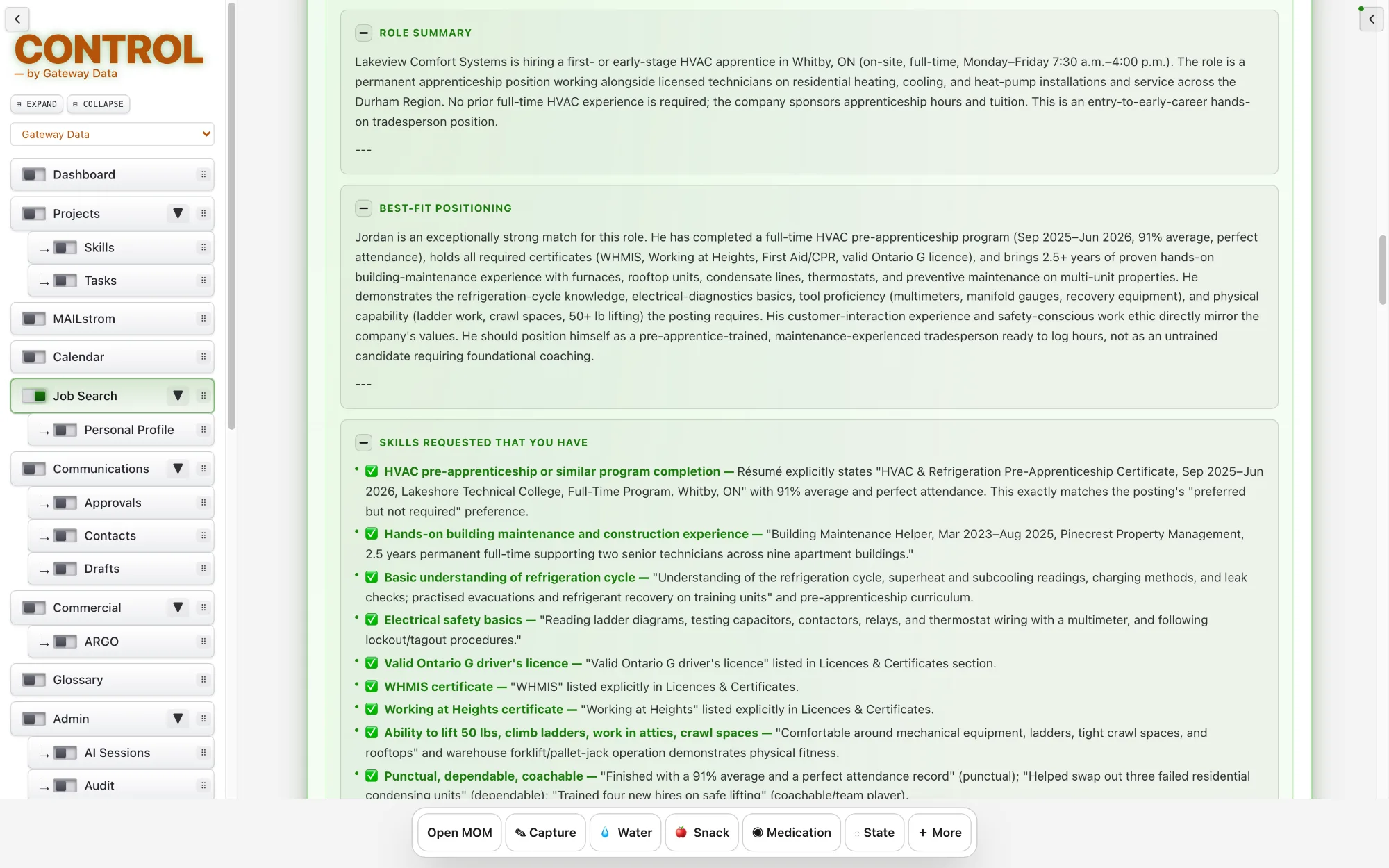
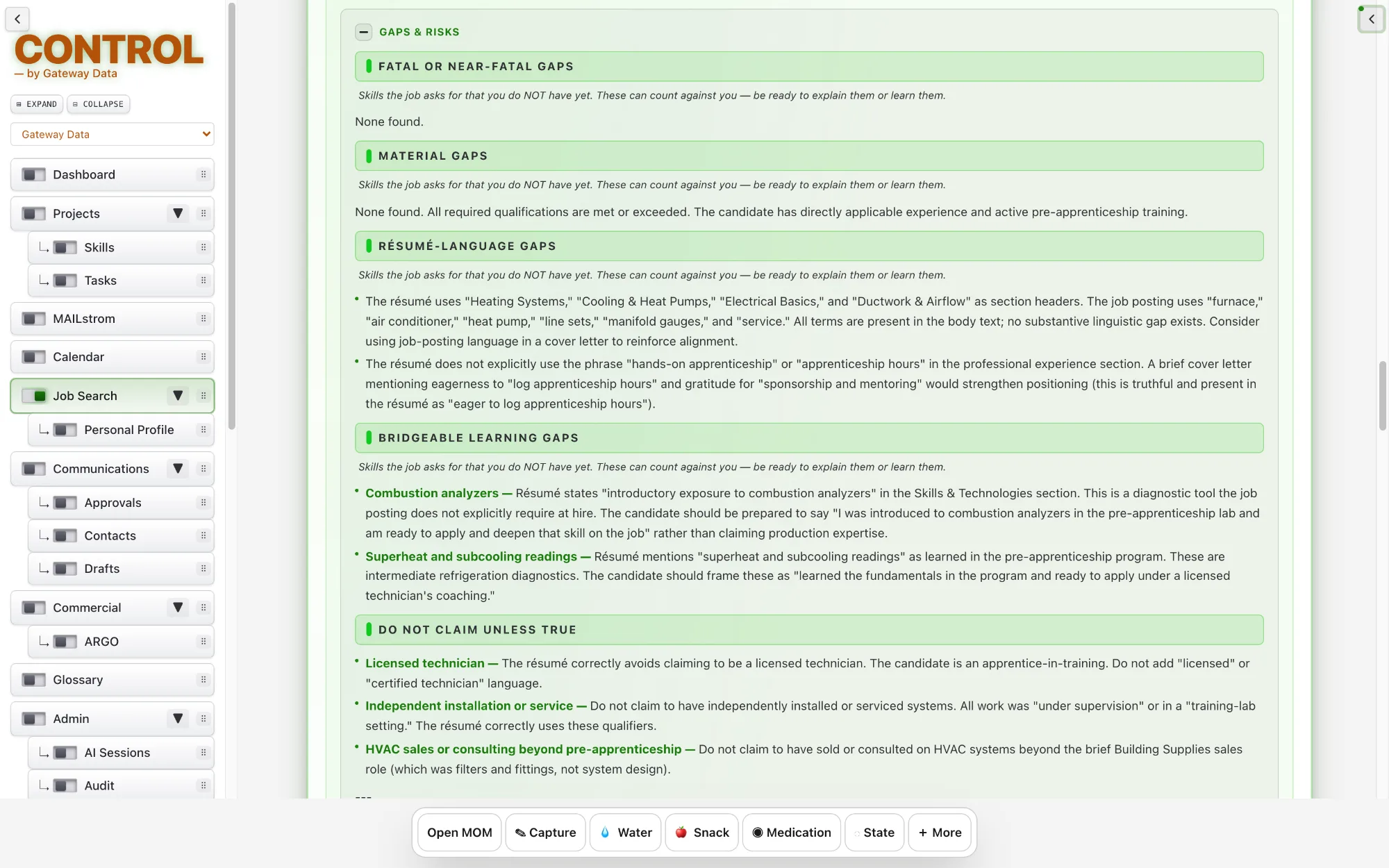
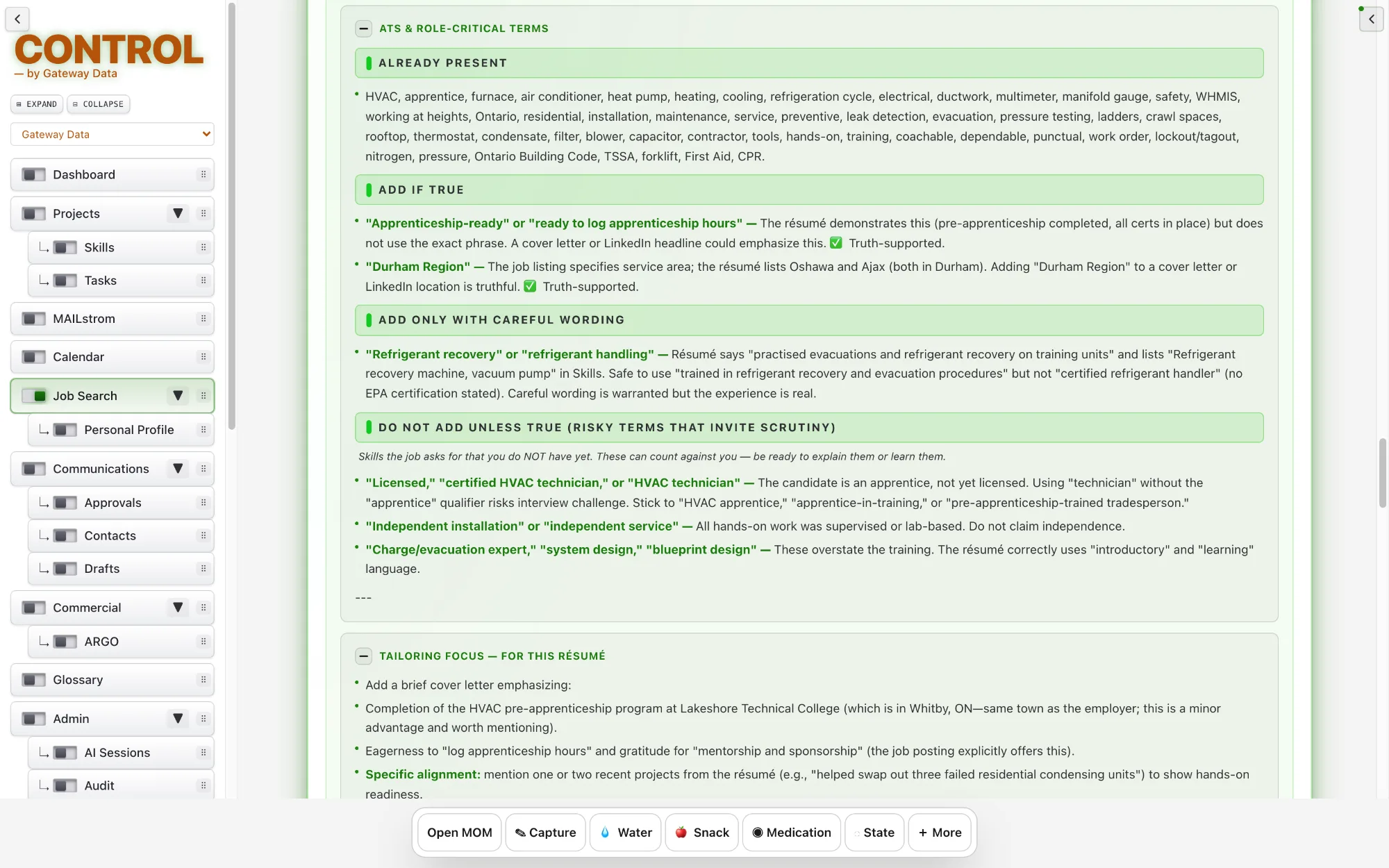
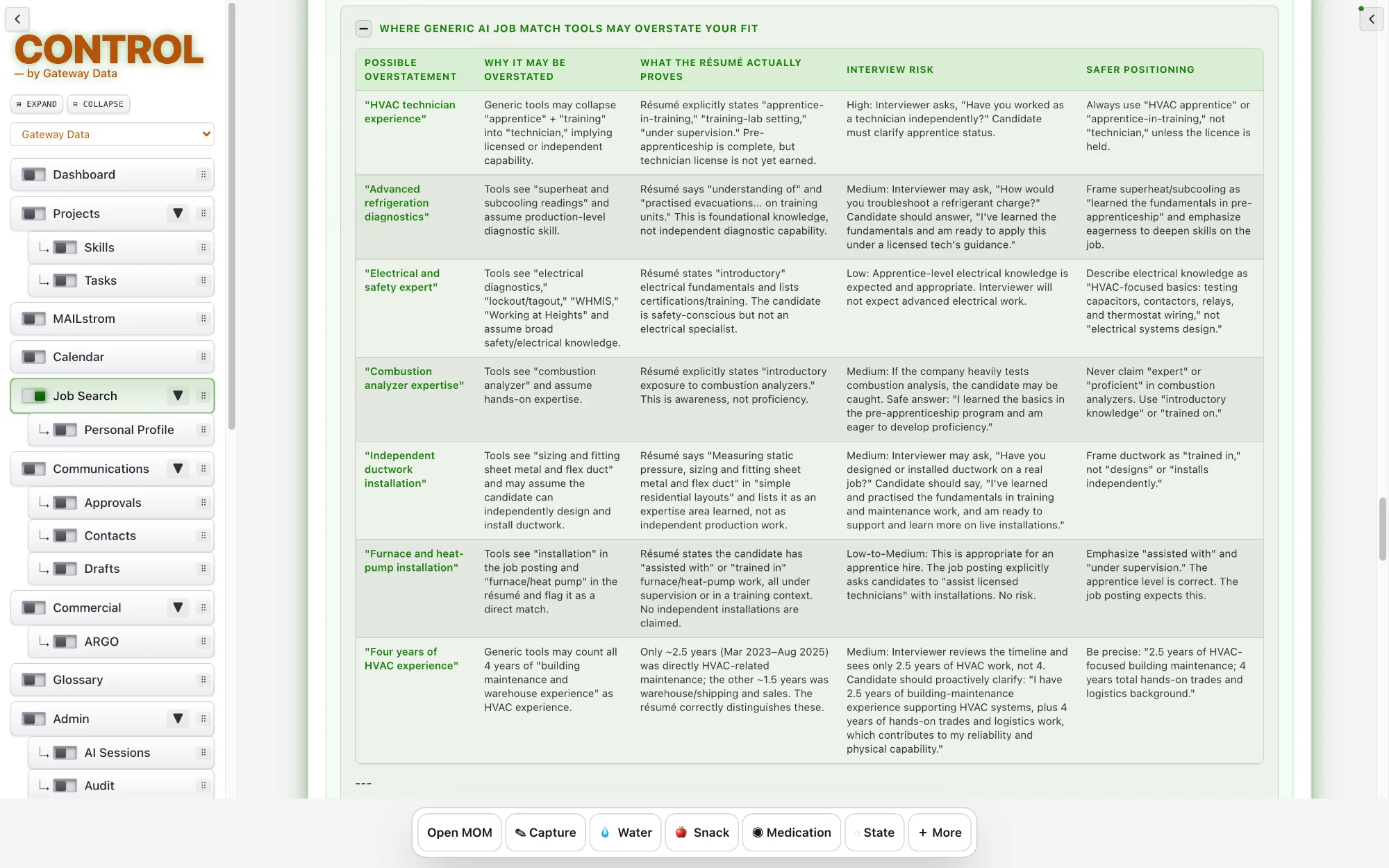
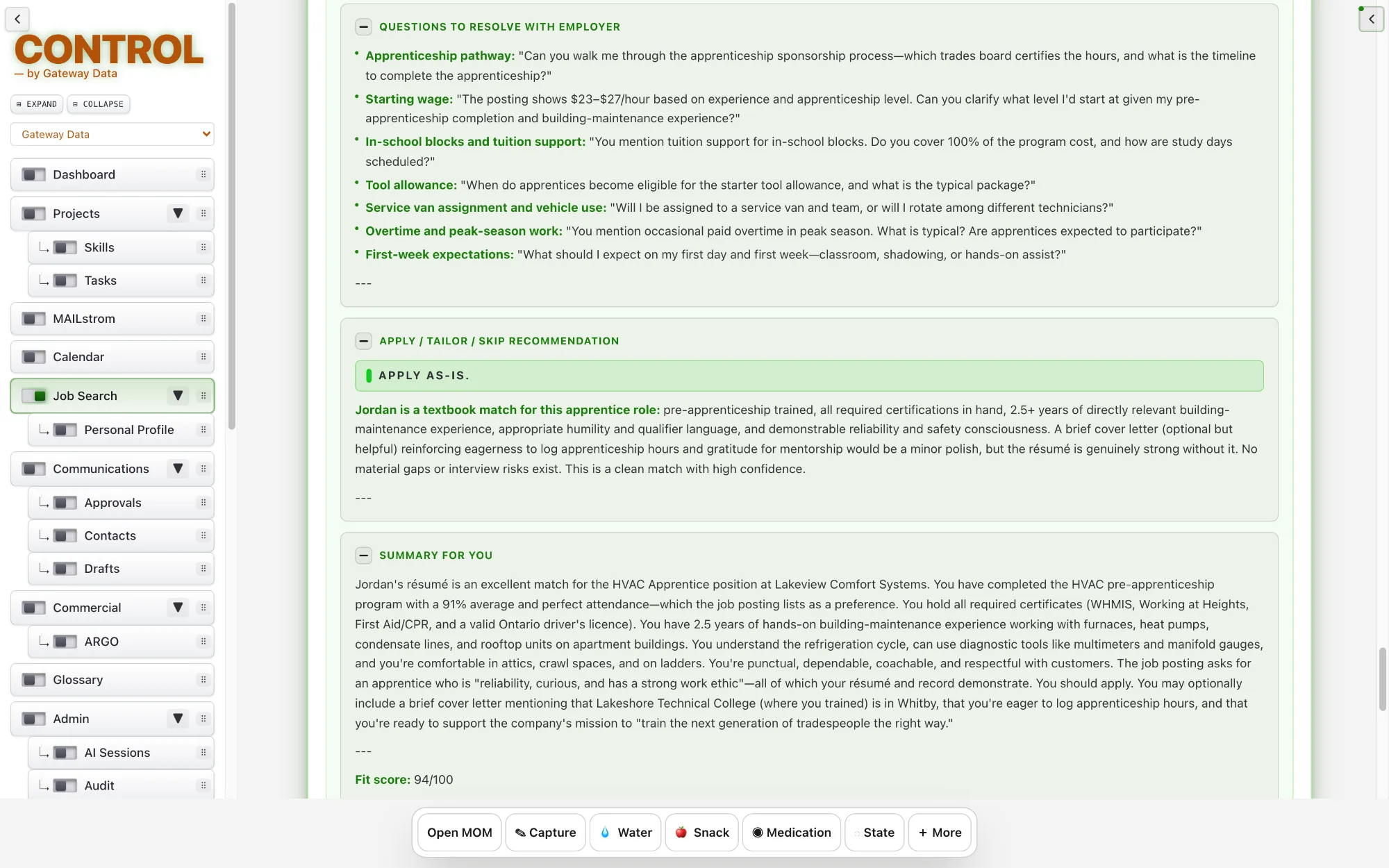
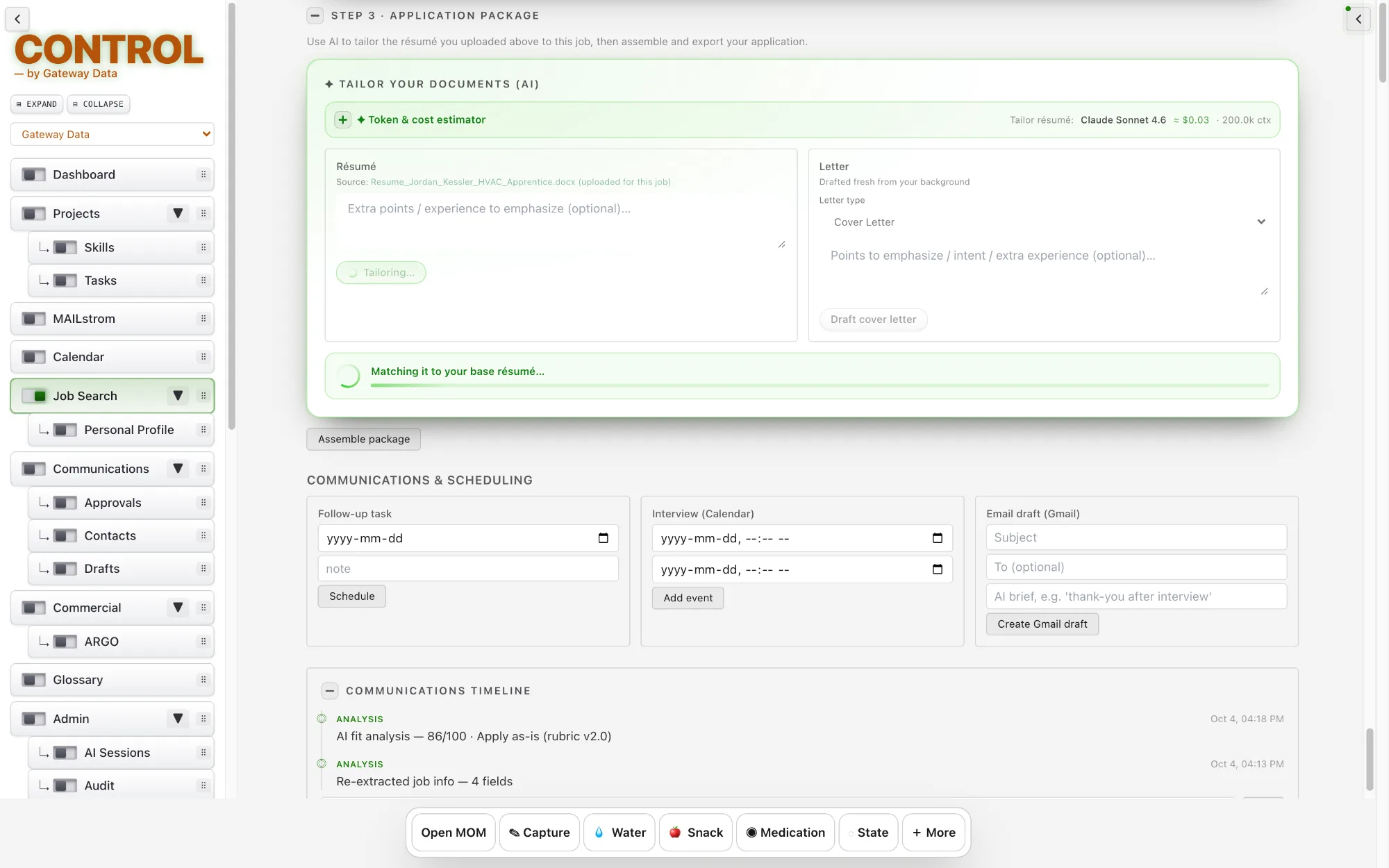
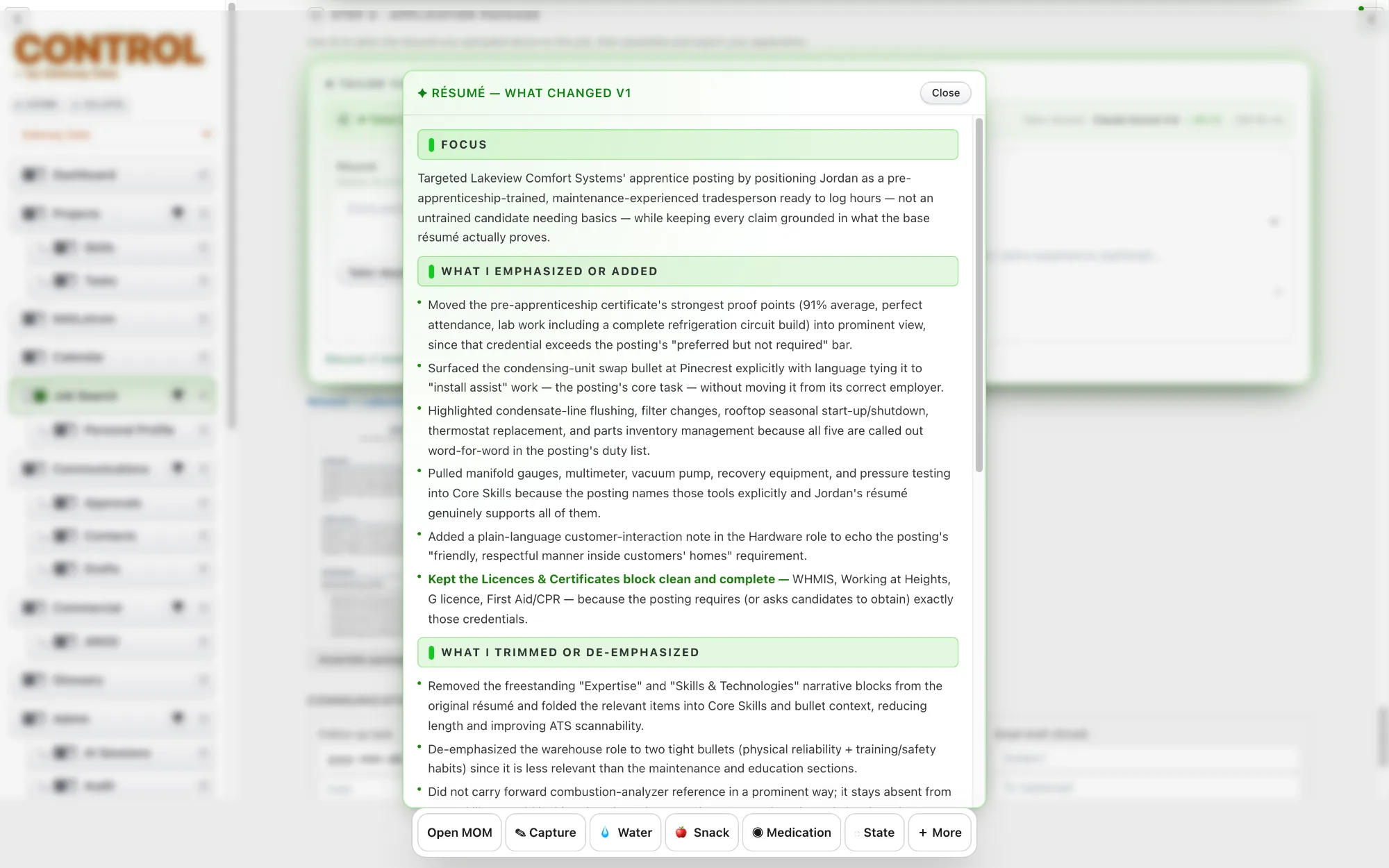
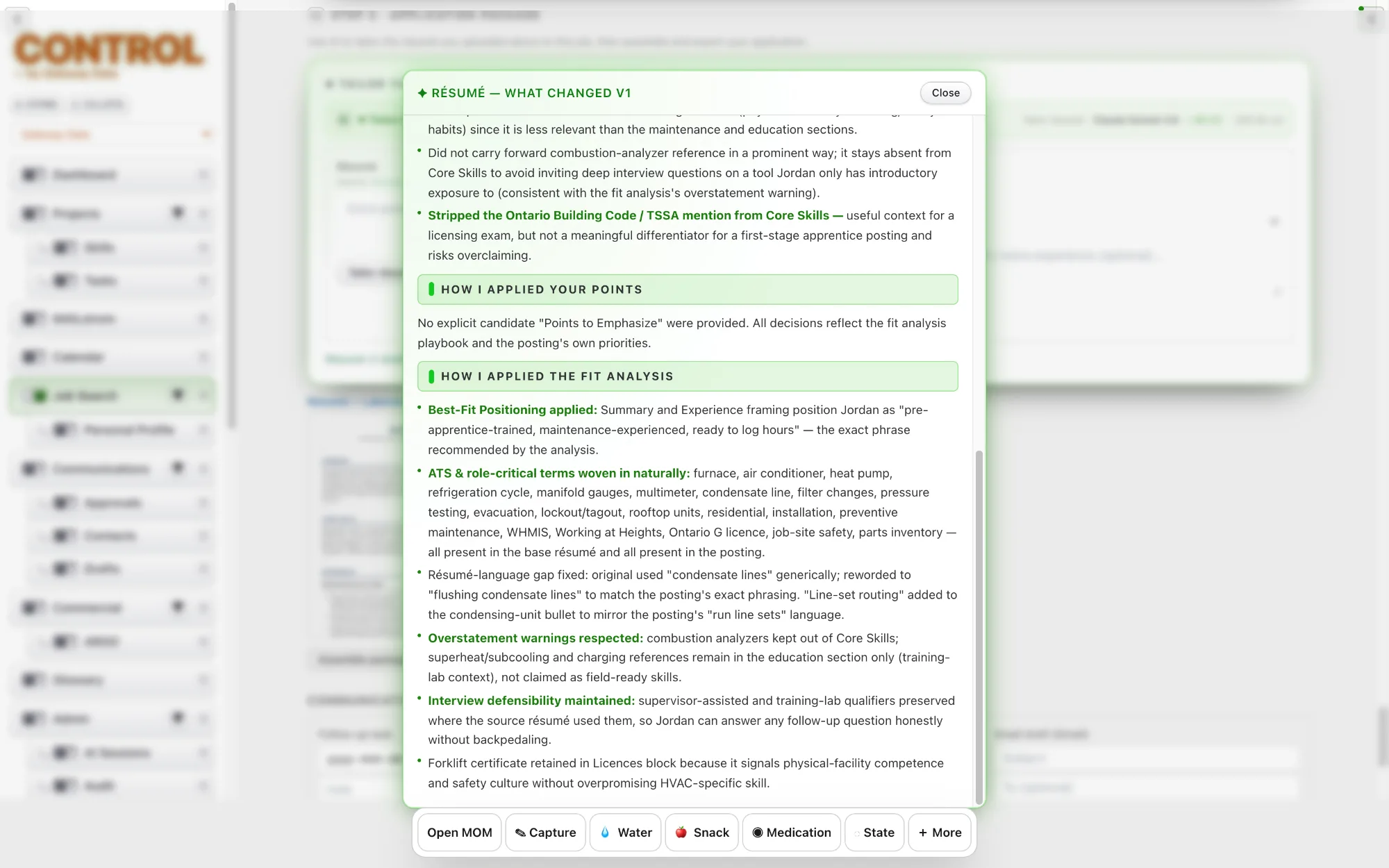
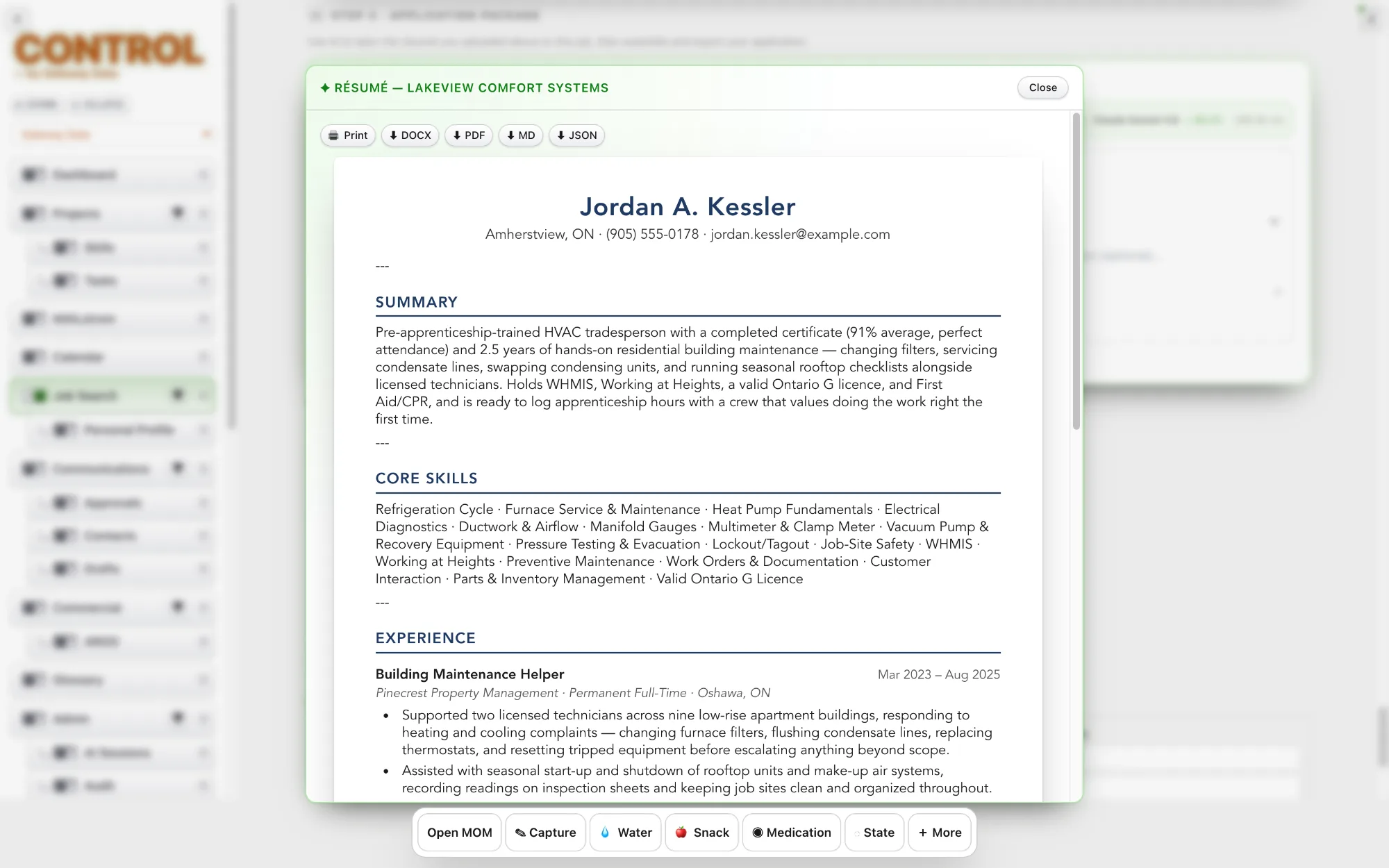
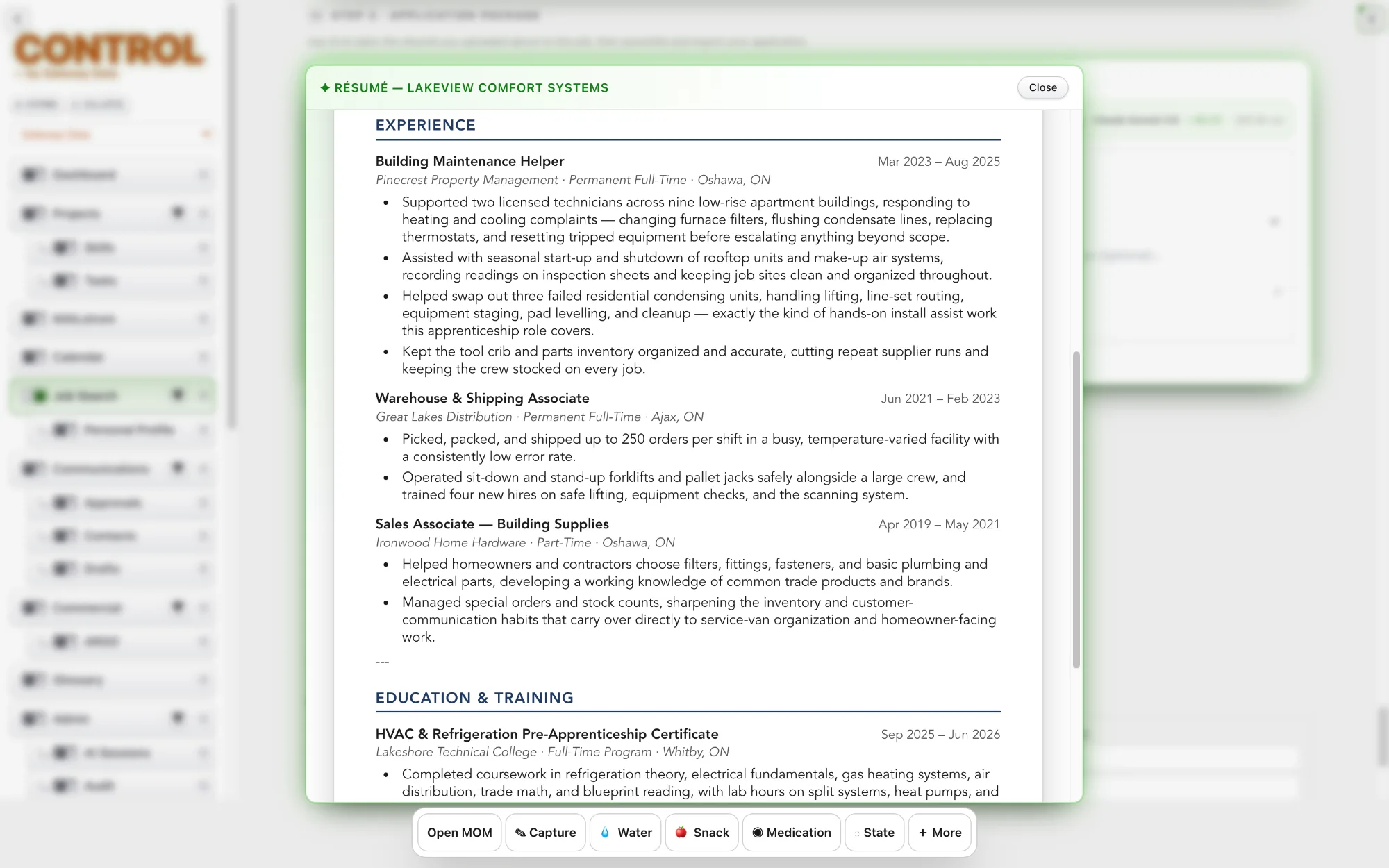
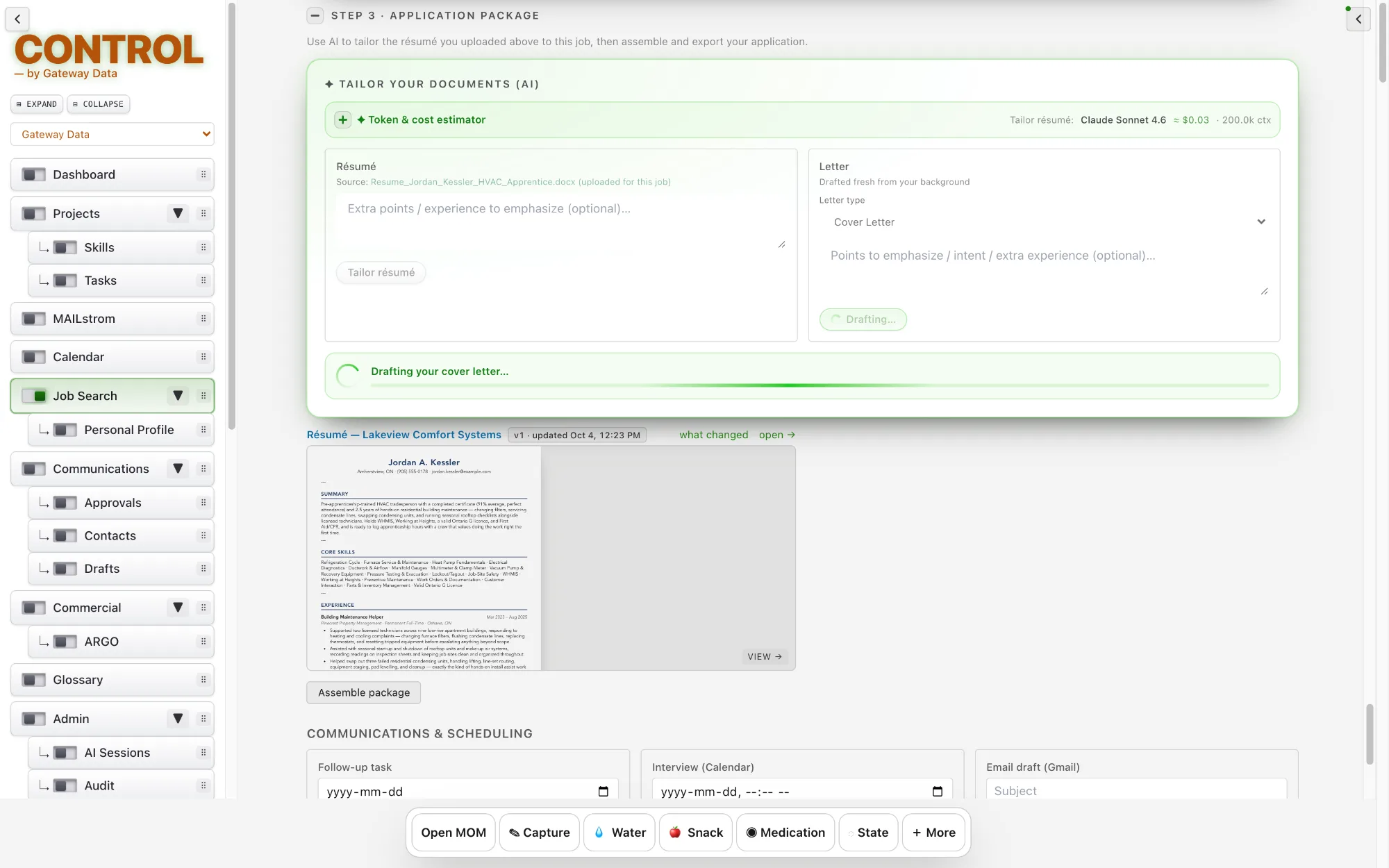
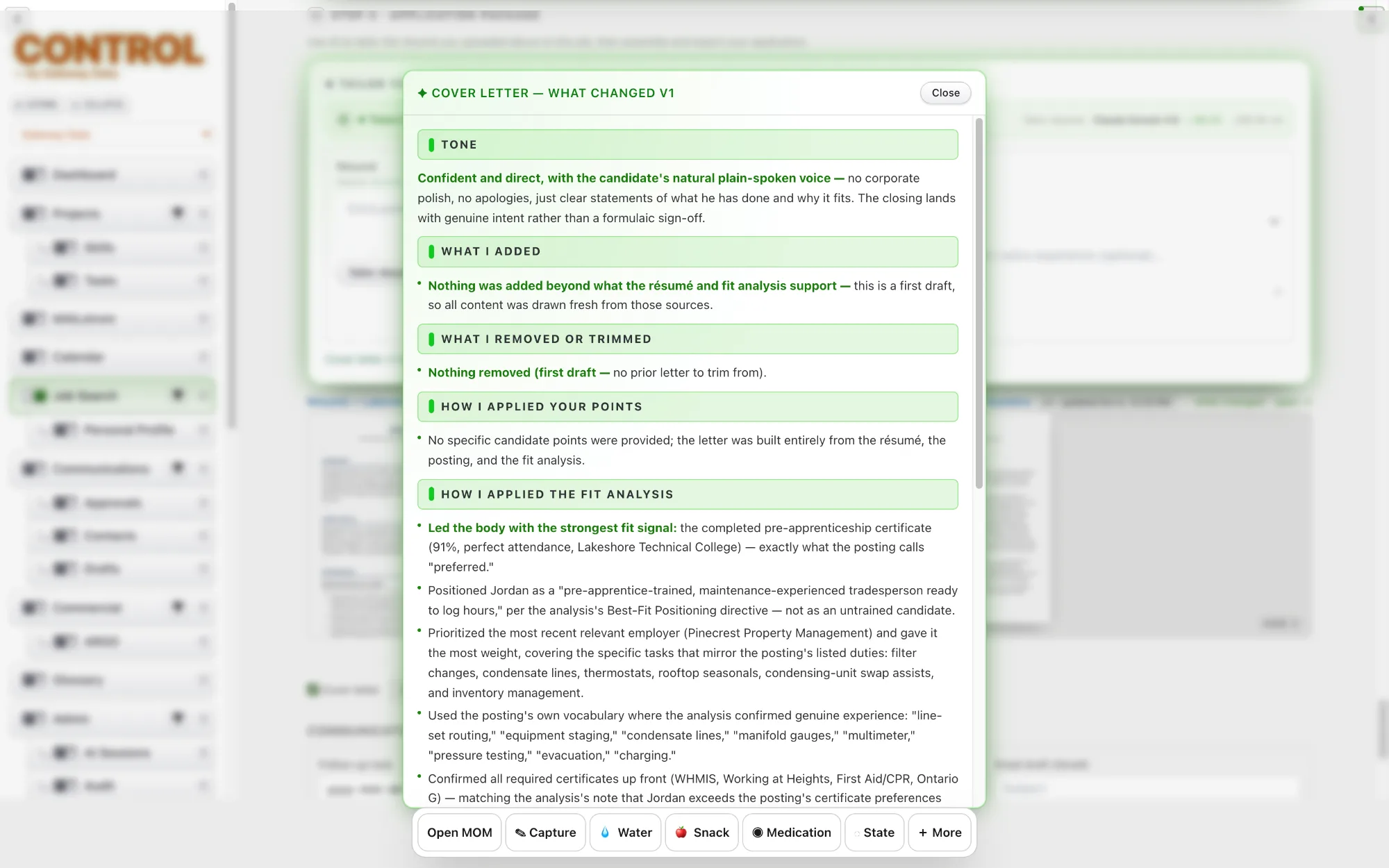
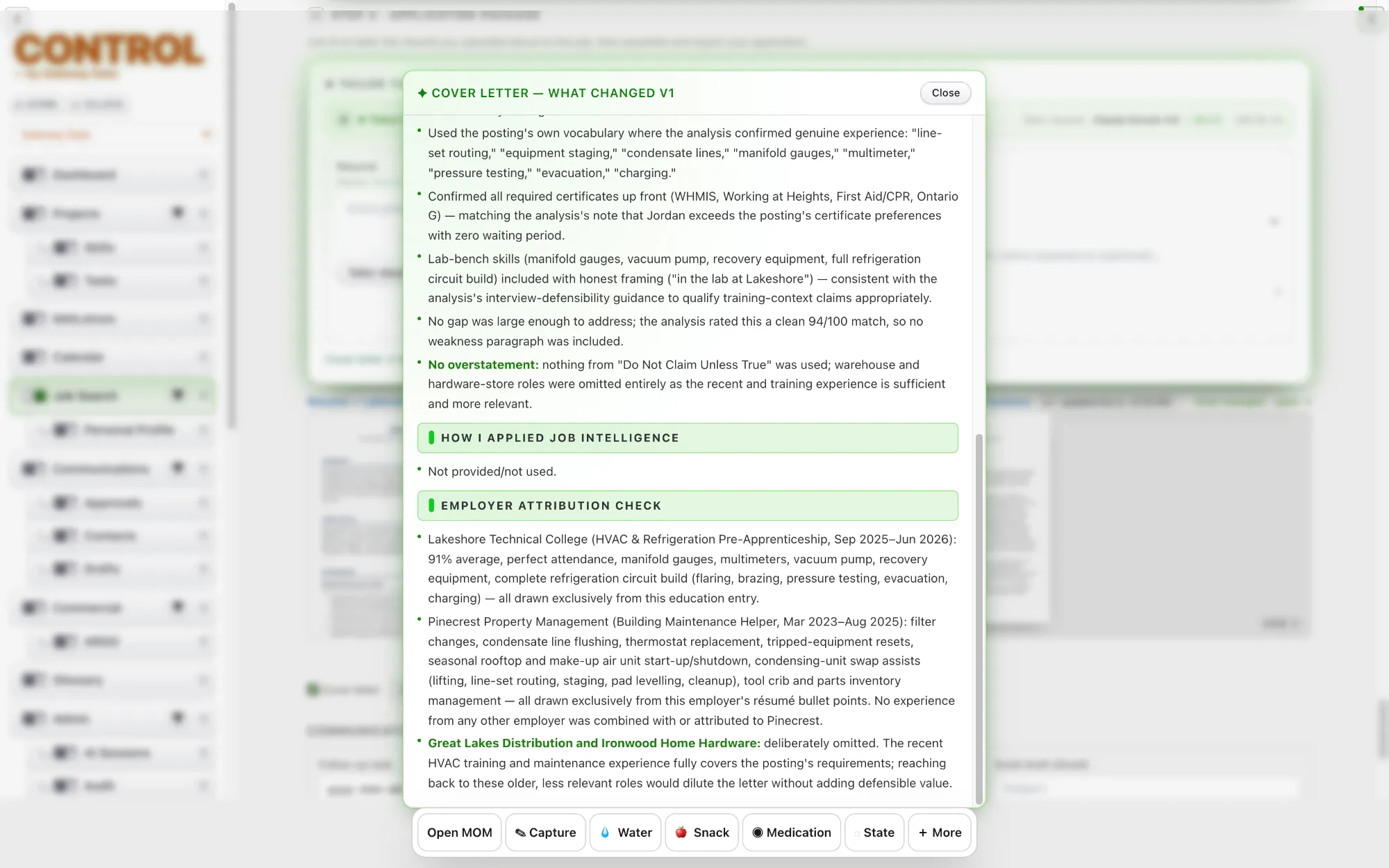
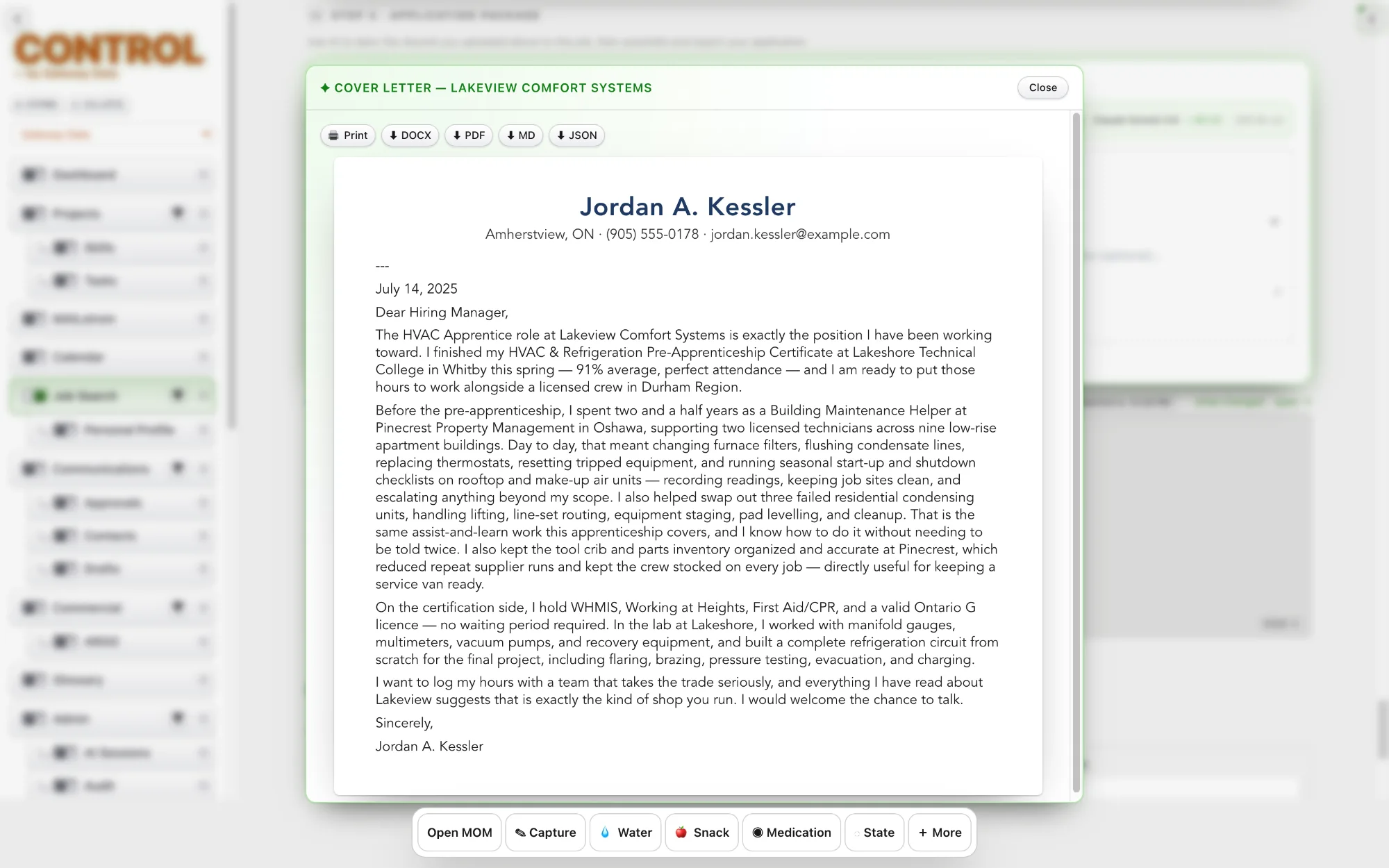
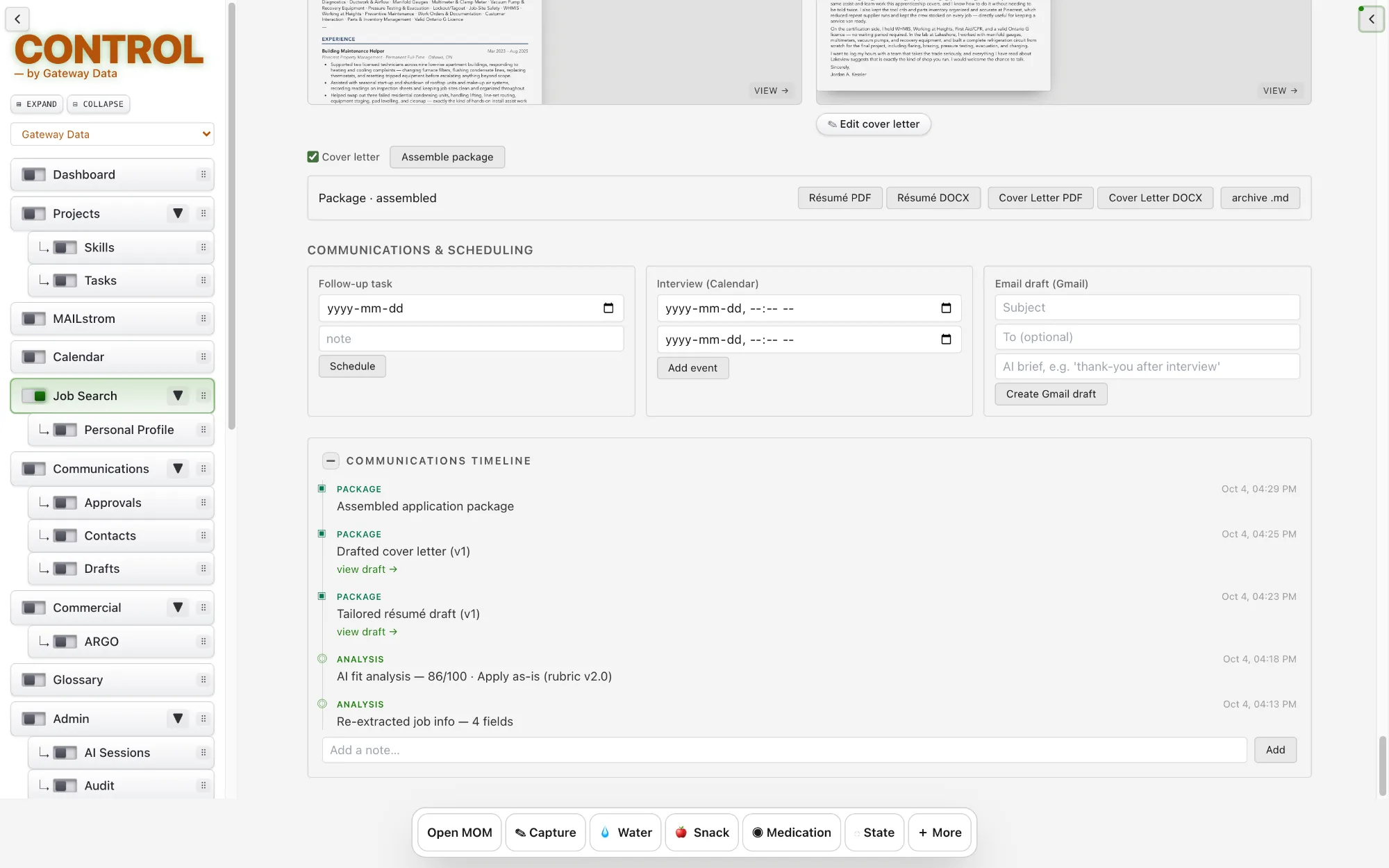
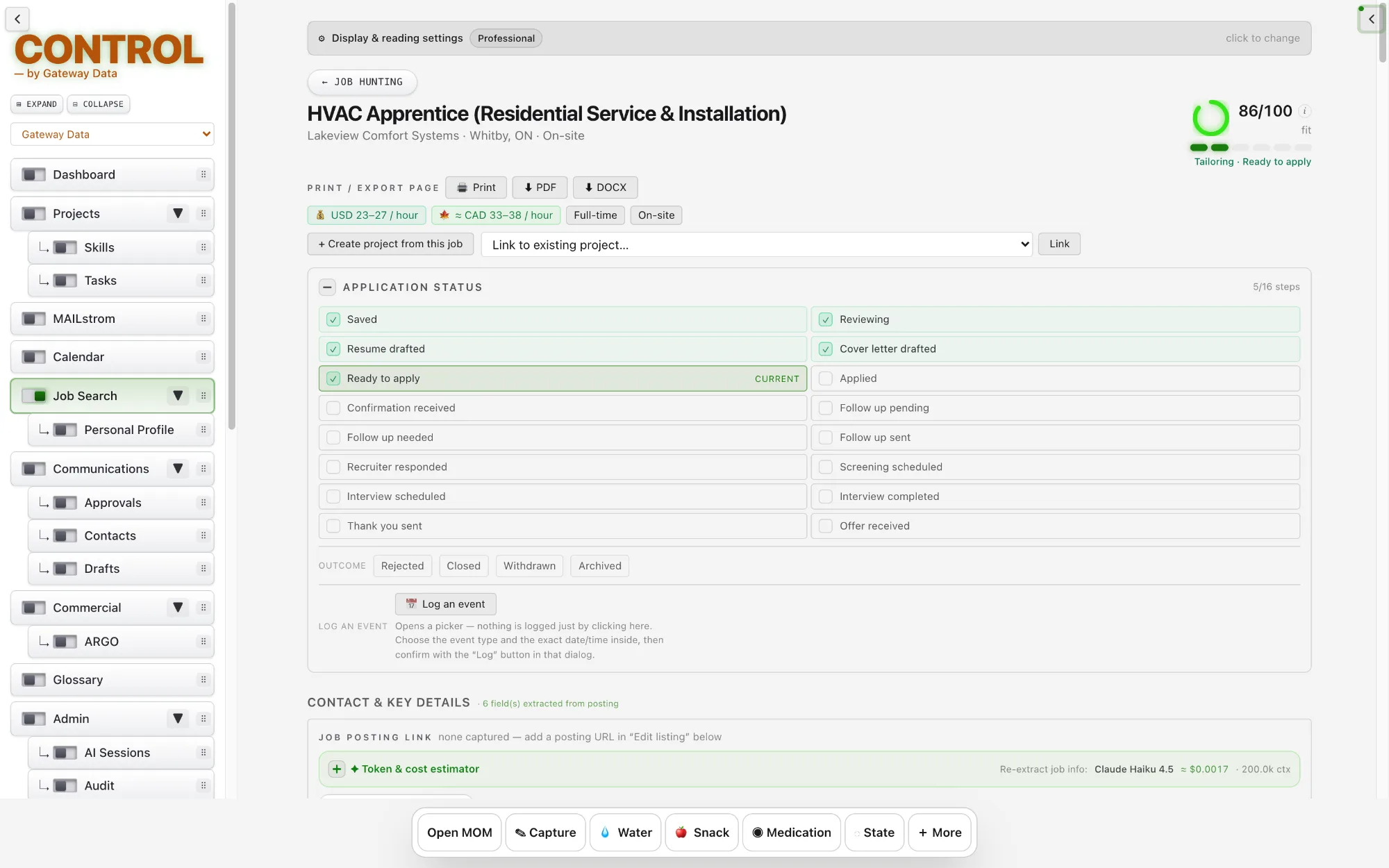
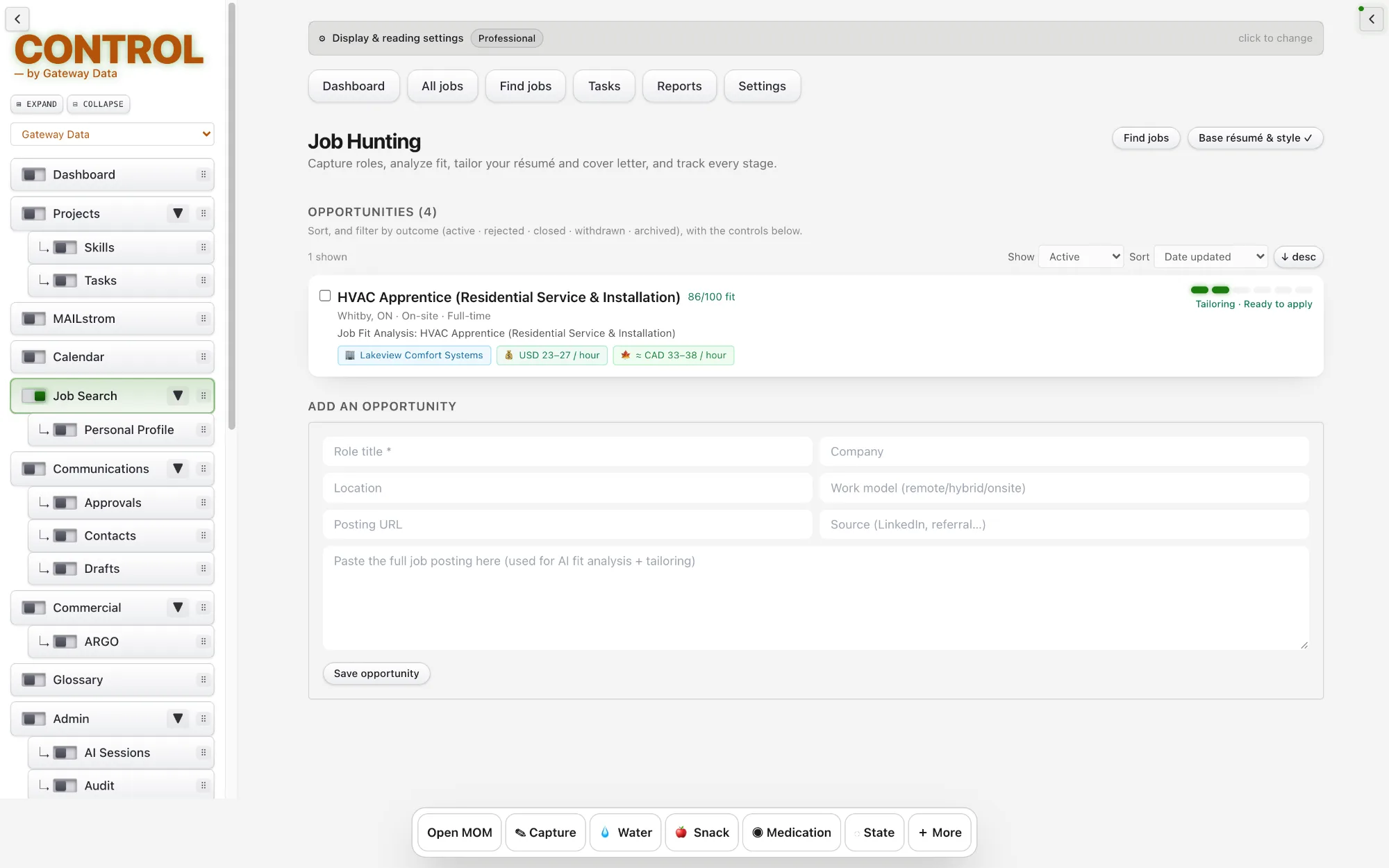
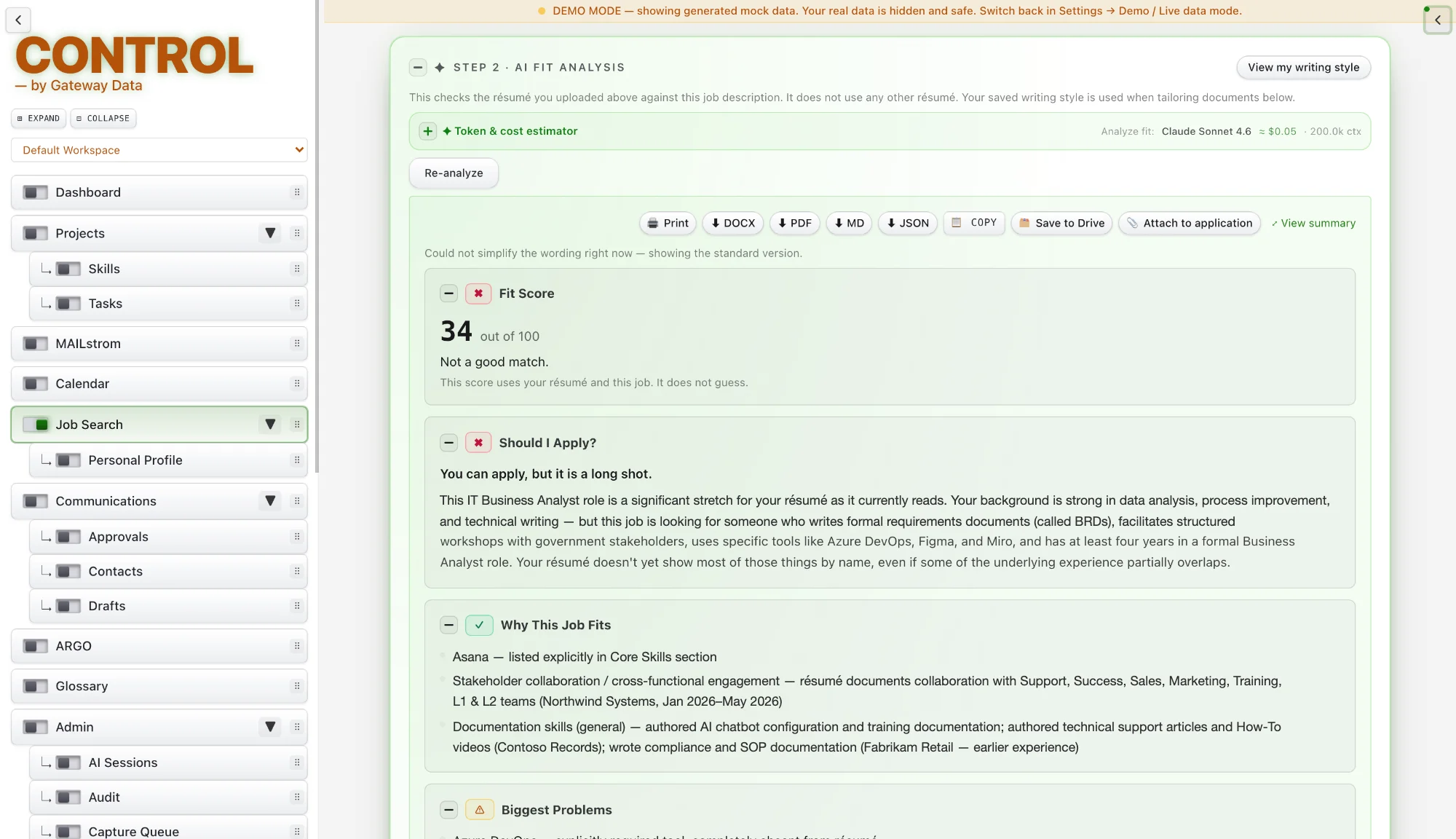
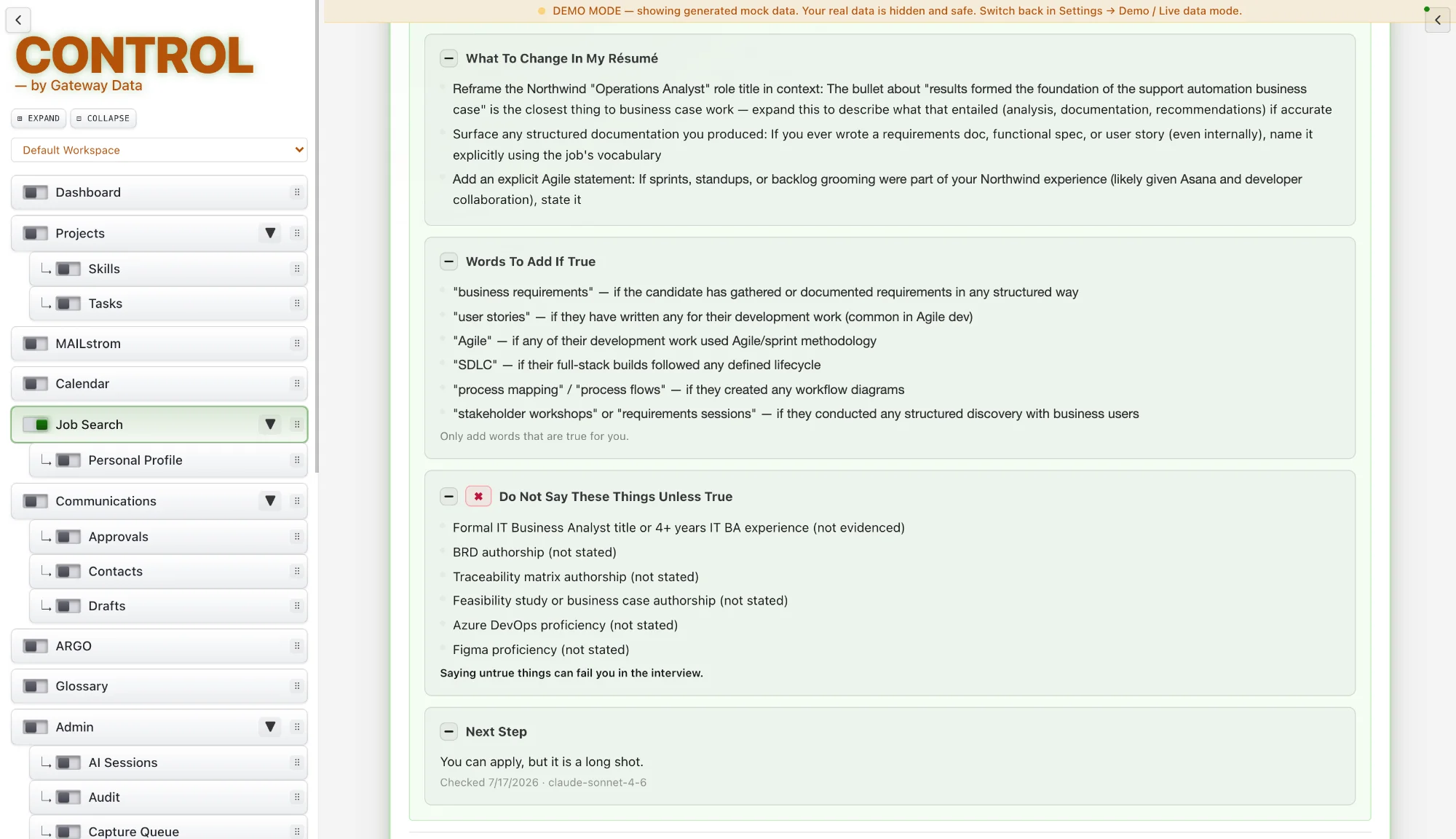
Save a job posting and CONTROL scores how well it fits your real background. It drafts a tailored résumé and cover letter using only facts you have approved.
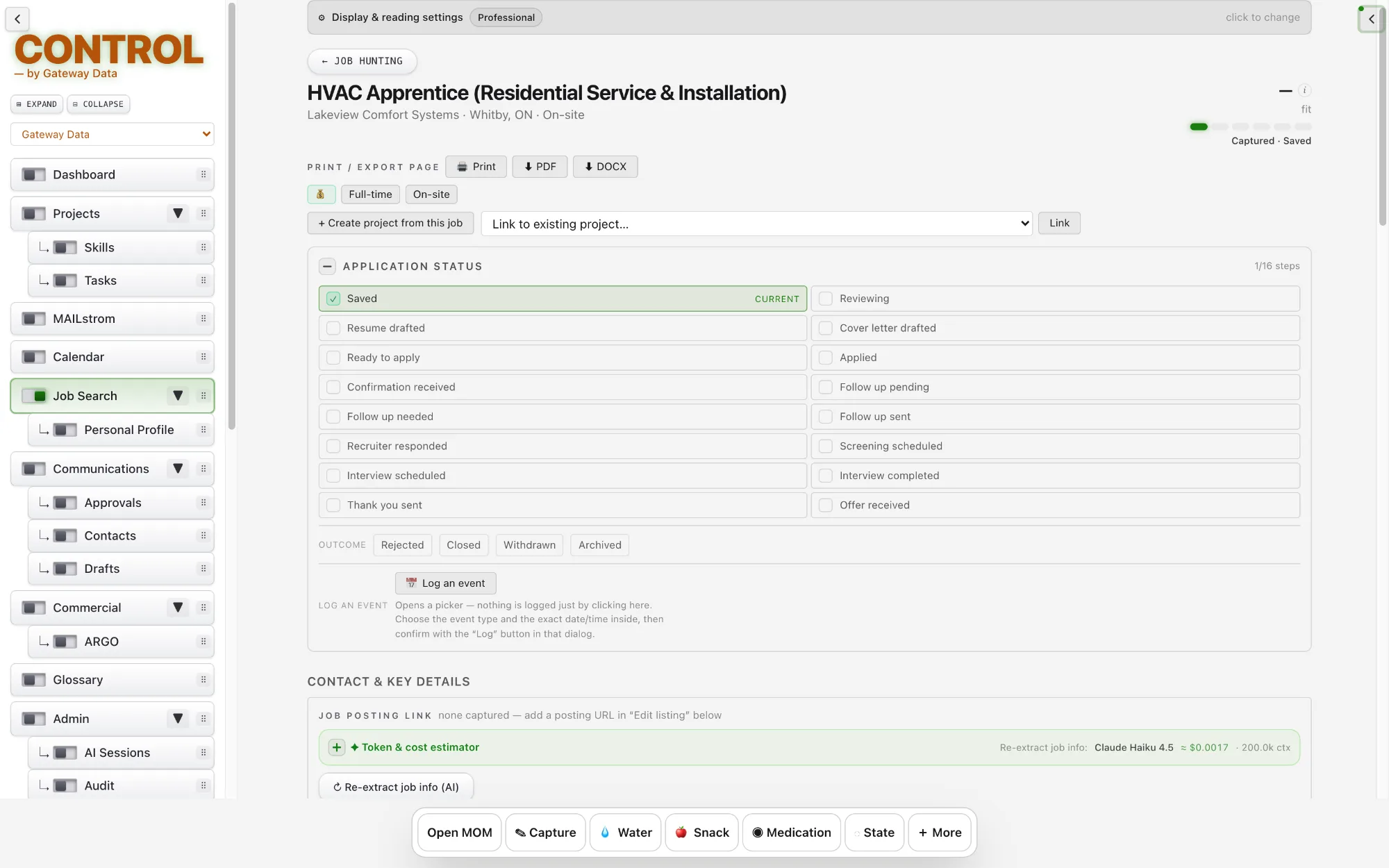
Every application step, from applied to interviewed to followed up, becomes a timeline record and, with your permission, a calendar entry. Any application can become a full project with one click.
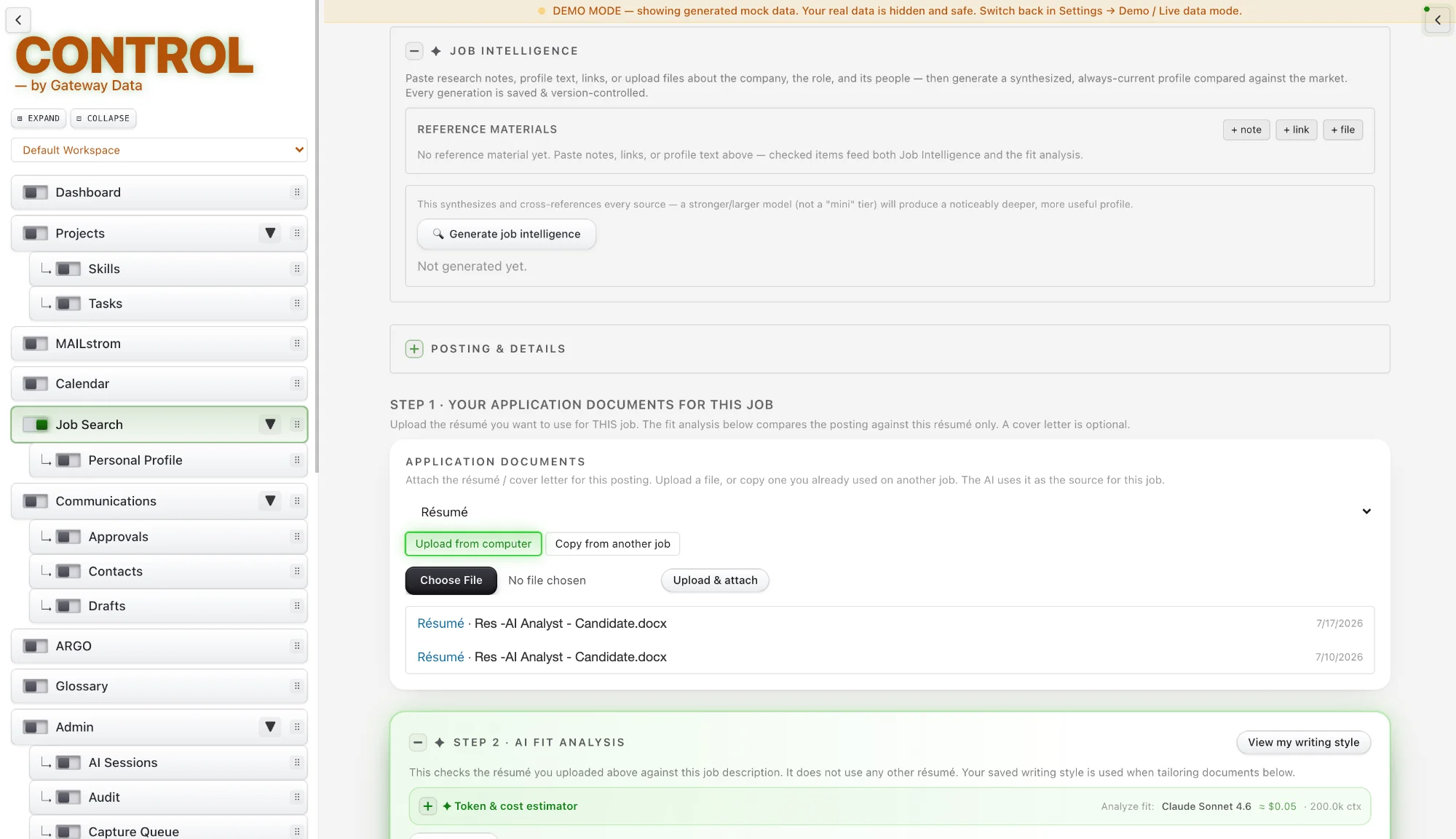
Job Intelligence extracts salary, location and contact details from a posting. If a detail is wrong, correct it once and it stays locked, so the AI never overwrites your fix.
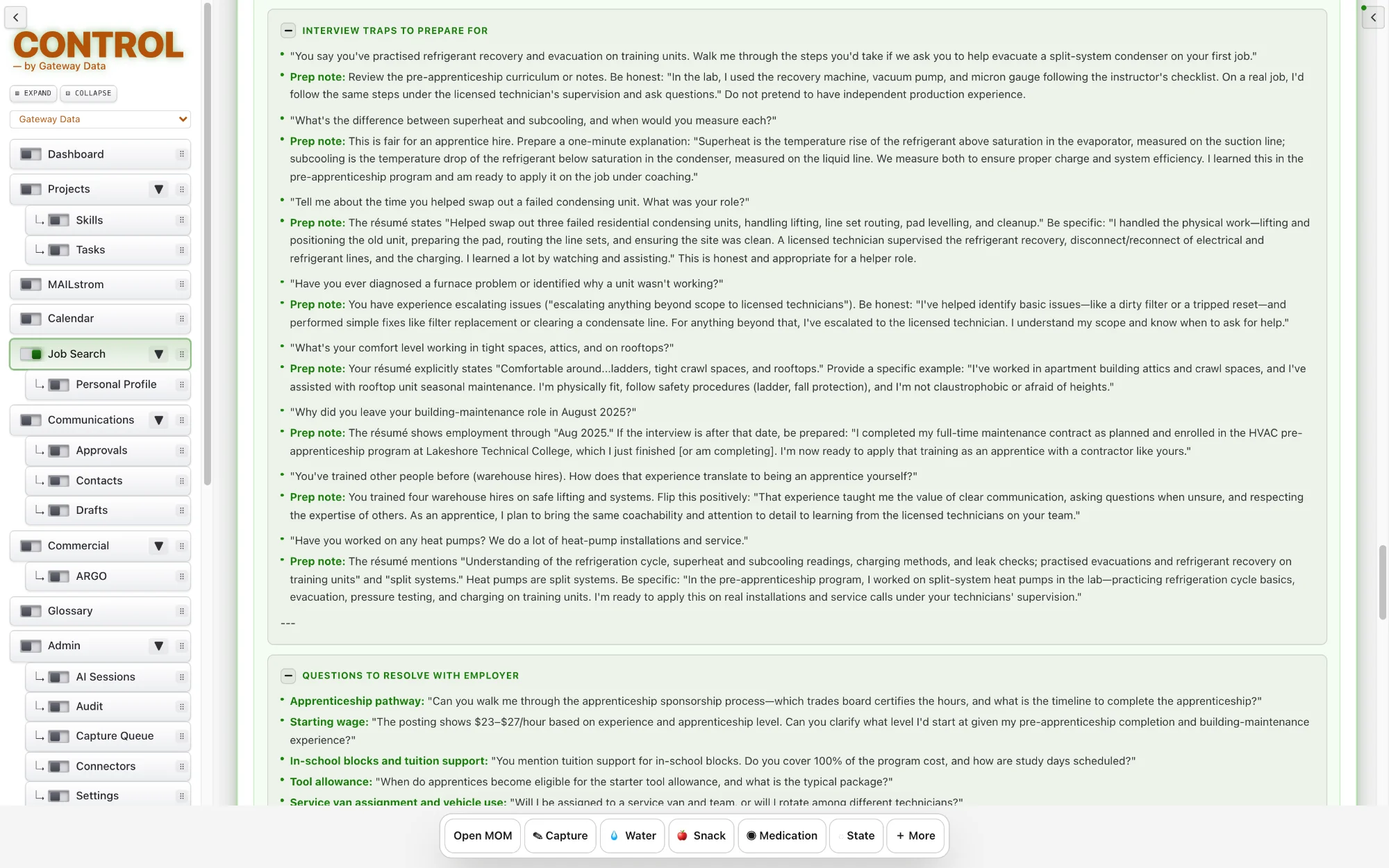
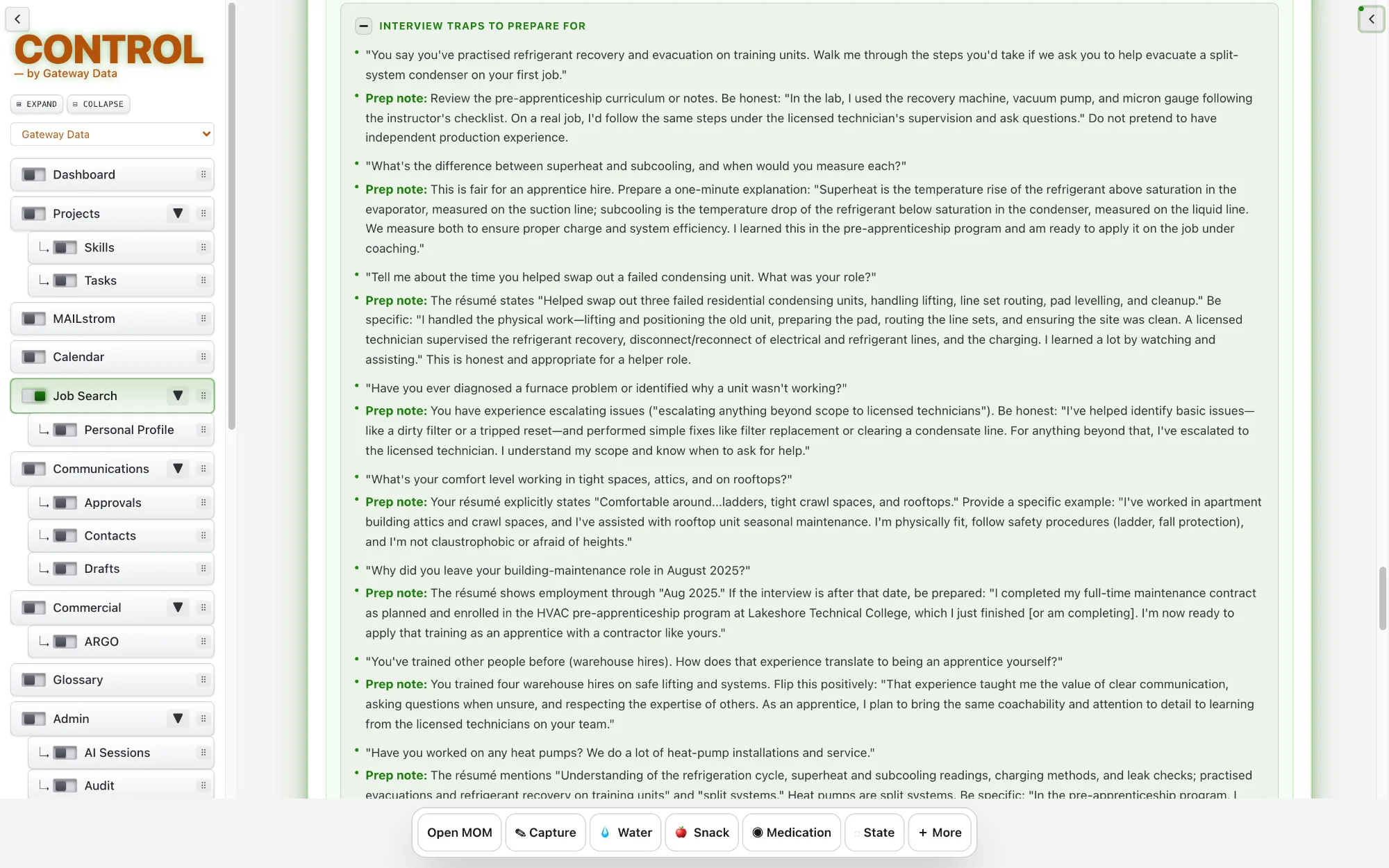
Add your research on the company, the role and the people you will meet, and CONTROL builds an interview briefing with specific talking points, plus a compatibility read on each person with a score and a short reason.
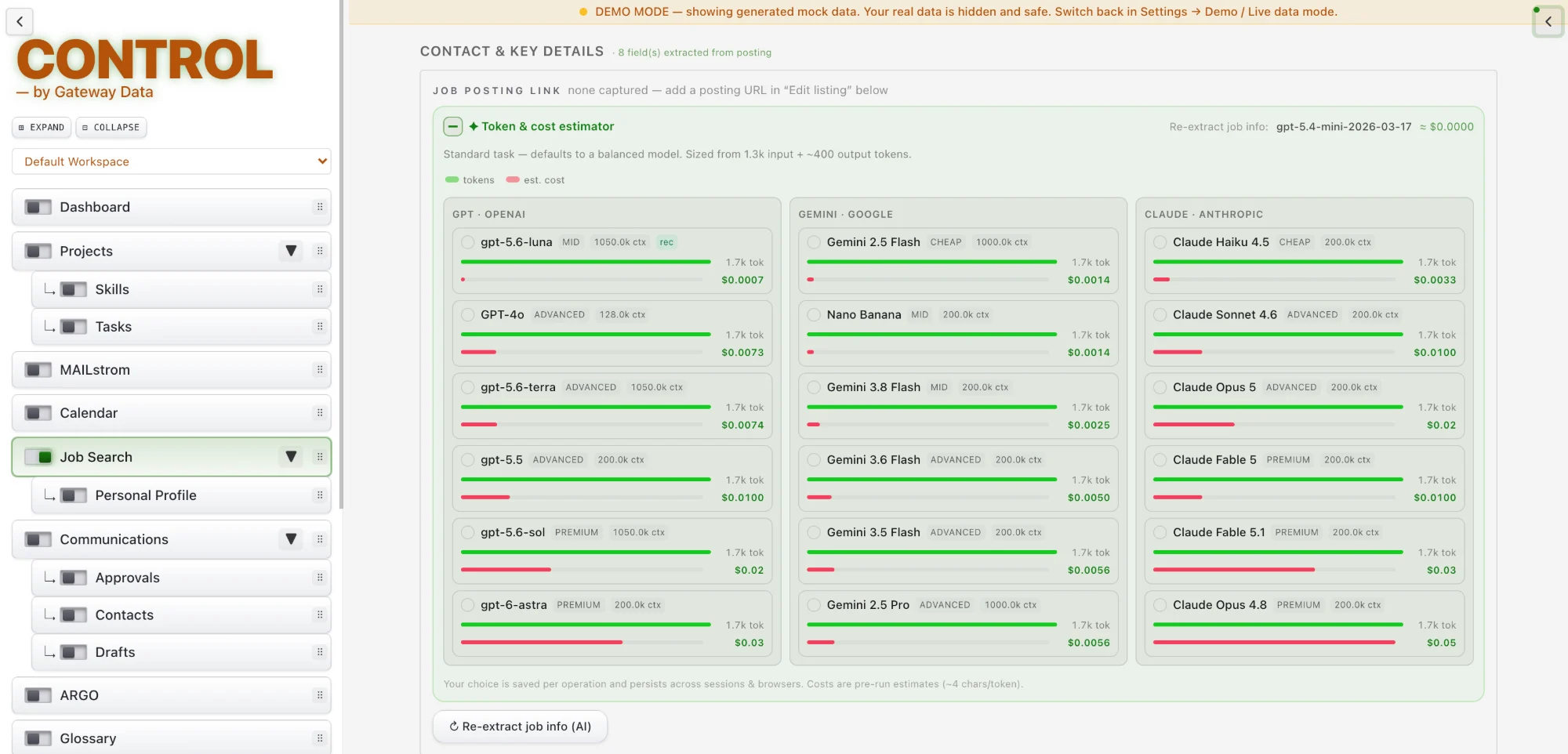
MMR is a provider-agnostic AI layer. Choose the best-suited assistant for each task, see a cost estimate before every run, and switch providers mid-task. A hard workspace-wide spending and rate limit keeps usage within bounds.
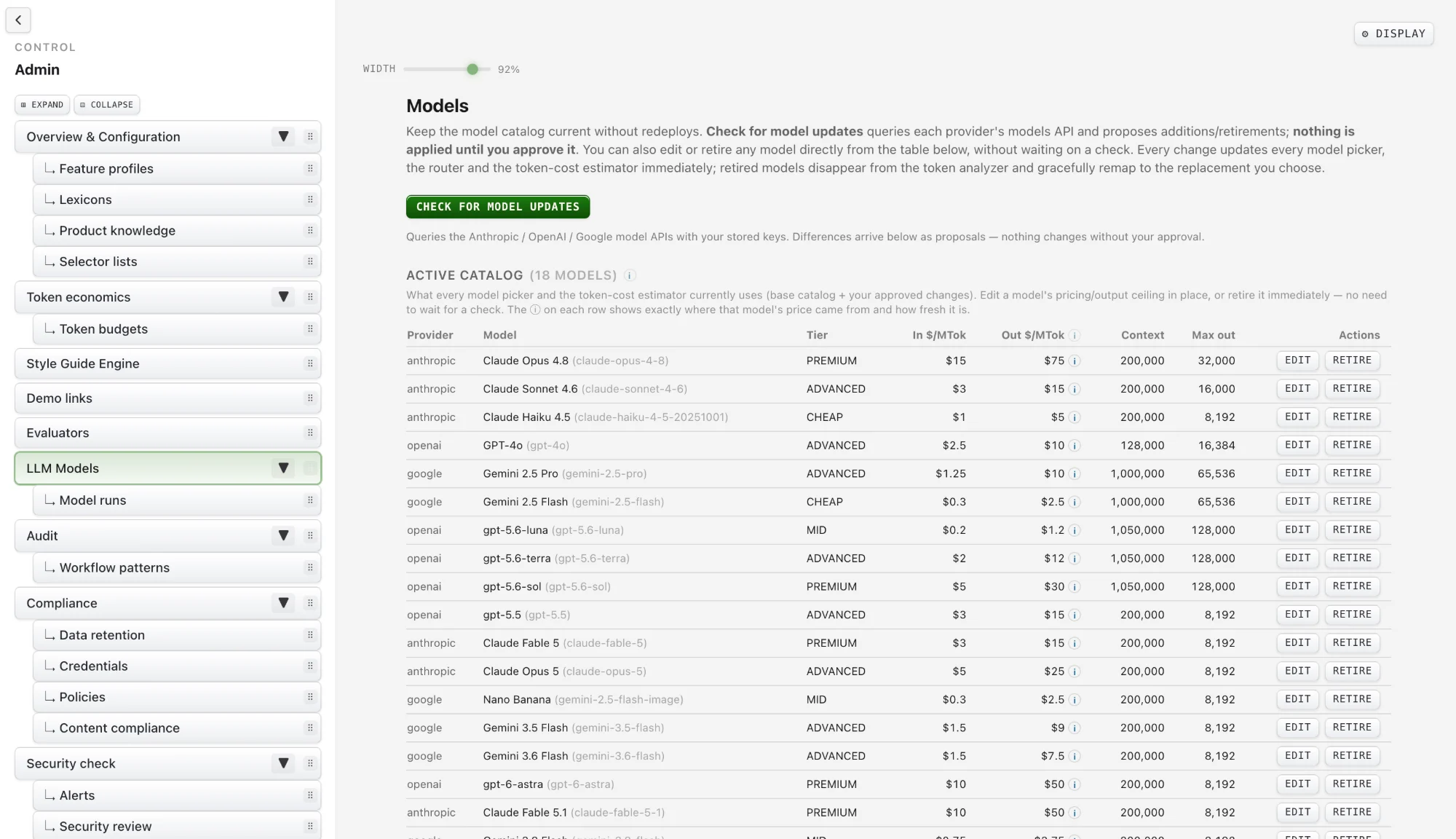
Available AI options refresh over time, but only with an owner’s approval. Your working state, including selection, prompt and last result, is remembered and can be reset in one click, and every run is logged with its cost.
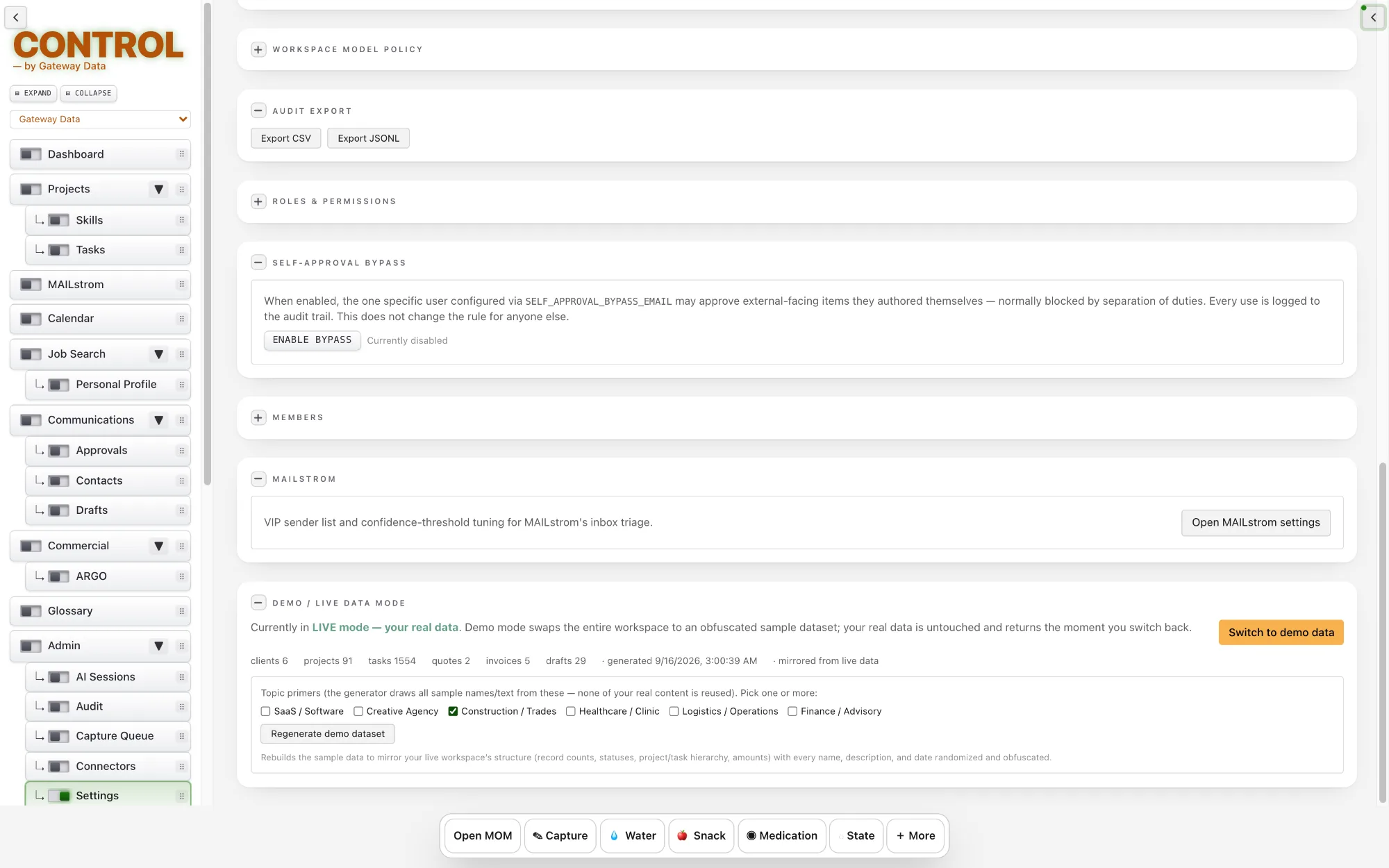
Model Governance controls which AI models your workspace may use. As providers release new models, CONTROL keeps the list current, but no new model is enabled without approval.
Admins can see which models are available, which are approved, and when each change was made.
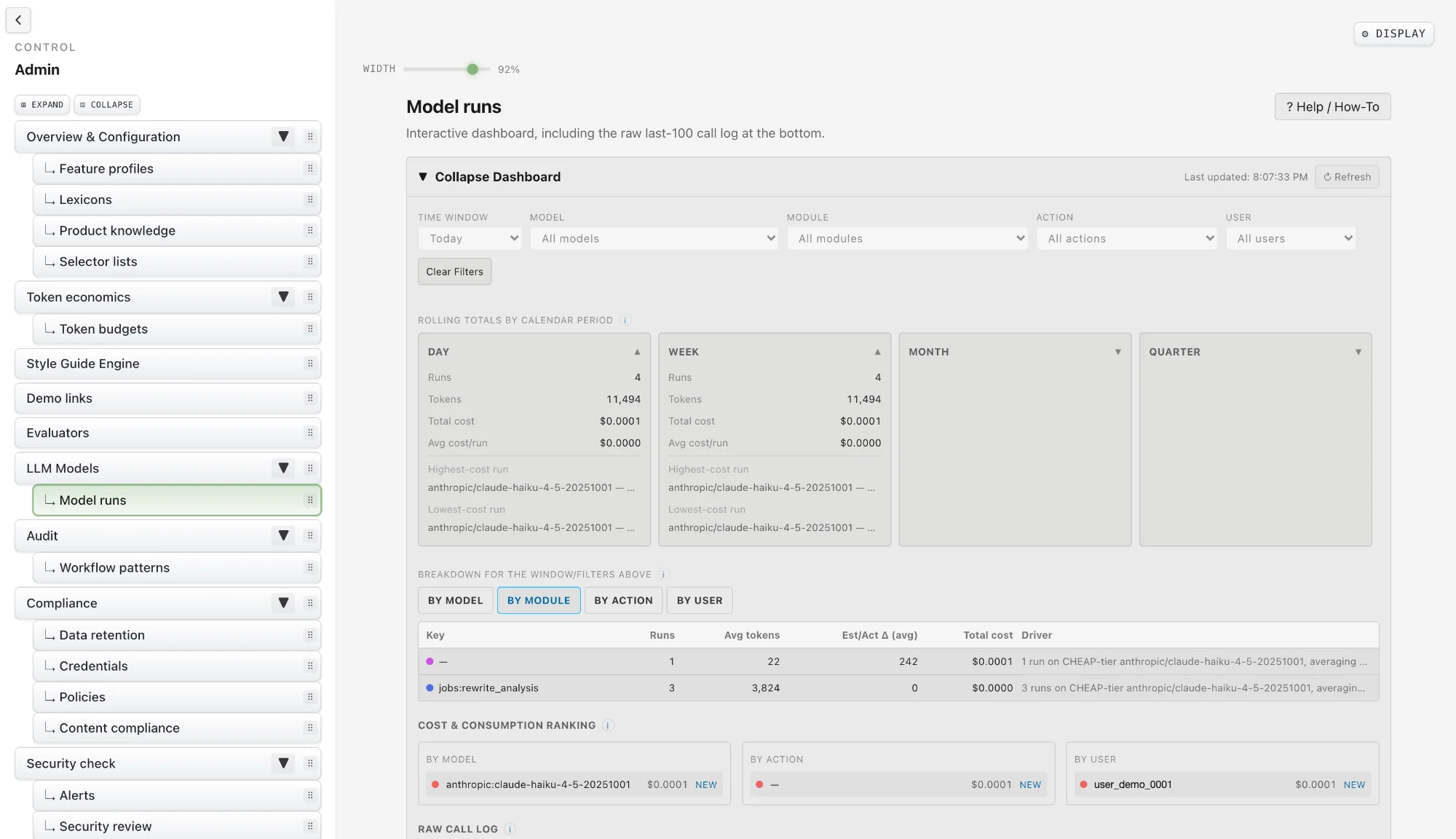
Every AI run is recorded: which model ran, what it cost, who started it, and which project or task it was for. Runs can be linked manually to the work they belong to.
Any past AI output can be reviewed, printed or downloaded at any time, so results are never lost in a chat history.
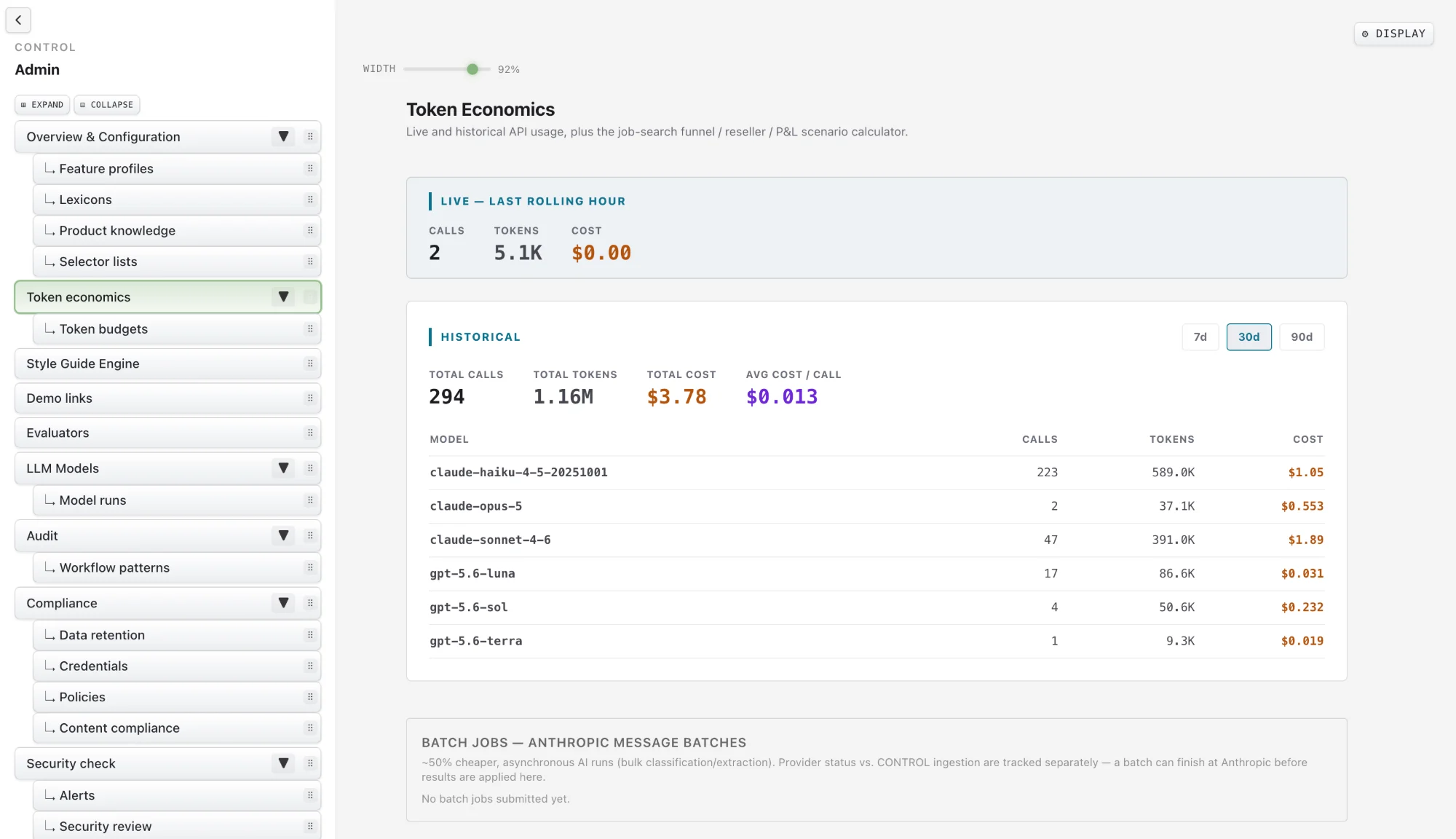
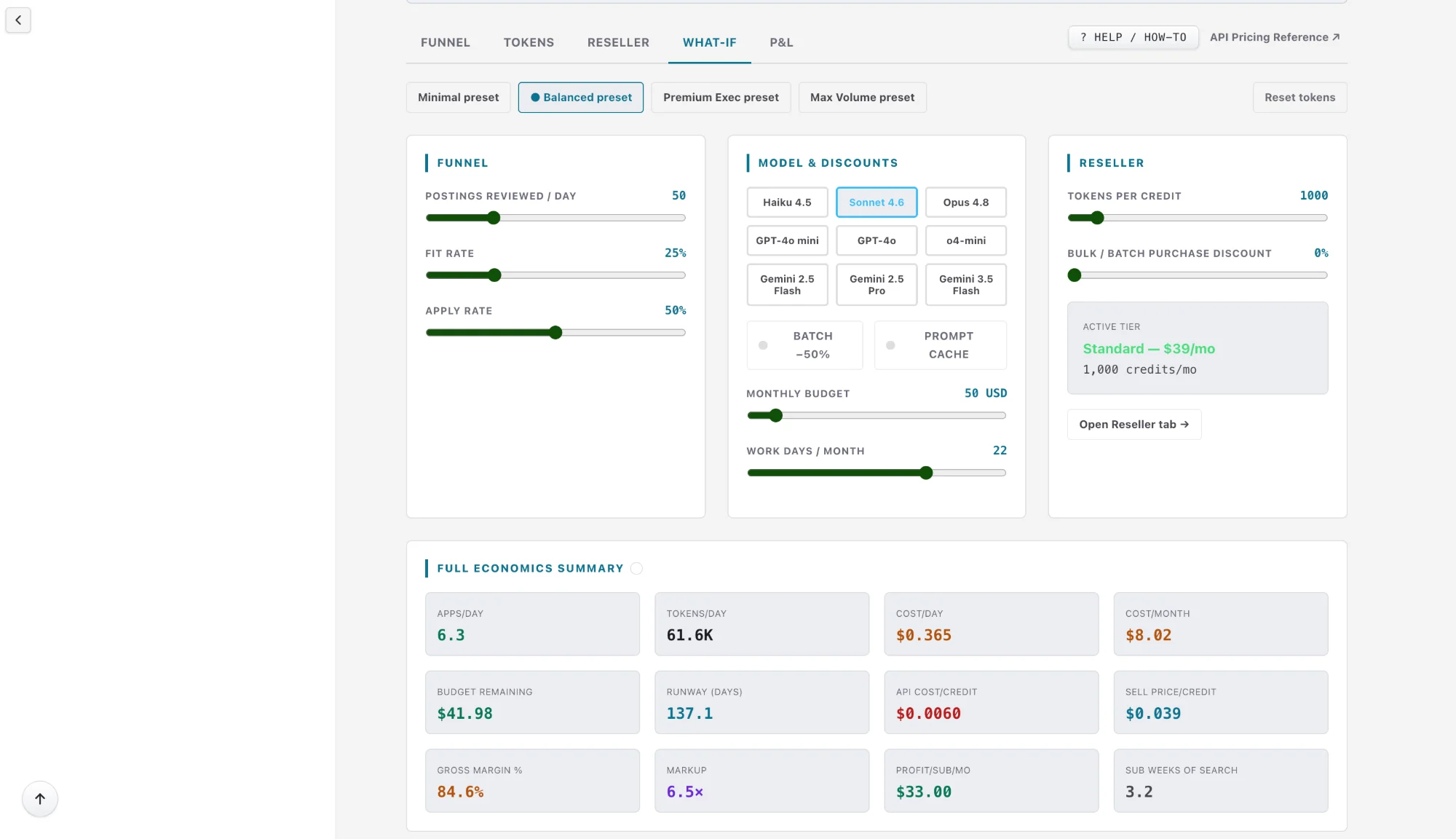
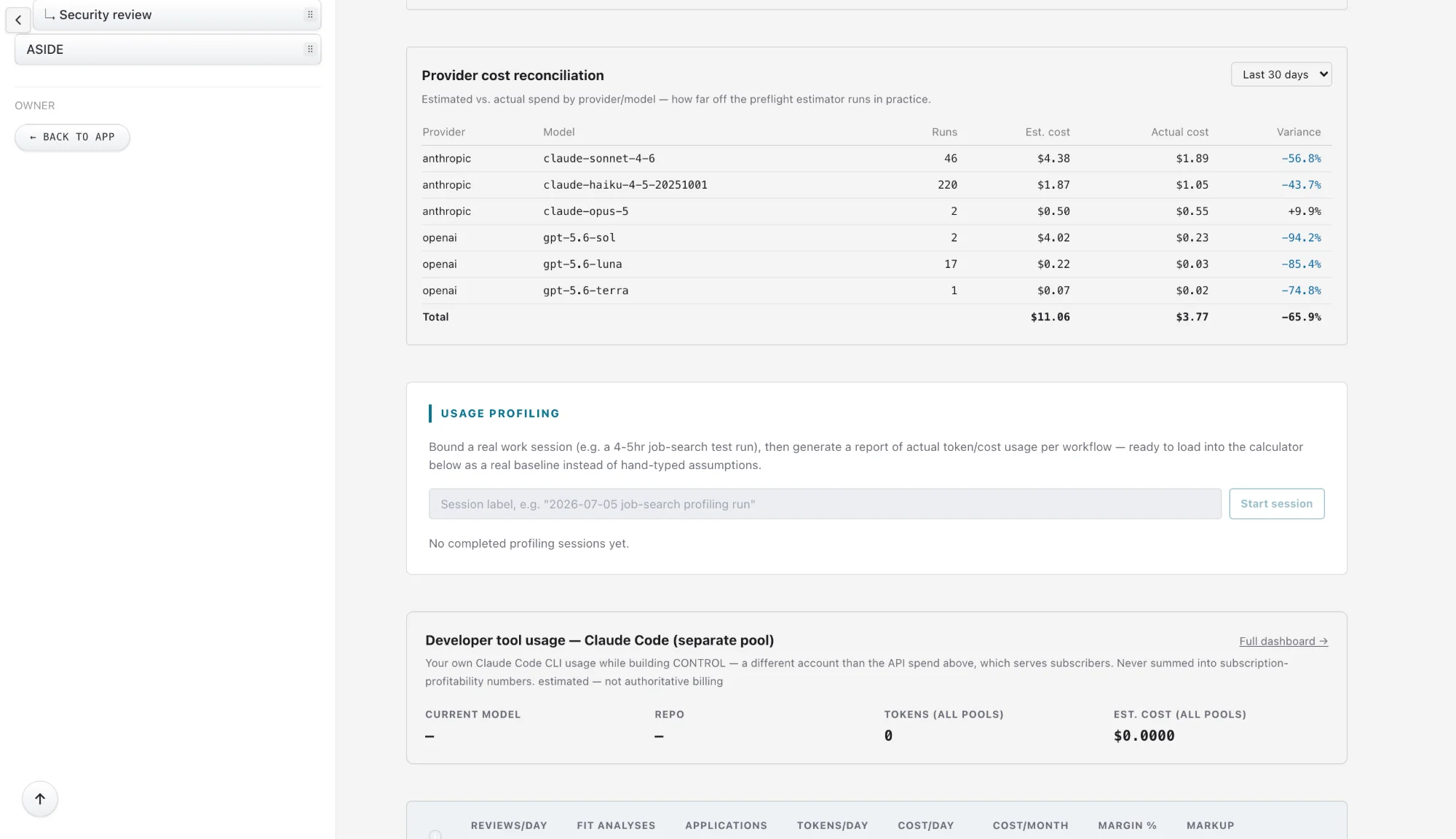
Token Economics is the operator’s pricing and margin planning tool. A live funnel and profit calculator is checked against real workspace usage.
Saved scenarios can be scored, ranked, compared side by side, restored, duplicated, bookmarked or archived, with a one-click AI opinion on any of them. Every change is tracked, so no pricing idea is lost to an accidental slider drag.
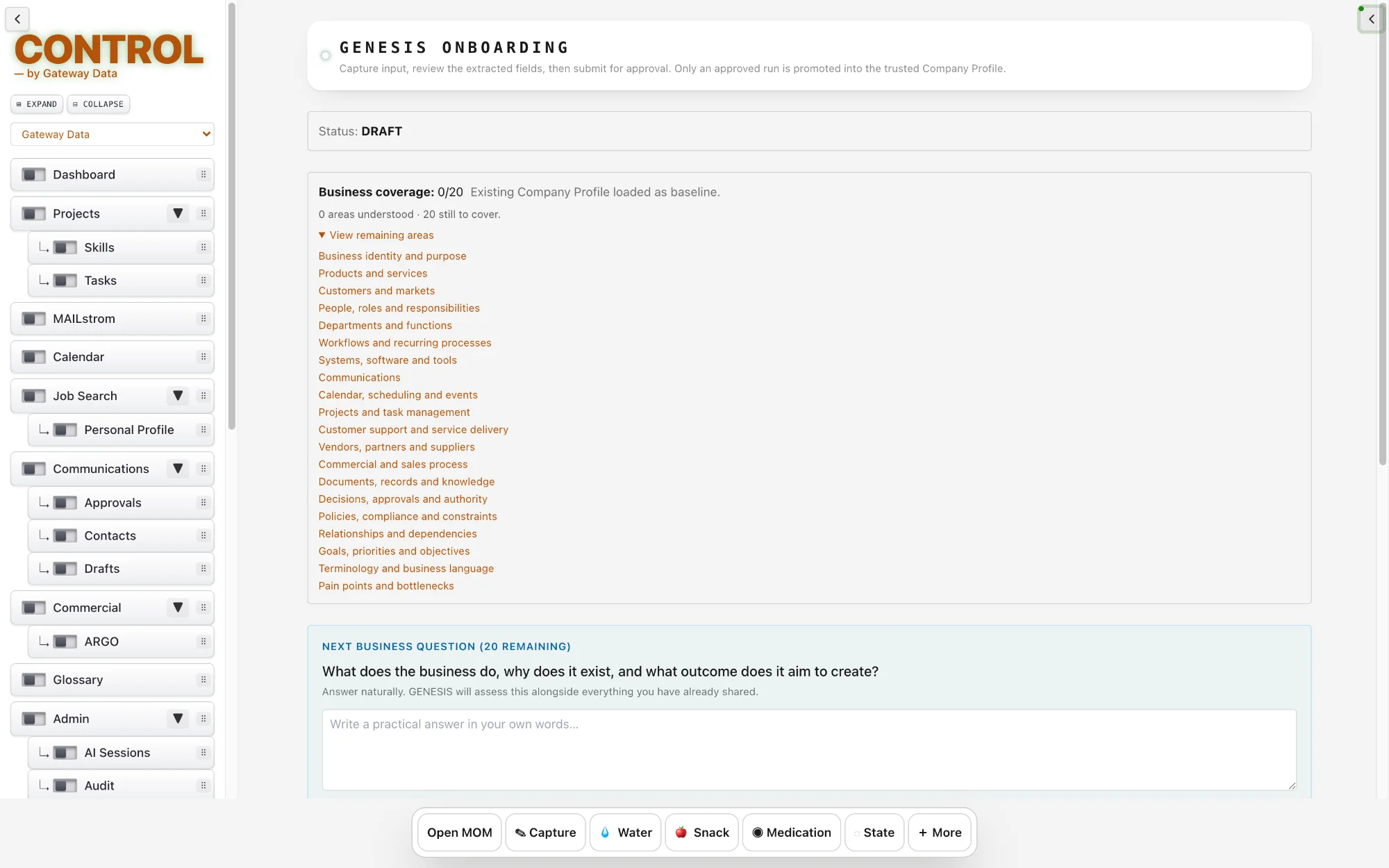
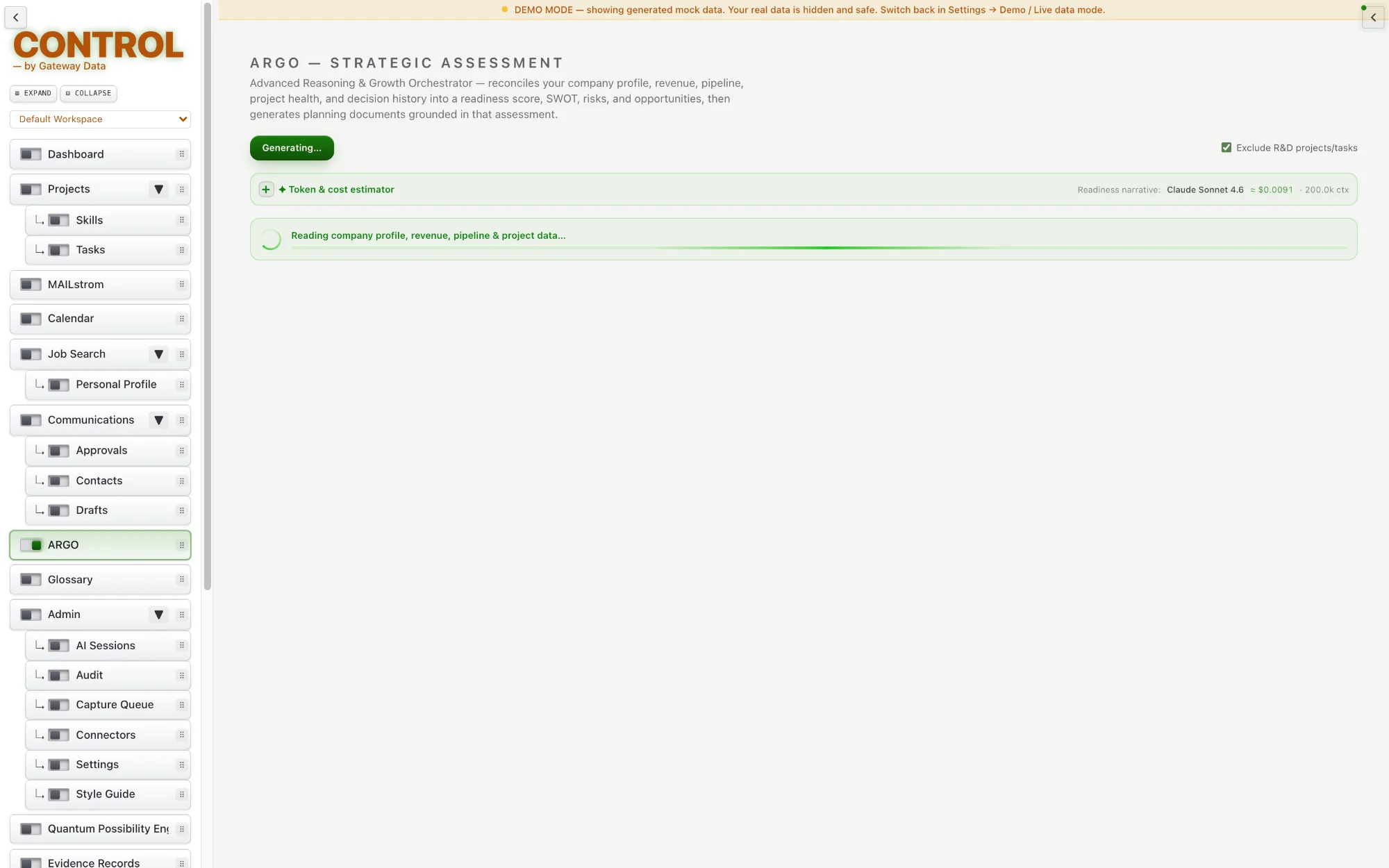
ARGO reads your company context, quotes, commitments and project health, and turns them into a business readiness score, a SWOT, and lists of risks and opportunities. Every finding is tied to the fact in CONTROL that supports it.
On demand, ARGO can draft a business plan, investment memo, grant application, financial forecast or pitch outline.
The Artifact Factory turns a single campaign brief into documents, presentation outlines, web pages, images and voice-over audio. Everything it produces is checked against your brand automatically.
The finished campaign is packaged into one downloadable ZIP, ready to review and use.
Upload a document your business already uses, such as a proposal, letterhead or agreement, and the Style Guide Engine learns its fonts, colours and layout.
New documents are generated to match. Correct anything it got wrong once and it remembers, then edit and export to PDF or Word.
GATEWAY is CONTROL’s authoritative decision and governance layer. Before CONTROL reads protected information, invokes an AI model, spends funded tokens, changes a record or performs an action, GATEWAY answers one question: may this happen, and under what conditions?
It evaluates the identity, workspace, context, permissions, information classification, entitlements, model eligibility, funding and approvals that apply to that specific operation. Every decision is retained as evidence, so CONTROL can show not only what happened, but the authority and policy under which it was allowed.
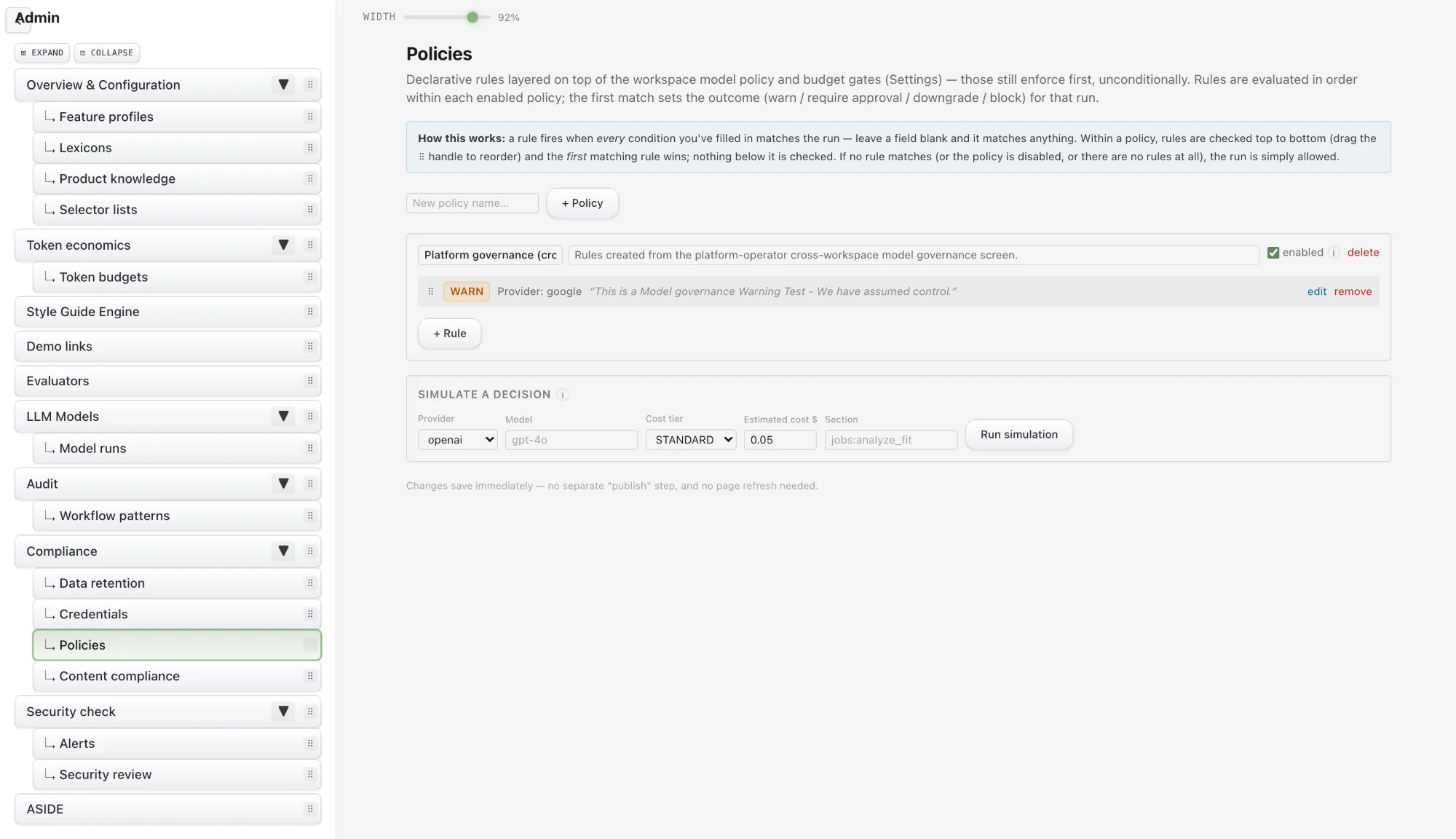
Policies hold the rules your business operates by, such as your mission, standards and approved practices. CONTROL applies them when it drafts quotes, tasks and correspondence.
Because policies are recorded in one place, the AI works from the same rules your team does, and changes to them are tracked.
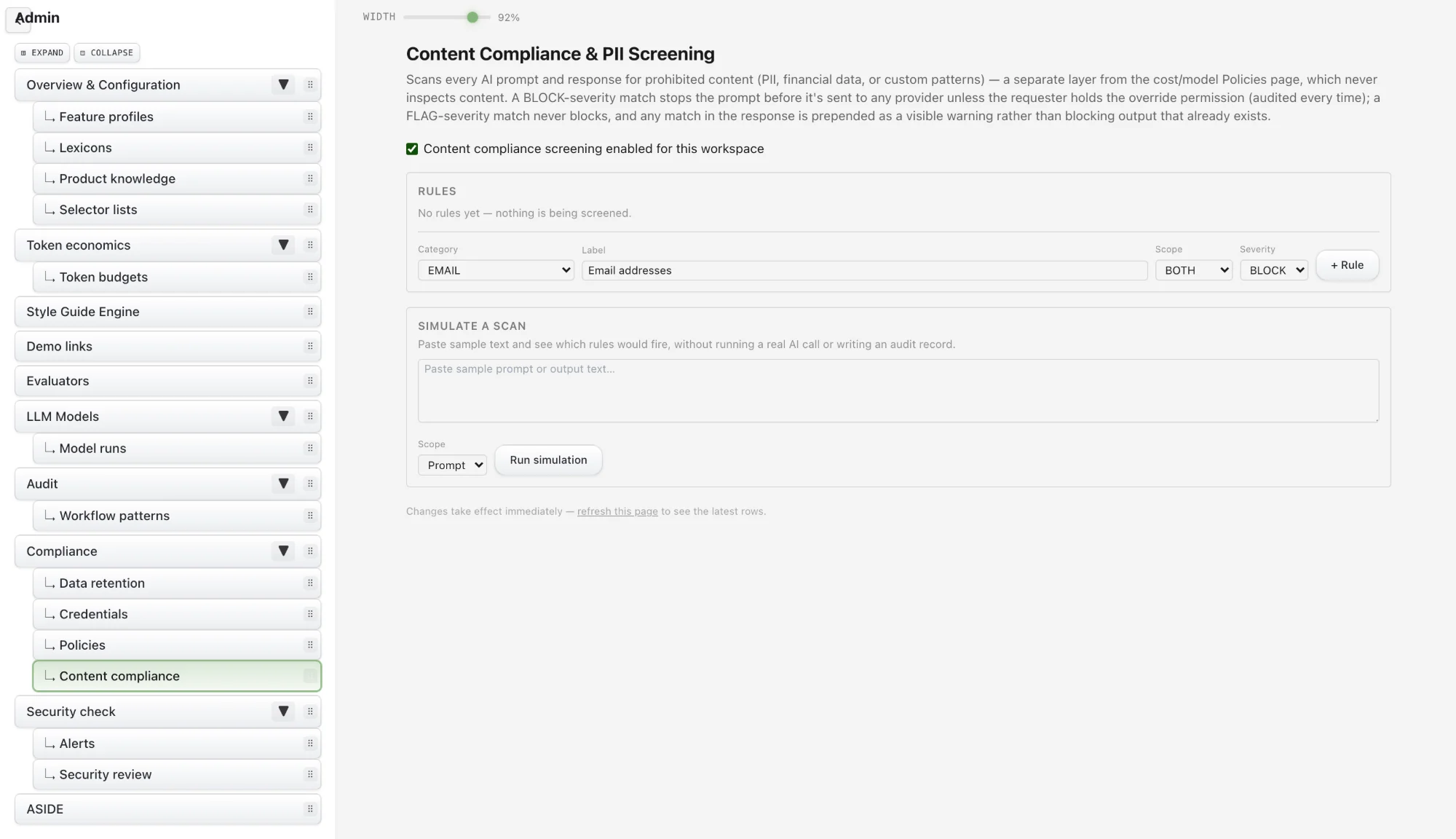
Admins define what must never leave the company: email addresses, phone numbers, social insurance or social security numbers, card numbers, financial details or custom patterns. CONTROL checks every AI prompt against these rules before it is sent.
A matching prompt is stopped. An authorised admin can allow it through with a recorded reason, and AI responses are screened too, with a visible warning when something looks sensitive.
Role-Based Access Control decides who can see and change what. Permissions can be set by role and by project, so people only reach the work they are responsible for.
Sensitive actions, such as approving prices or trusted profiles, can require a second admin, so no single account can make critical changes alone.
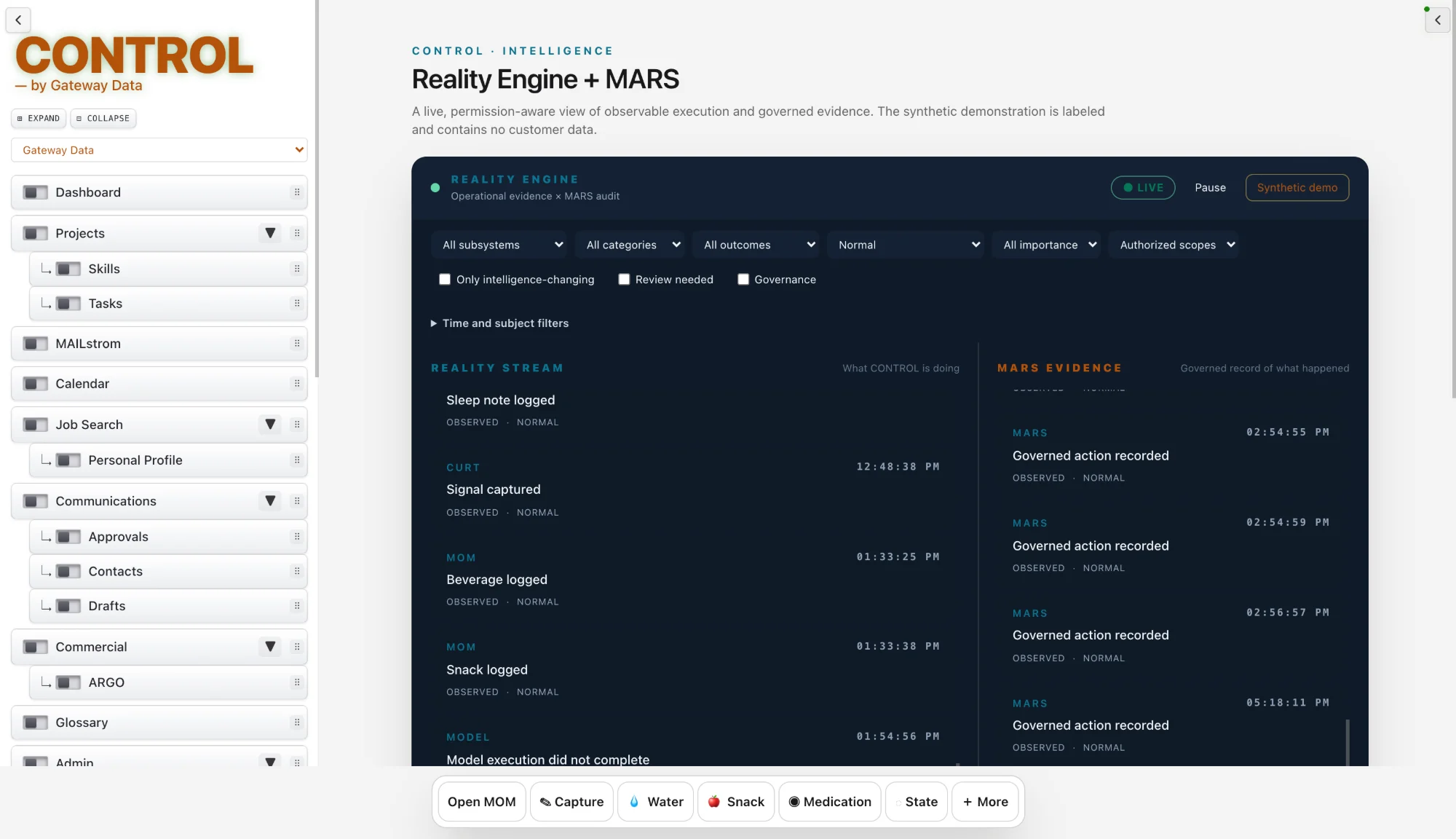
MARS is CONTROL’s full auditing and recording subsystem. For every AI-assisted action it keeps an immutable trace of the prompt, the context supplied, the policy checks applied, the decision taken, the cost, the supporting evidence, the outcome and any review.
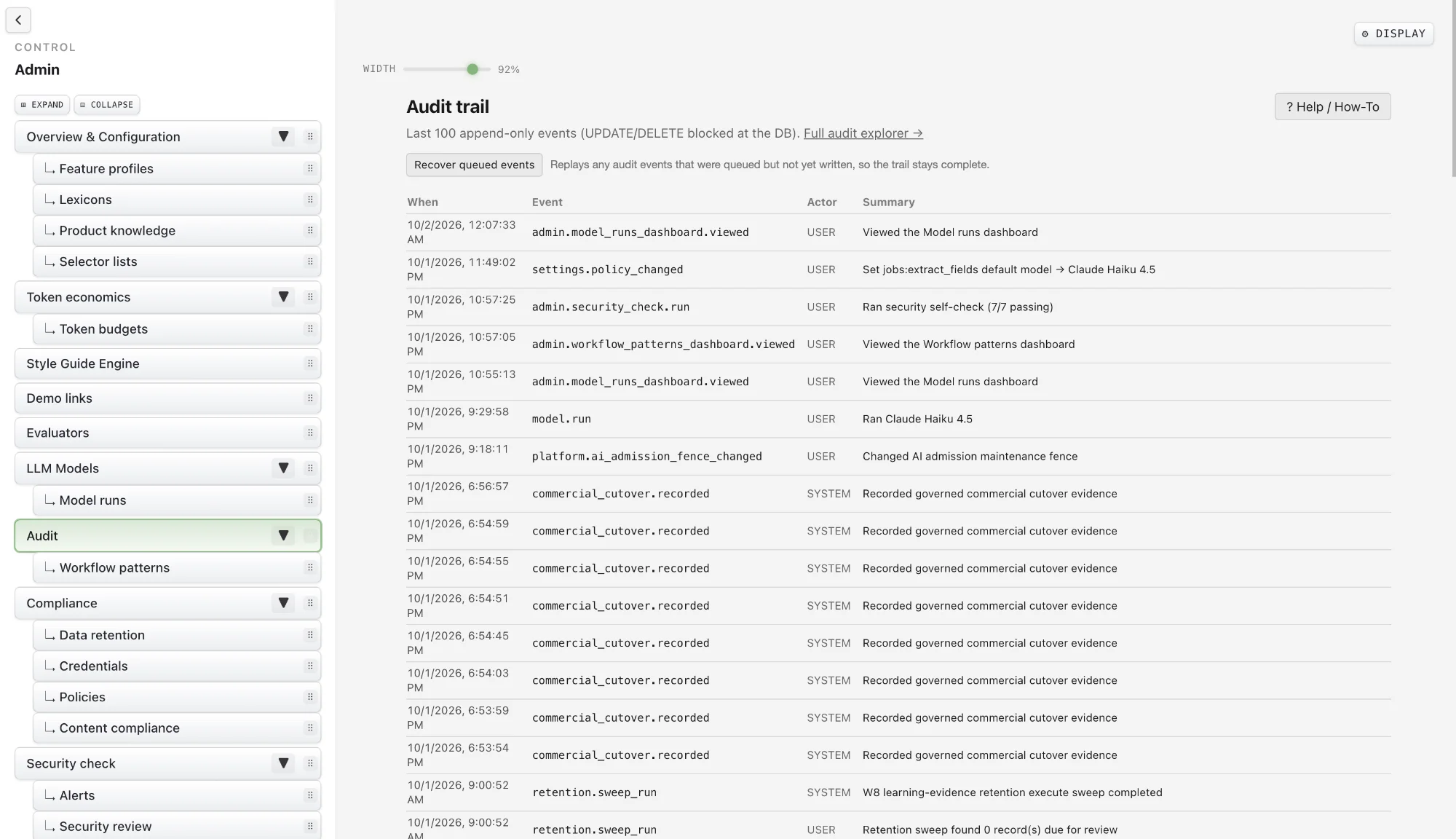
Because the record cannot be altered, MARS gives administrators, clients and auditors a complete, defensible account of how AI was used. Audit is one of the views built on MARS content.
Audit is one view of the content recorded by MARS. It presents the record of important actions across CONTROL, showing what happened, when, and who did it.
Because the underlying MARS record cannot be quietly edited or deleted, the Audit view gives you a trail you can hand to a client, a manager or an auditor.